

Our Most Suggested Products


Website Hide Add to Cart Popup
Website Hide Add to Cart Popup provides a simple way to control the visibility of the add to cart popup on a website. The feature works only when enabled from the INKERP Settings menu, ensuring flexibility in managing the shopping experience. This helps maintain a cleaner interface and smoother navigation for visitors.
 Features
 Screenshots
 Support
 Service
Features
Popup Visibility Control :
Efficient control over add-to-cart popup visibility helps maintain a distraction-free shopping environment. Flexible display management creates a cleaner storefront experience and improves overall interface presentation.
Quick Activate and Deactivate :
Website Hide Add to Cart Popup setting available in settings of INKERP .
By default this is enabled but when no need , diactivate that is also possible.
Screenshot
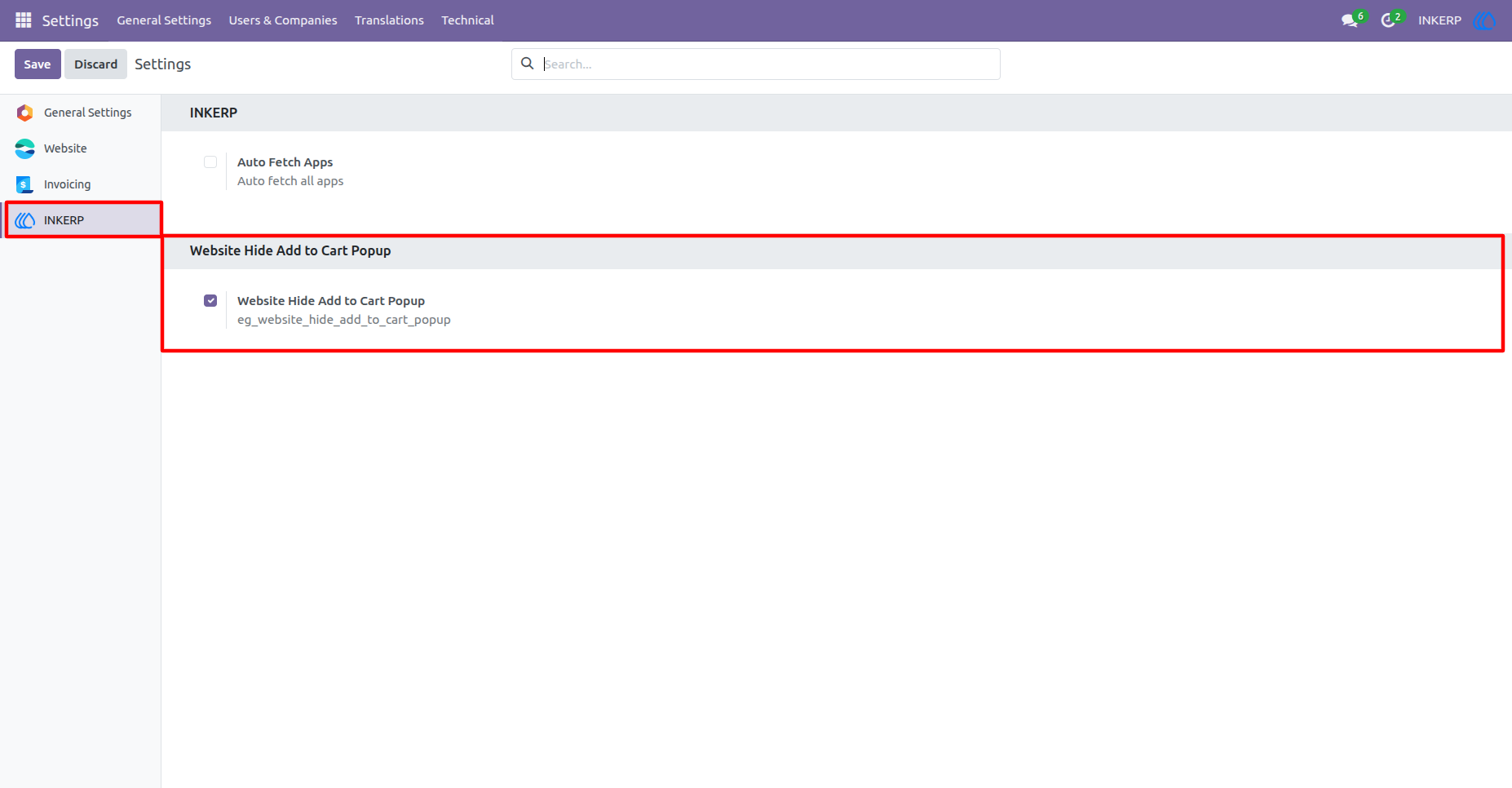
1.) Enable Website Hide Add to Cart Popup :
By default Website Hide Add to Cart Popup is enabled, which is responsible to hide add to cart popup in the website.
Navigation : Settings › INKERP
2.) Hidden Add to Cart :
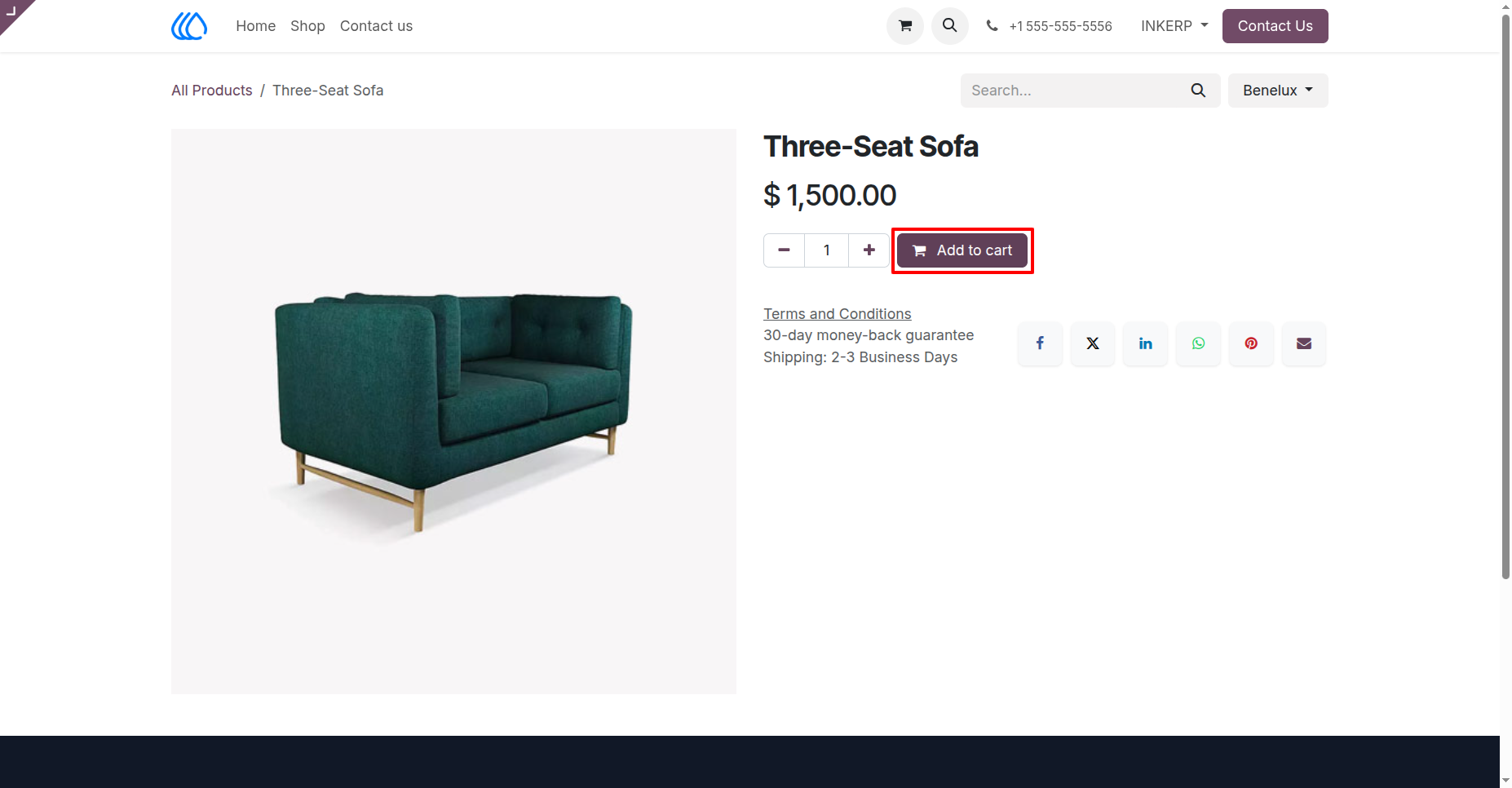
On click add to cart, add to cart pop up will not display if Website Hide Add to Cart is enabled.
User Guide