

Our Most Suggested Products


Custom Product Tabs
Custom Product Tabs is an app built to organize product information by setting tabs directly inside product pages. Tabs can be displayed in horizontal or vertical layouts, allowing structured presentation of extra descriptions, specifications etc which set in product. The functionality is fully controlled from the settings, with options to enable or disable as needed. This design ensures product details remain clear, accessible, and visually appealing. By integrating tabs within product pages, the app enhances navigation and improves the overall shopping experience.
 Features
 Screenshots
 Support
 Service
Features
Organized Product Information
Structure additional product details into dedicated tabs for descriptions, specifications, shipping information, and more. This keeps product pages clean, organized, and easy to navigate.
Easy Tab Management
Control all tab settings from a centralized configuration panel. Merchants can quickly enable, disable, or adjust tabs without modifying product page code or layouts.
Flexible Tab Layouts
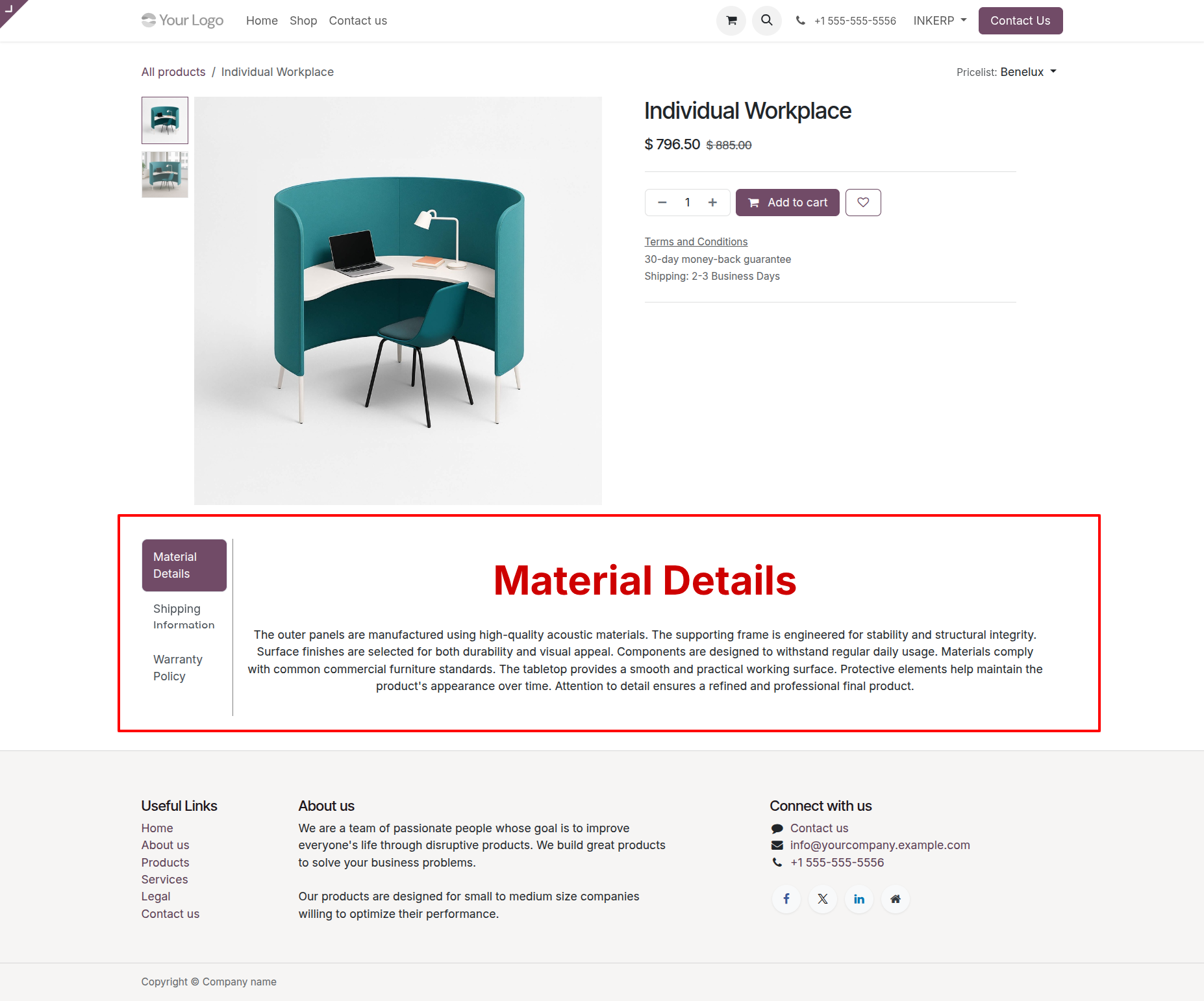
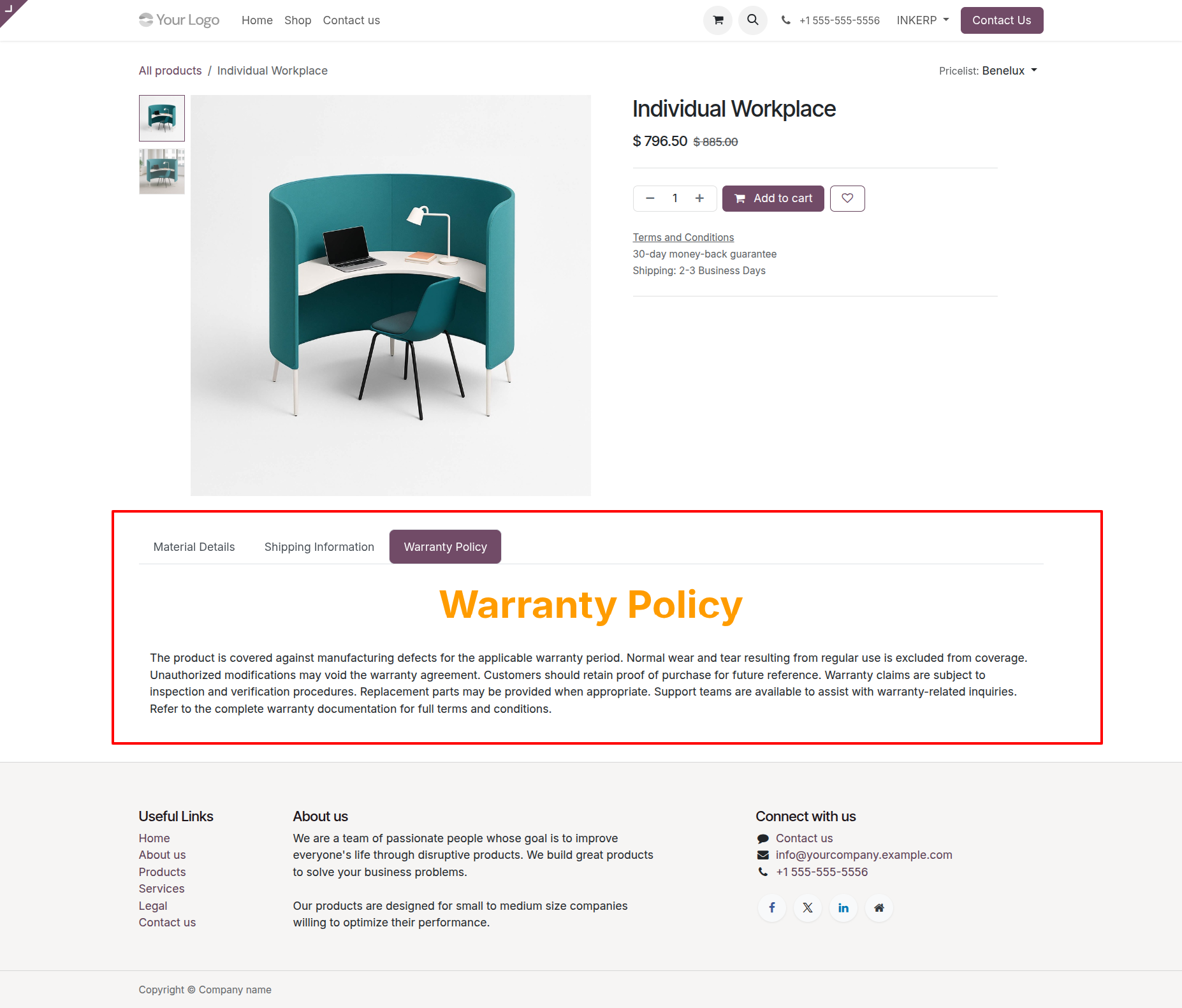
Display product information using either horizontal or vertical tab layouts. This flexibility allows merchants to choose the presentation style that best matches their store design and improves the browsing experience for customers.
Screenshot
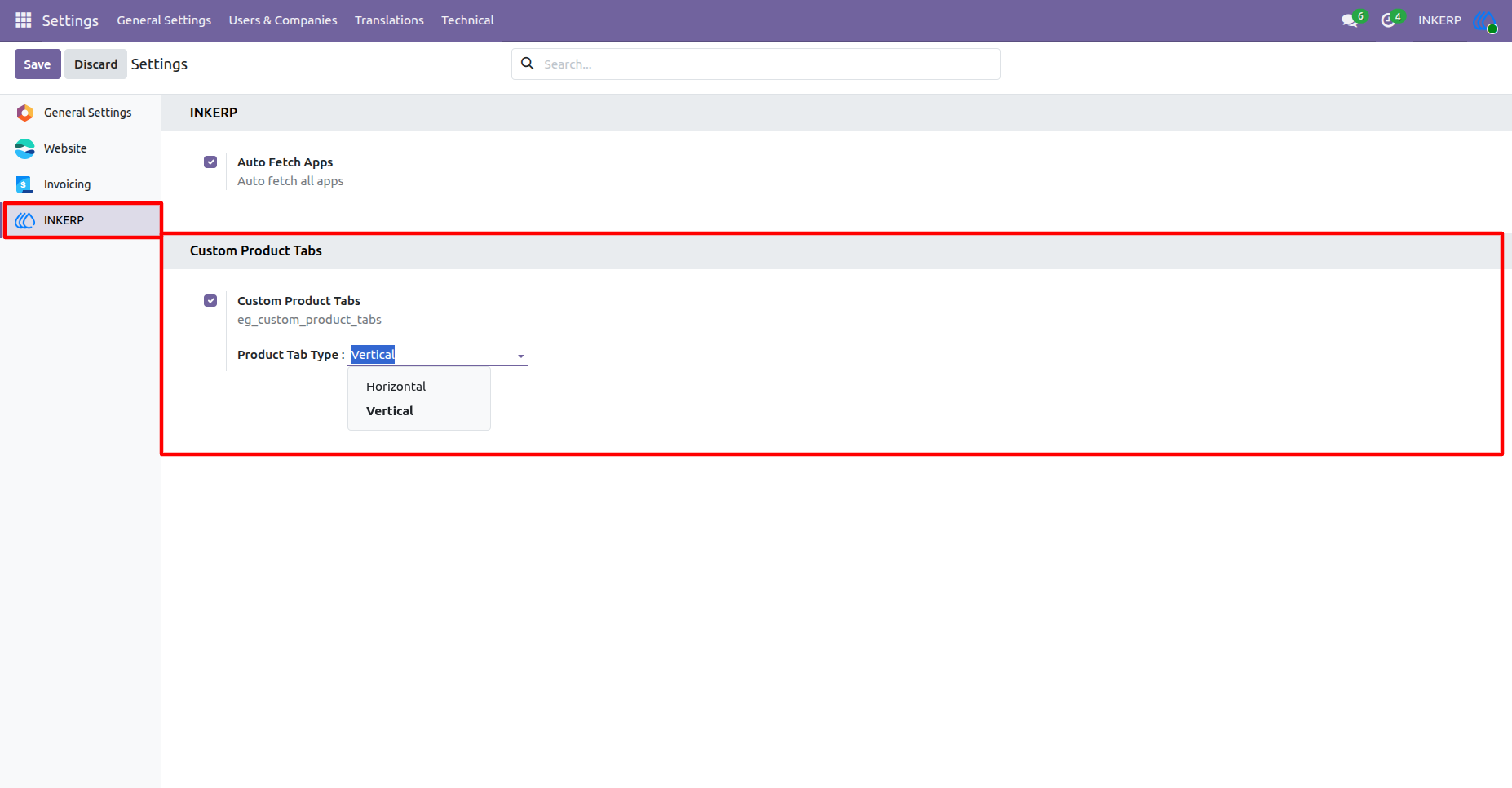
1.) Enable Custom Product Tabs :
By default Custom Product Tabs is enabled from the setting and Horizontal layout is selected. This can be change according to use and requirement.
Navigation : Settings → INKERP
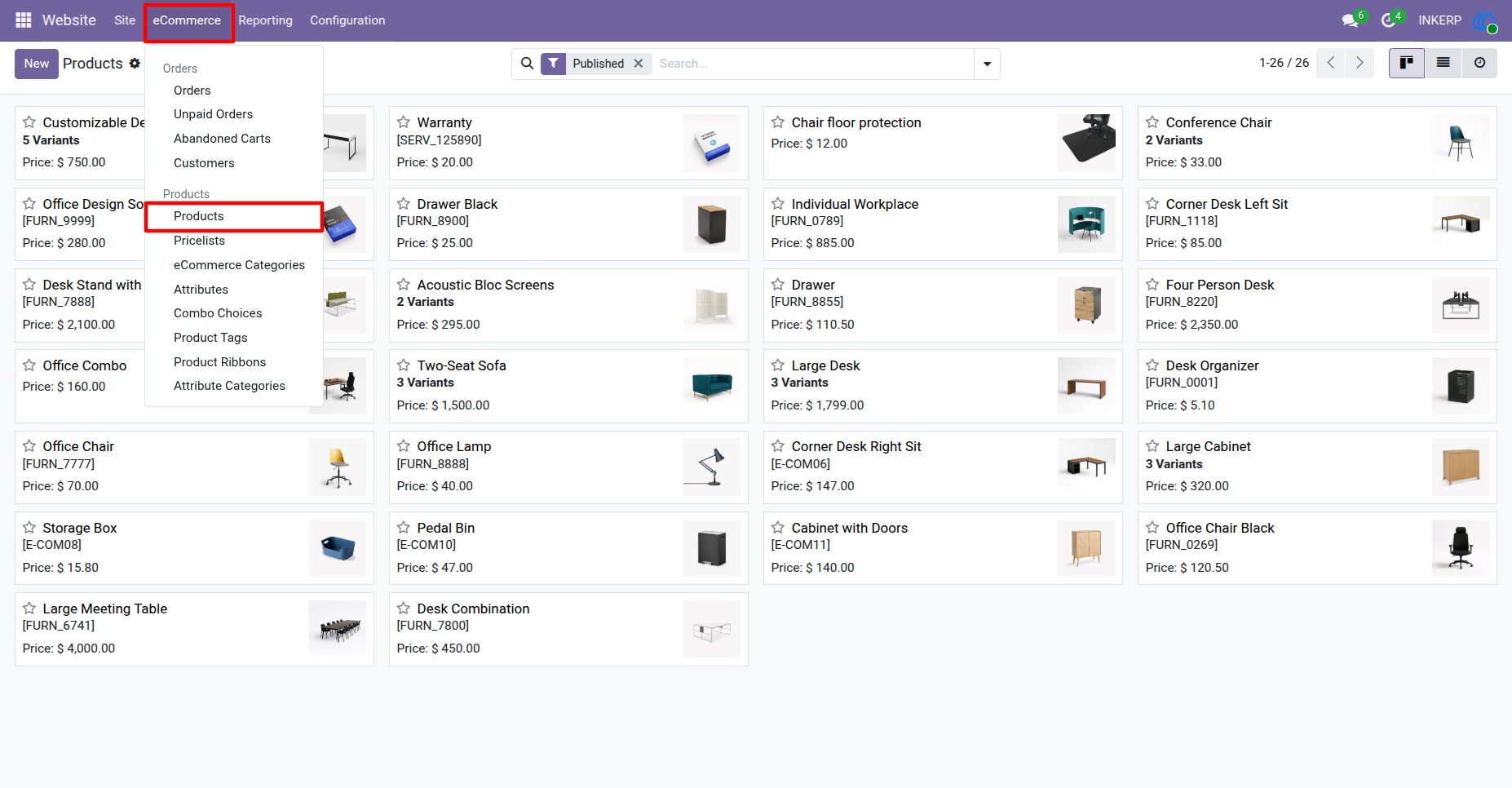
2.) Go to Products To Configure Tabs :
Navigation : Website → eCommerce → Products
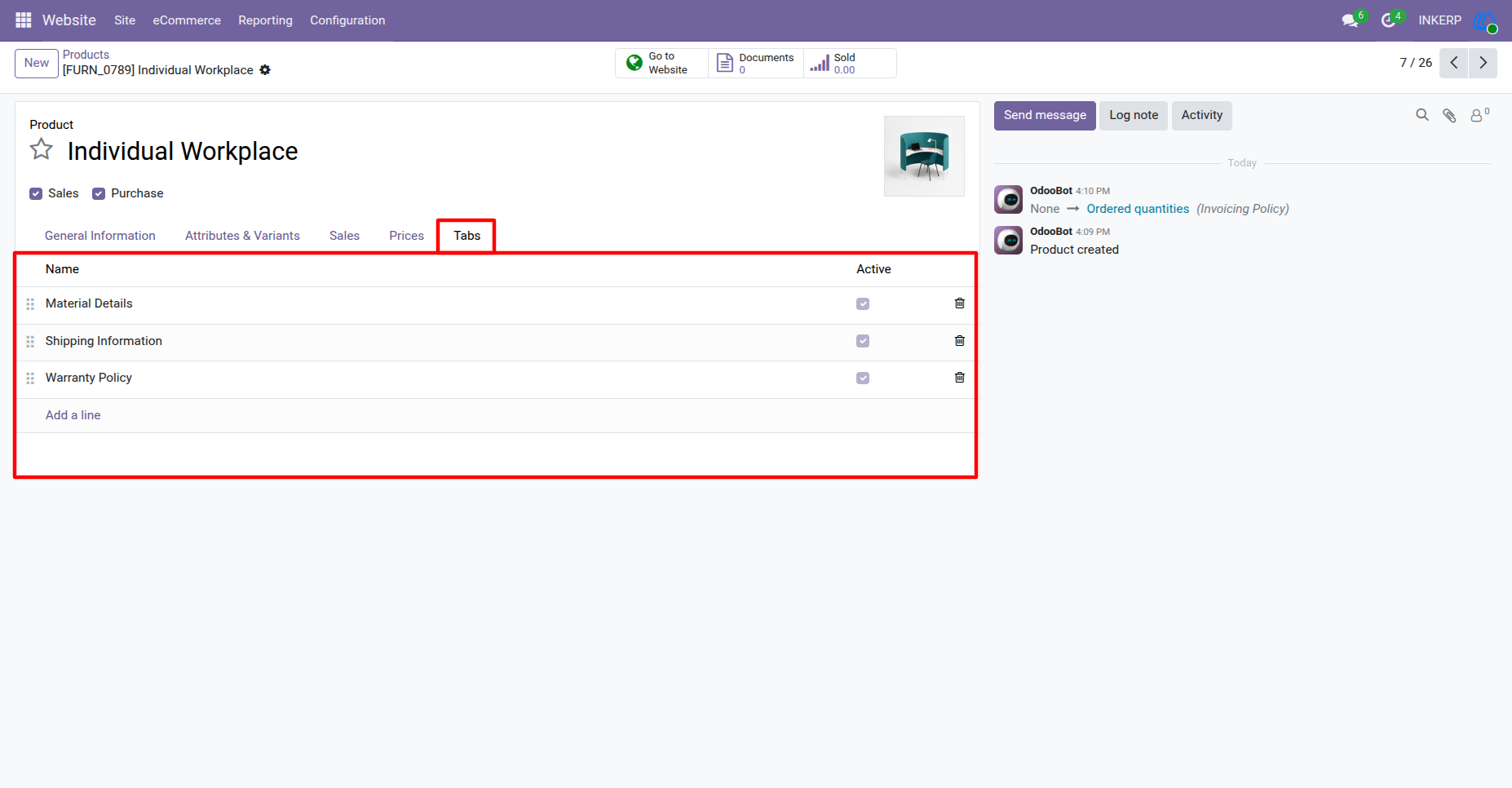
3.) Tabs in Product Backend :
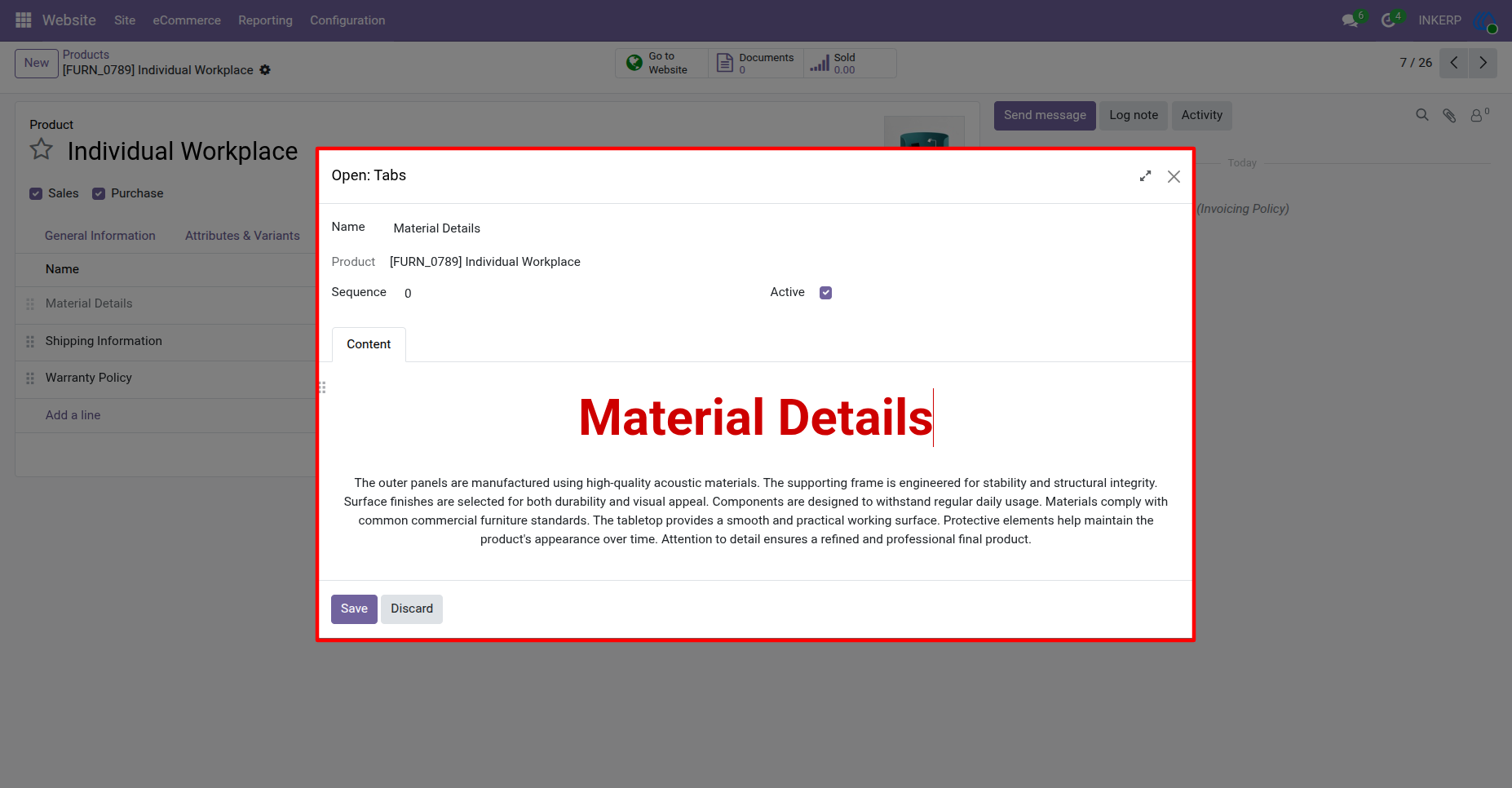
4.) Configure Tabs :
Configure tabs with Name, Sequence, Active status and Content.
5.) Vertical Tabs In Website for Configuired Product:
6.) Horizontal Tabs In Website for Configuired Product:
User Guide