

Our Most Suggested Products


Website Product Size Chart For Enterprise
This module allows administrators to control the Size Chart of products displayed on the website. Using this backend functionality, selected Size charts for particular products are only shown on the websites where they are explicitly assigned. admin can also put size charts for future use or want to use at another time.
 Features
 Screenshots
 Support
 Service
Features
Size Chart Management :
Admins have full control over creating, editing, and managing size charts for individual products directly from the backend. This ensures that each product can have a tailored size guide as needed.
Future Use Support :
Admins can create and save size charts without immediately assigning them. These size charts can be stored for future activation, reused across multiple products, or scheduled for later use, enabling efficient planning and management.
Centralised Configuration :
All size chart settings are managed from a central backend interface, allowing administrators to oversee easily and maintain consistency across different products and websites.
Improved Customer Experience :
By showing relevant size information only where necessary, the module enhances clarity and trust for customers, reducing the chances of sizing confusion or return requests.
Screenshot
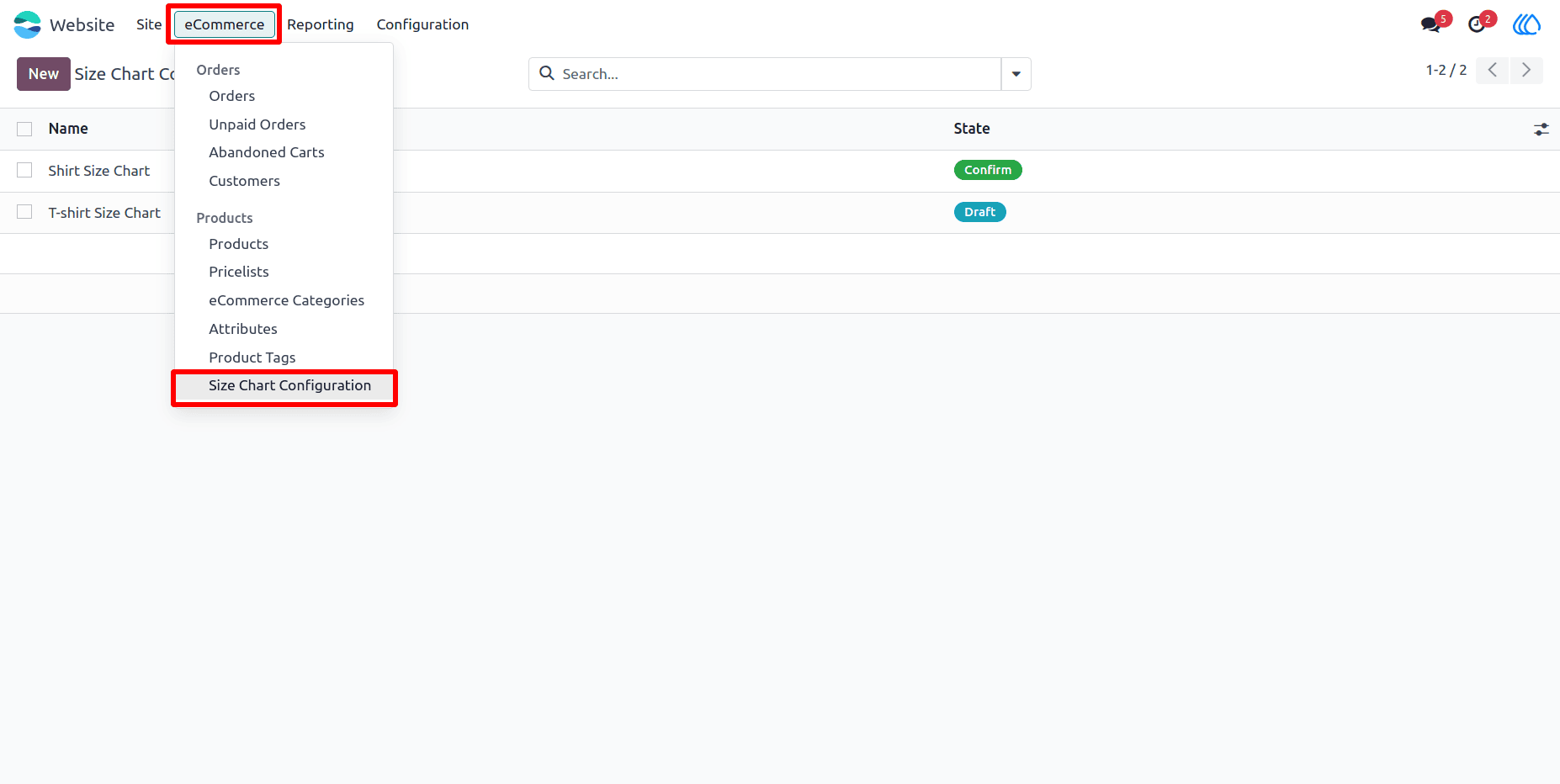
1) Size Chart Configuration Menu :
Configure and manage all size charts from this menu.
Navigation : Website › eCommerce › Size Chart Configuration
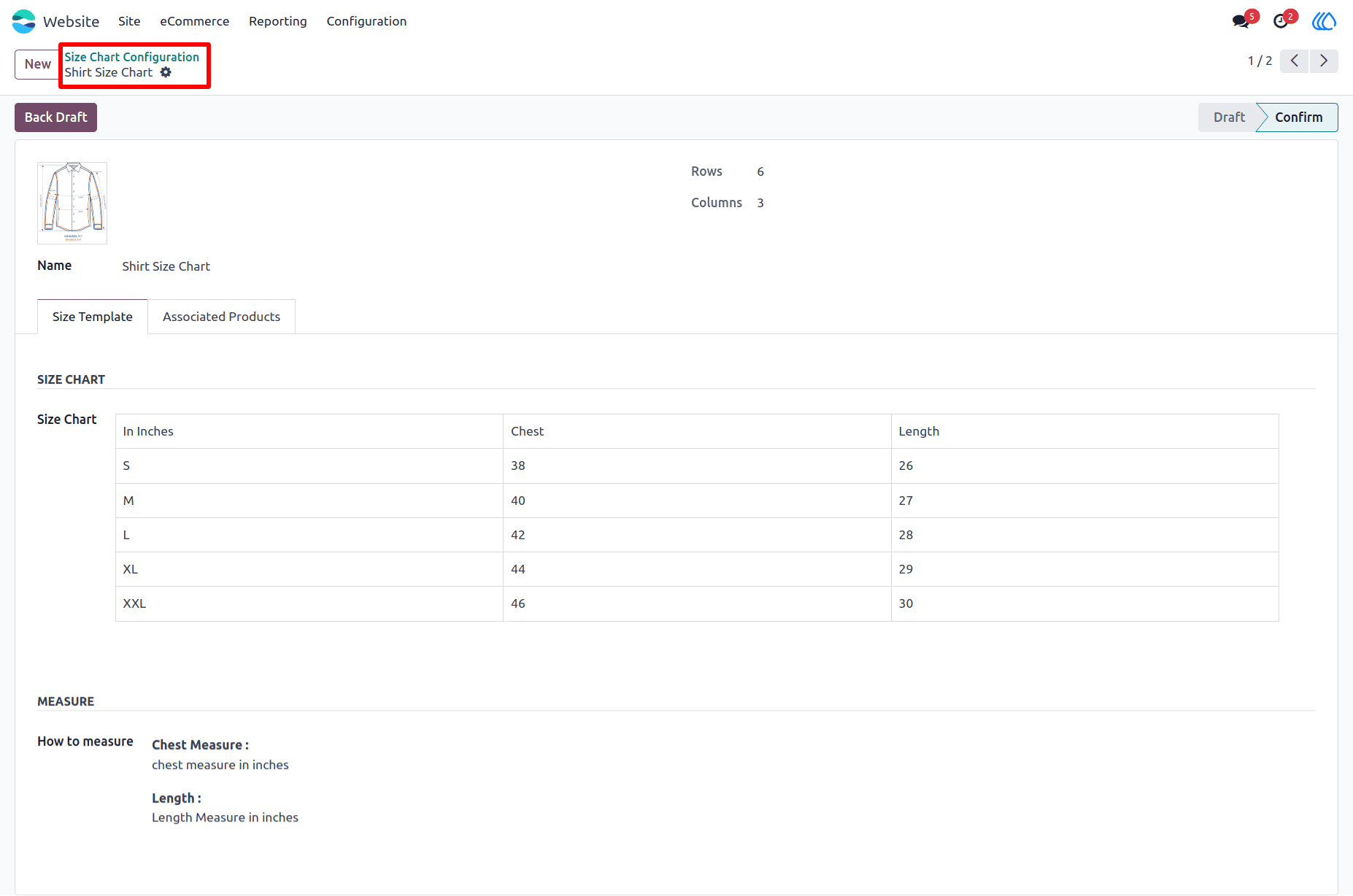
2) Configure Size Chart :
Set up the size chart content as per product requirements (tables, text, etc.).
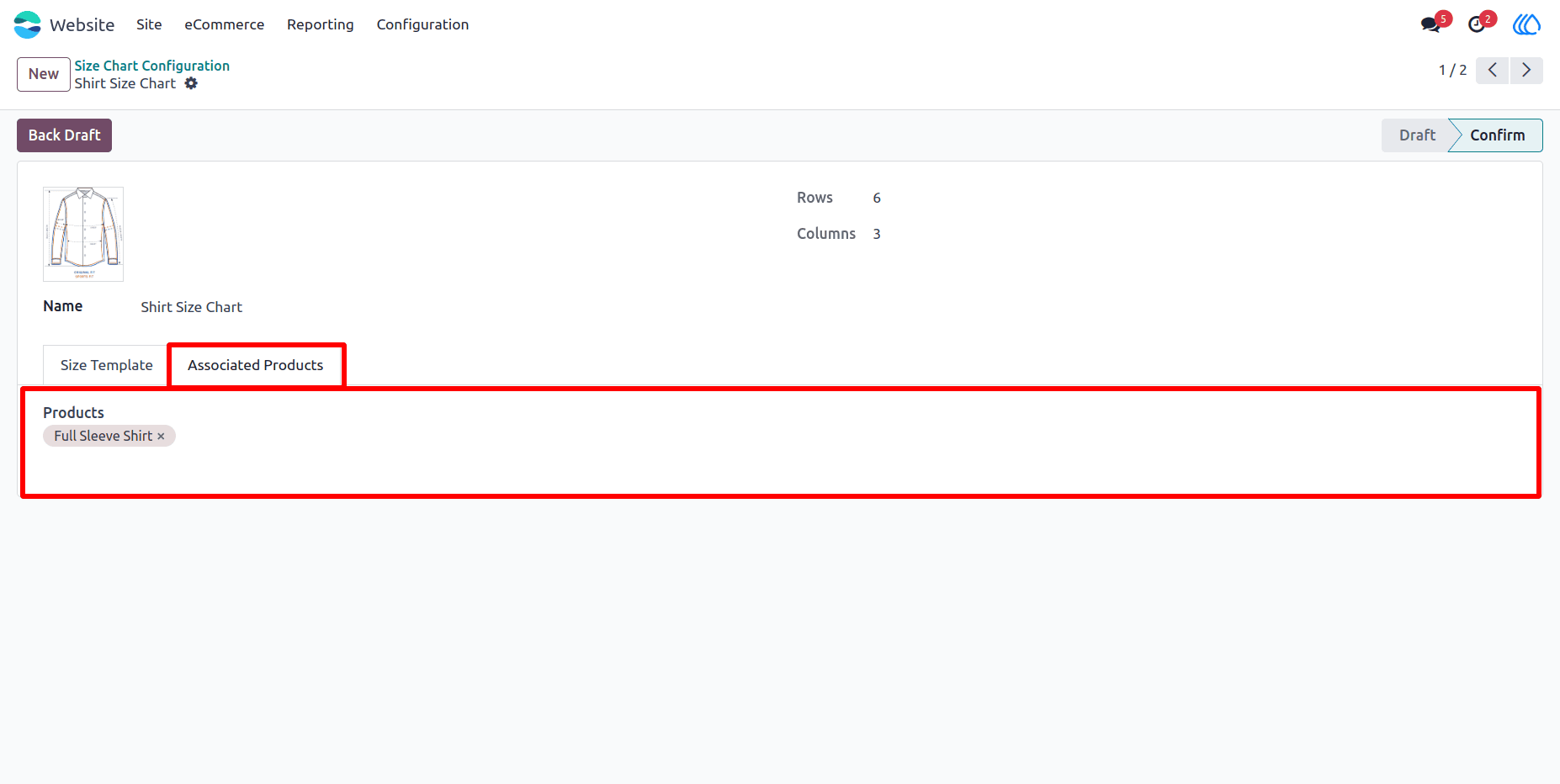
3) Assign the size chart :
Assign the size chart to the product for display in the shop and give an extra detail of a product.
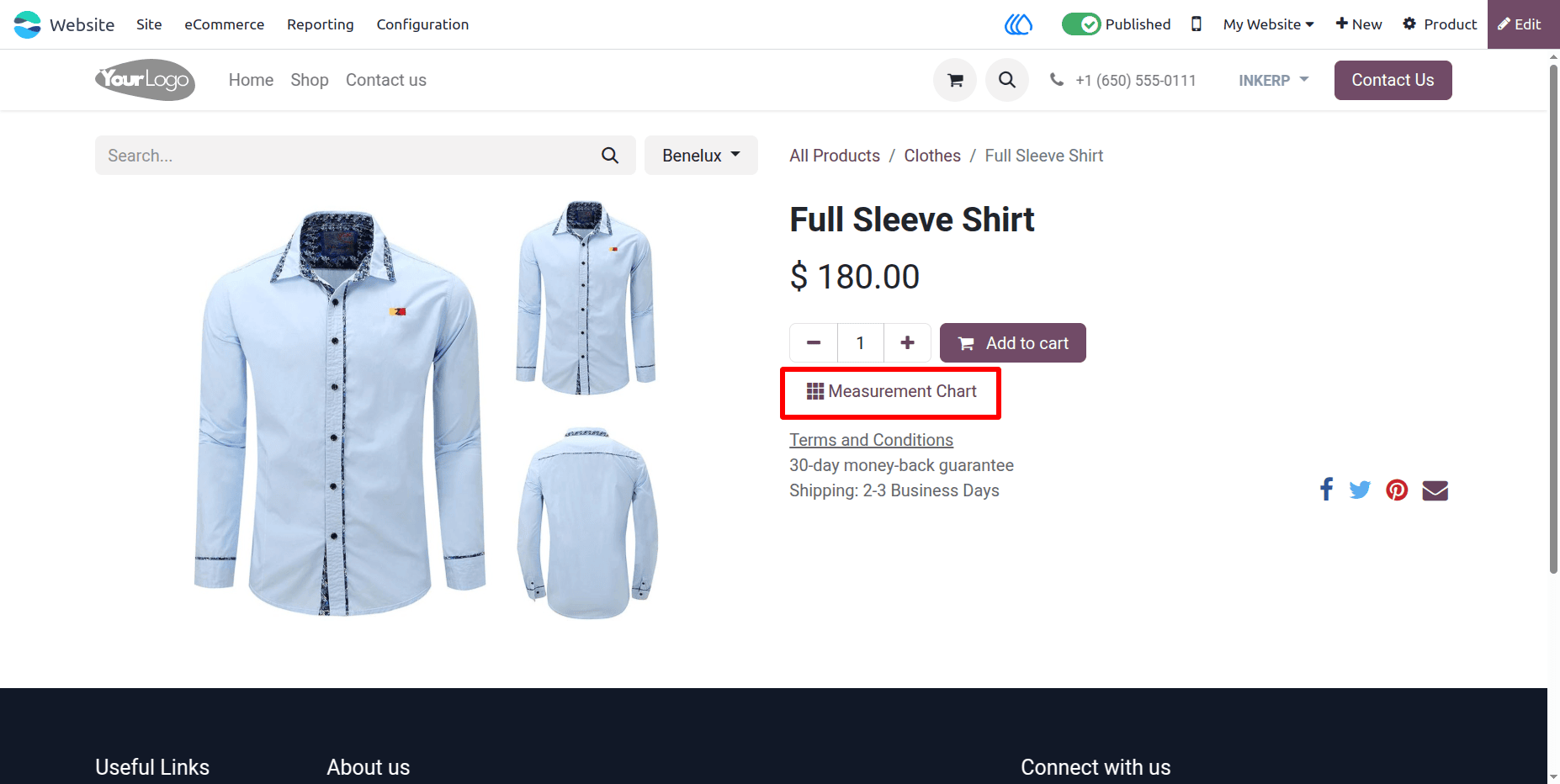
4) Dynamic Button :
Once assigned, a Measurement Chart button appears on the product page, which opens the chart in a popup.
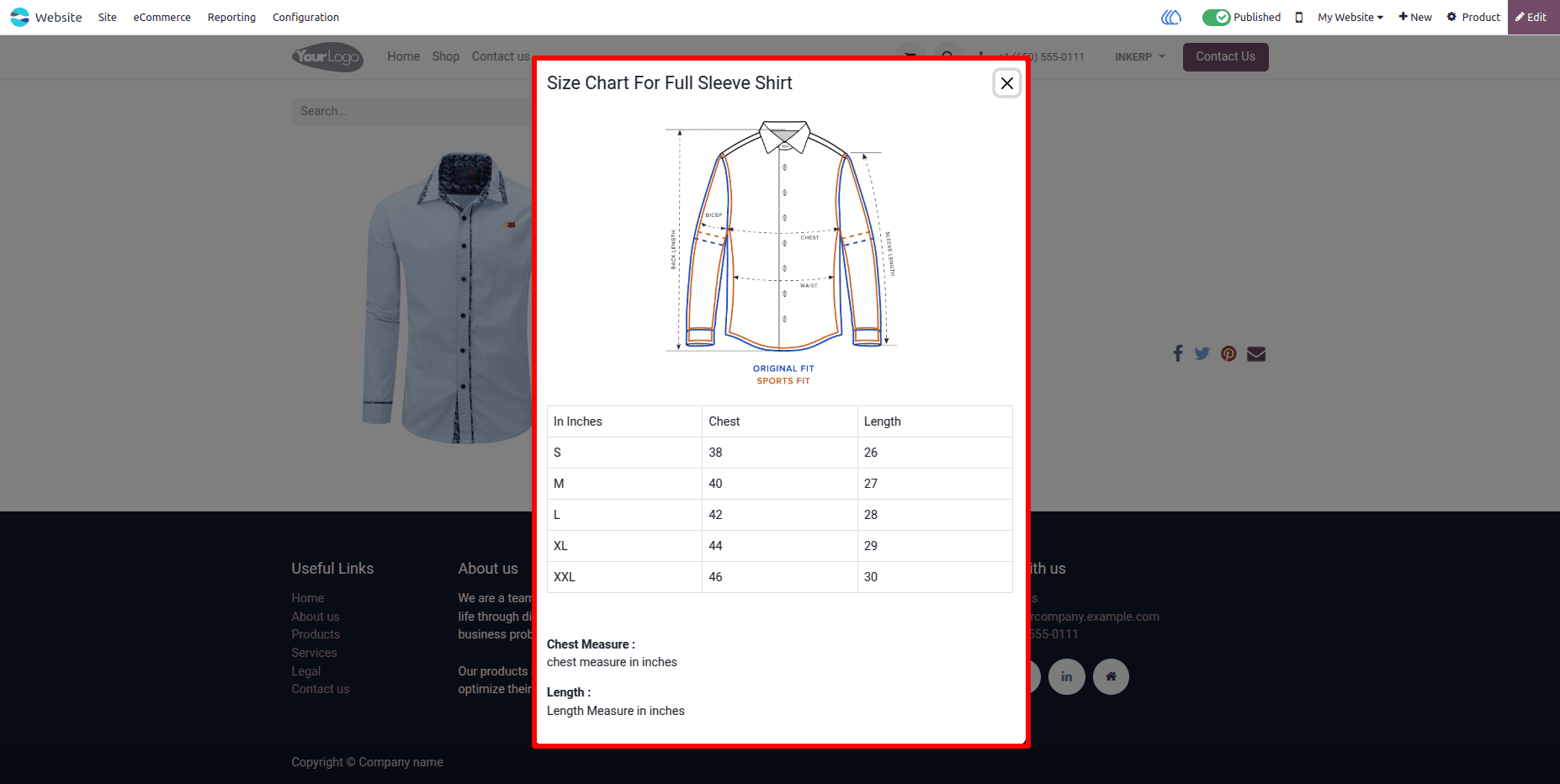
5) Size chart view :
The size chart displays in a popup when customers click the button on the product page.
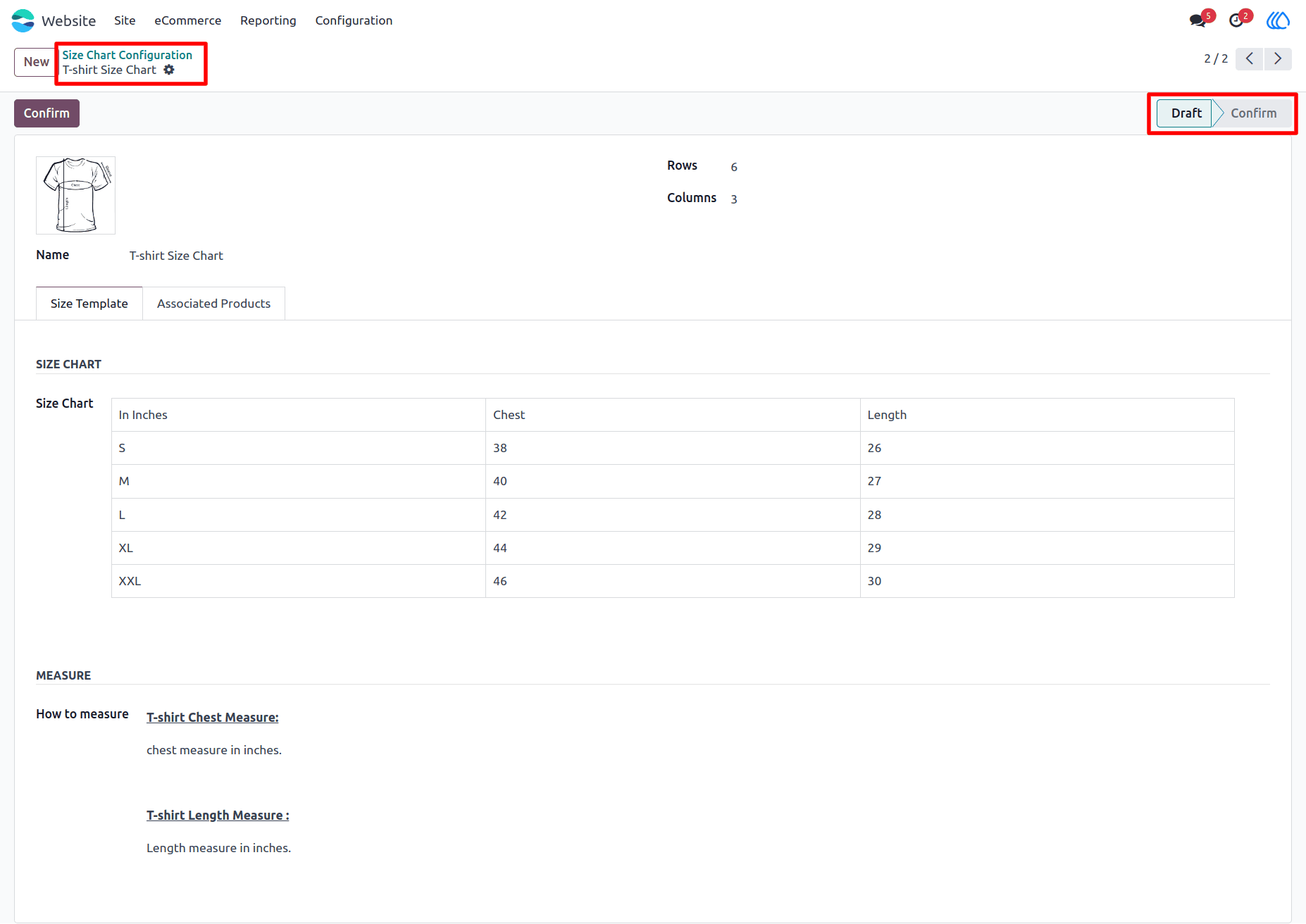
6) Size Chart In Draft :
Size charts that are still in draft status will not be shown, even if assigned to a product.
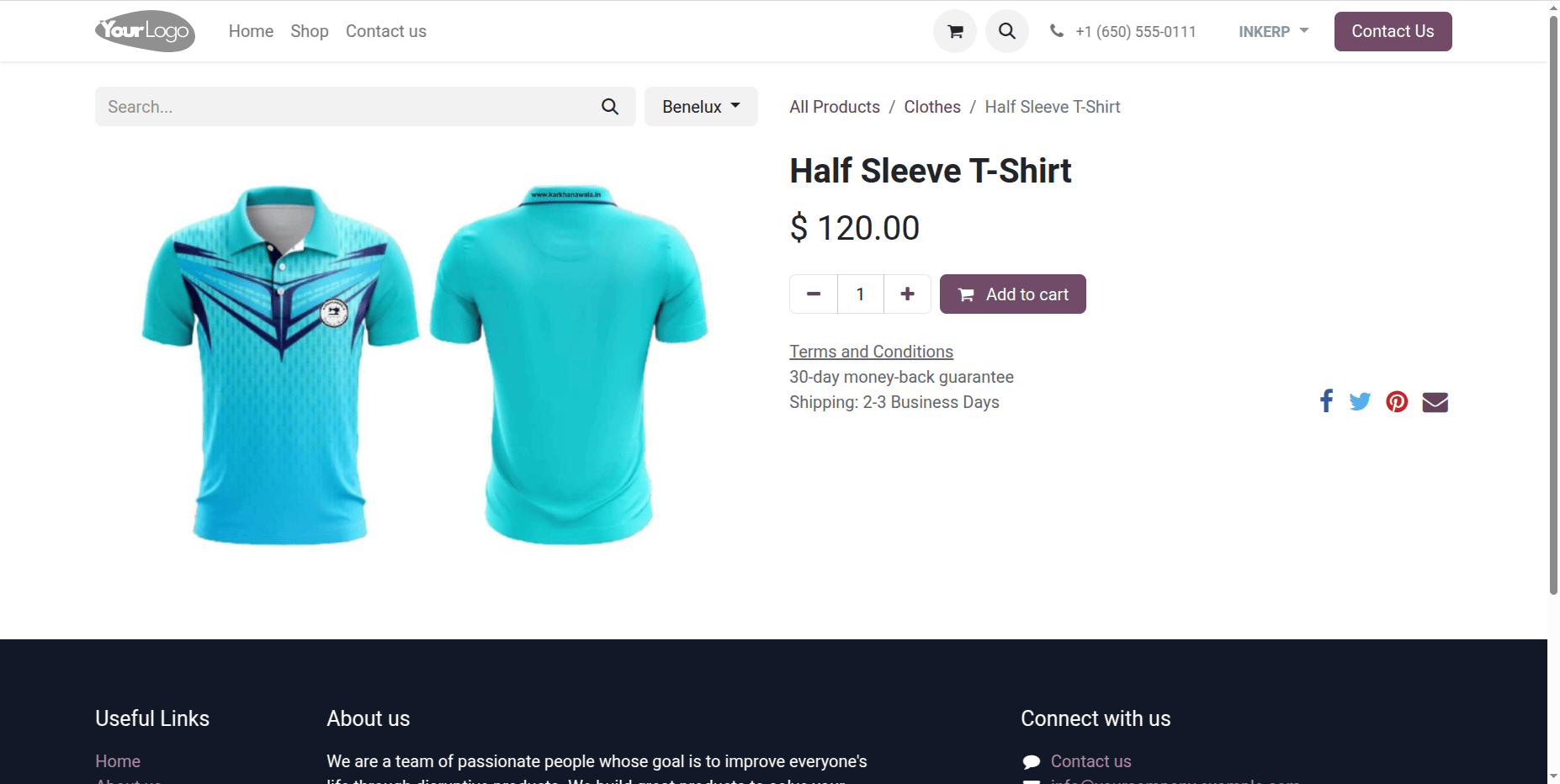
7) Product With Draft Size Chart :
On such product pages, the size chart button will not appear if the linked size chart is not confirmed.
User Guide