

Our Most Suggested Products


Website Fast Order For Enterprise
Website Fast Order is designed to simplify and speed up the online purchasing process for your customers. It allows users to place bulk orders quickly by uploading CSV, Excel (XLS/XLSX), or ODS files, eliminating the need to add products one by one. Customers can also use an intuitive fast order menu to search products and enter quantities directly for instant ordering. This solution is ideal for B2B and wholesale customers who need a faster, more efficient checkout experience. With a clean and user-friendly interface, Website Fast Order helps reduce ordering time and improves overall customer satisfaction.
Video Tutorial

 Features
 Screenshots
 Support
 Service
Features
Bulk File Order Upload :
Fast and accurate bulk ordering is enabled through CSV, Excel (XLS/XLSX), and ODS file uploads. Large product lists can be imported in seconds, reducing manual entry and minimizing order errors for high volume purchases.
Quick Product Search and Order Entry :
An intuitive fast order interface allows products to be searched instantly and quantities to be entered directly. This feature speeds up the ordering process and improves efficiency for repeat and wholesale purchases.
Optimized B2B Ordering Experience :
The solution is built specifically for B2B and wholesale workflows, supporting high volume orders with ease. It helps businesses manage frequent and large purchases without delays or complex steps.
Time Saving Checkout Process :
By eliminating repetitive product additions, the checkout process becomes significantly faster. Orders can be completed in fewer steps, improving productivity and overall purchasing efficiency.
Clean and User Friendly Interface :
A simple and well organized interface enhances usability and speeds up navigation. The clear layout supports faster order completion and a smoother purchasing experience.
Screenshot
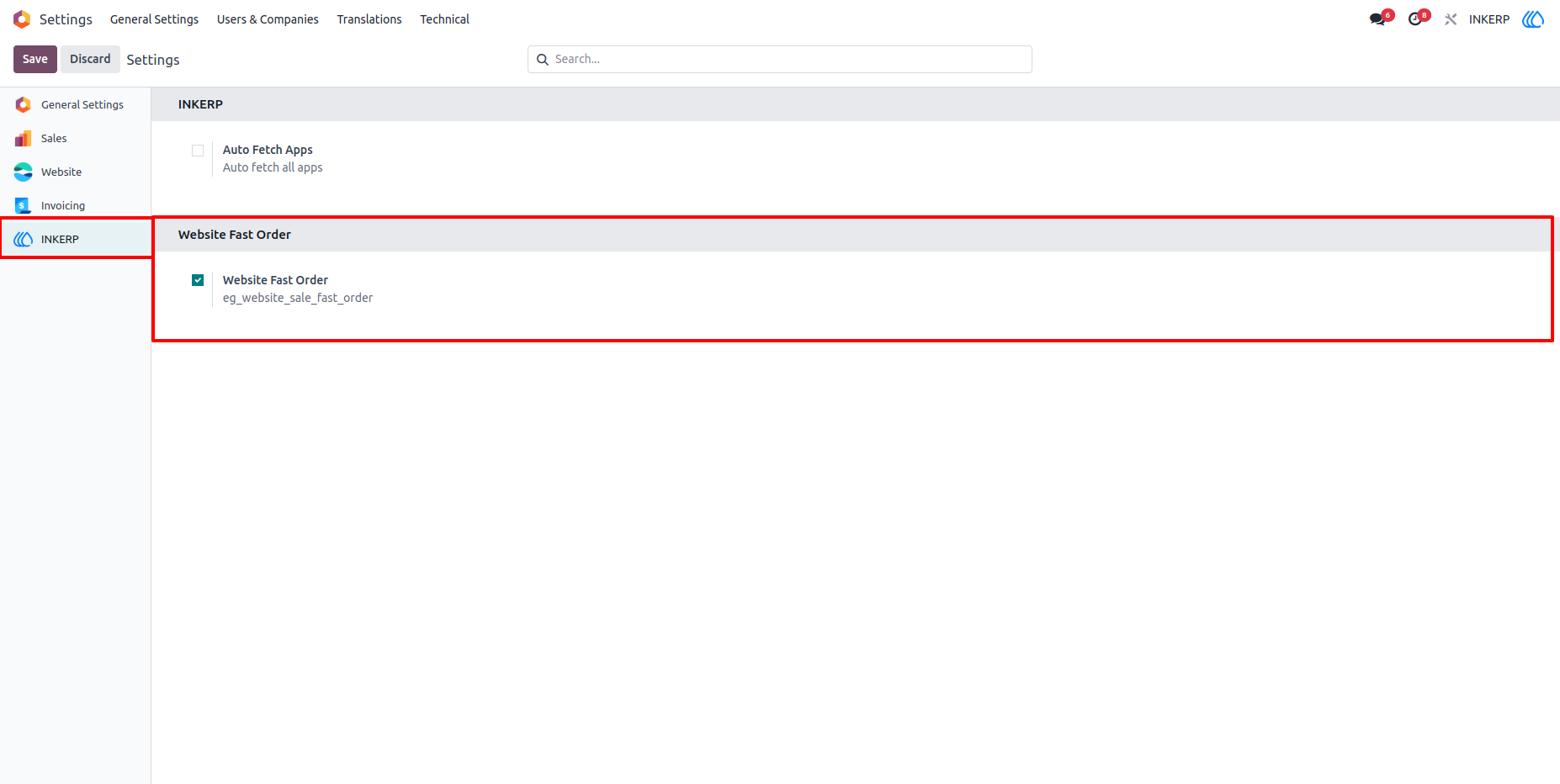
1.) Enable Website Fast Order :
By defaule Website Fast Order is enabled in settings of INKERP. If want to disable this feature just disable this setting from the setting.
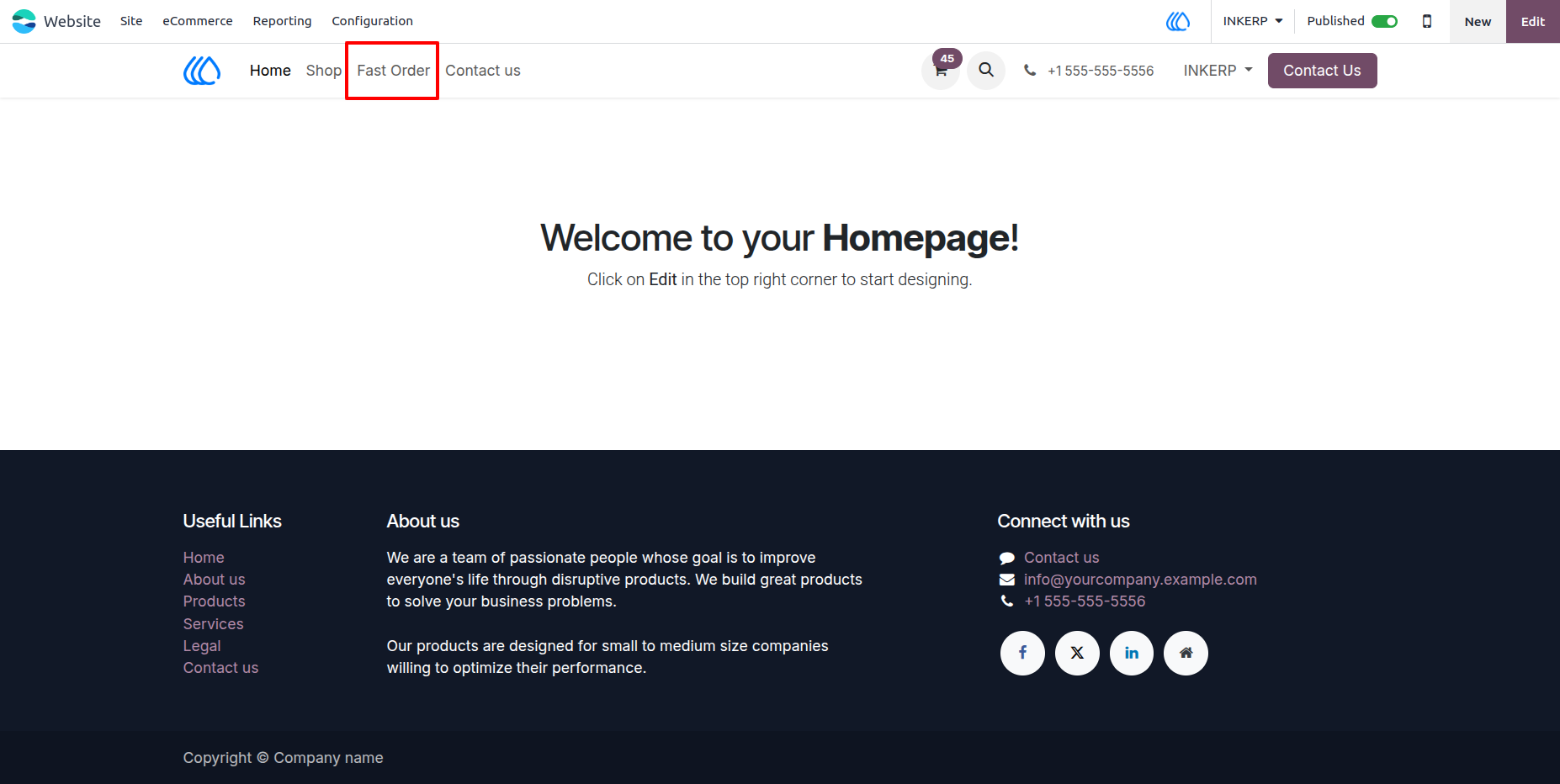
2.) Fast Order Menu :
Fast Order Menu is Display in website for fast order.
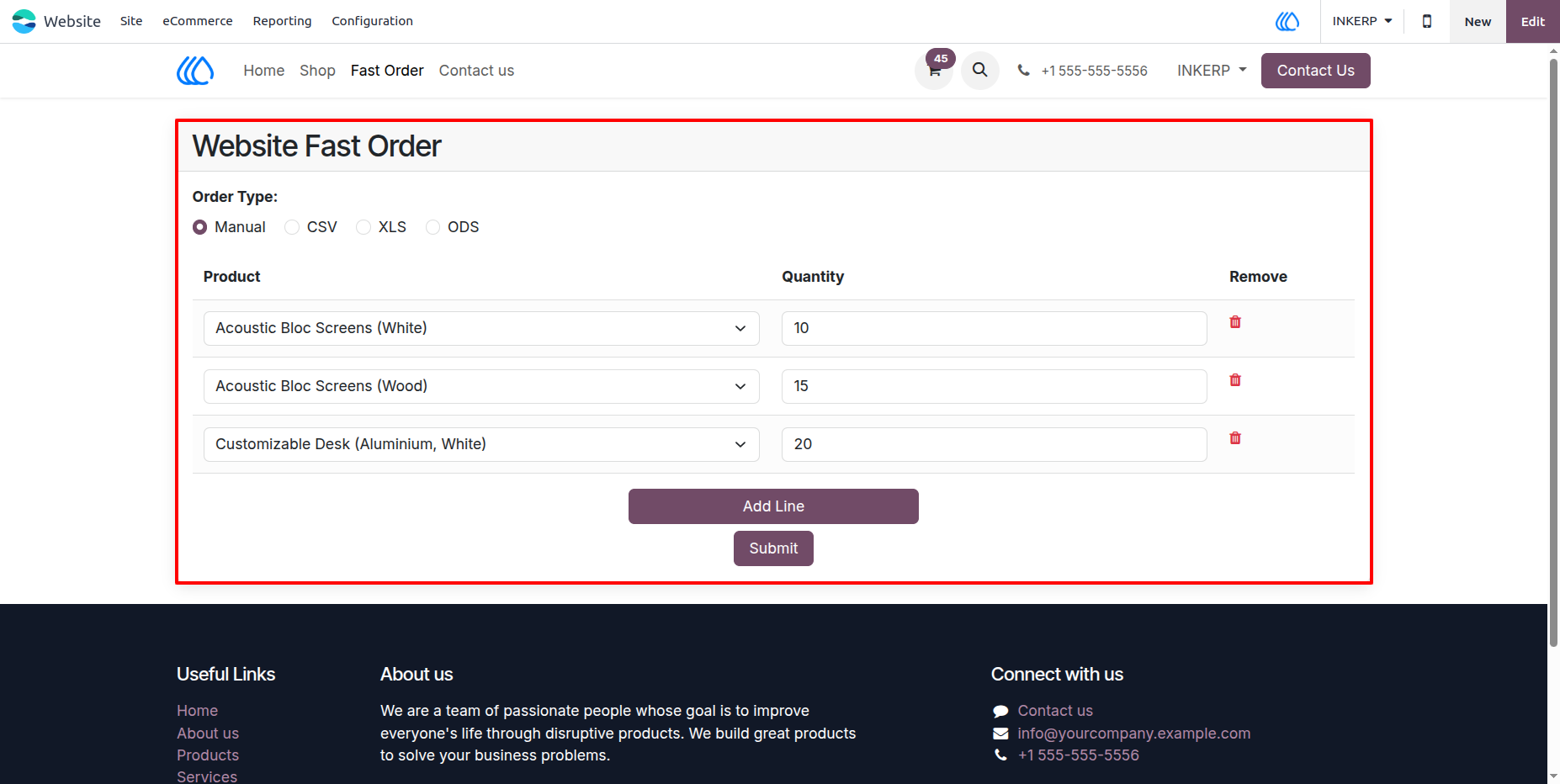
3.) Website Fast Order Form :
By default Manual order type is selected in form of Fast Order .
Add or Remove line according to need, select product and quantity want to add in cart.
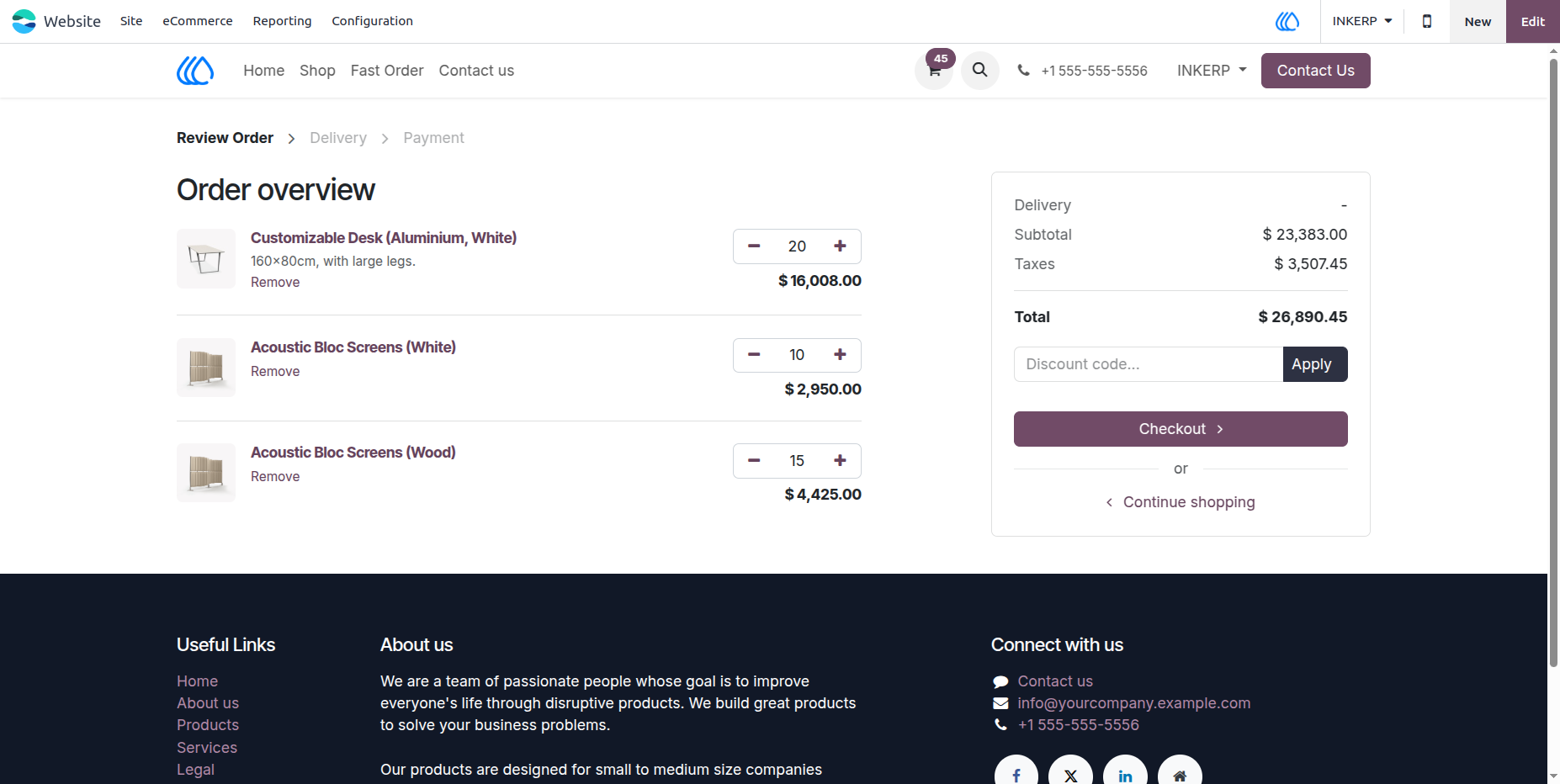
4.) Cart View According To Manual Order Type of Fast Order
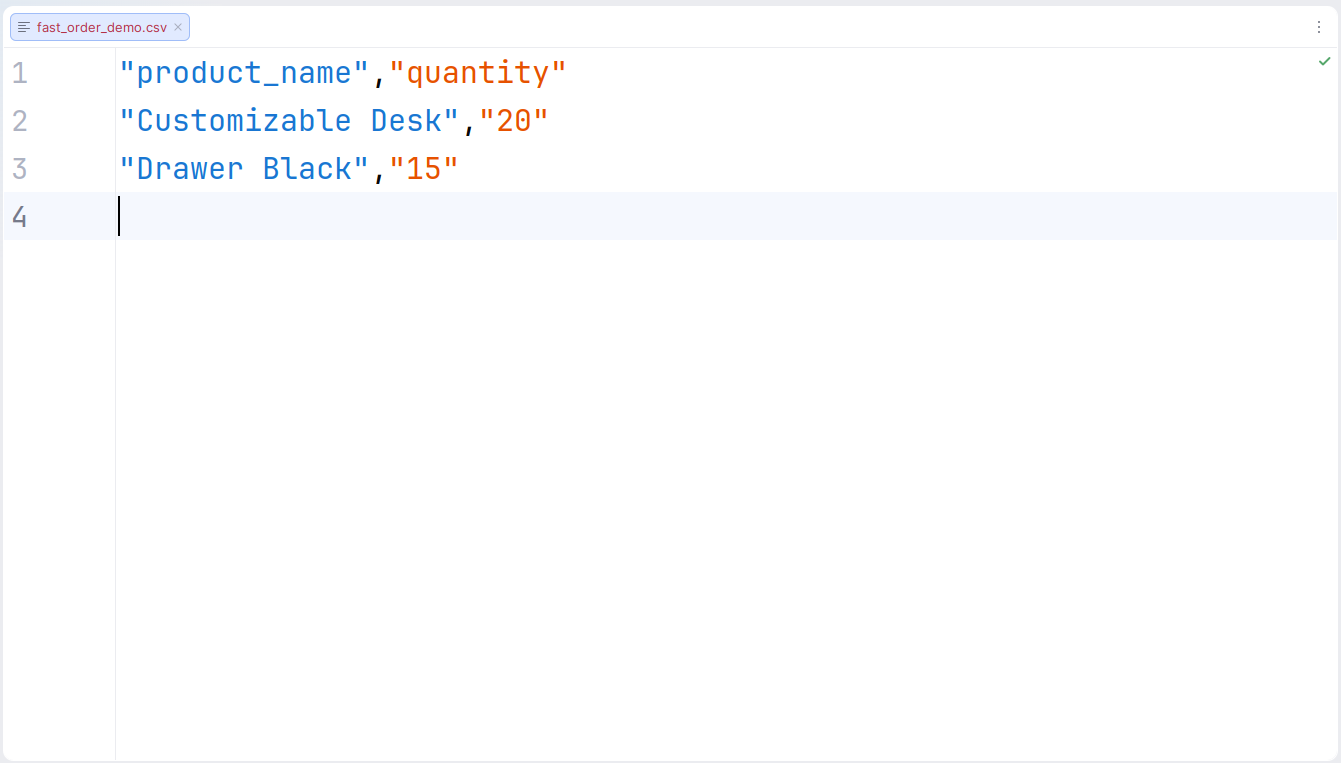
5.) CSV Demo File :
CSV File Data is in format of coma seperated and in double quotes.
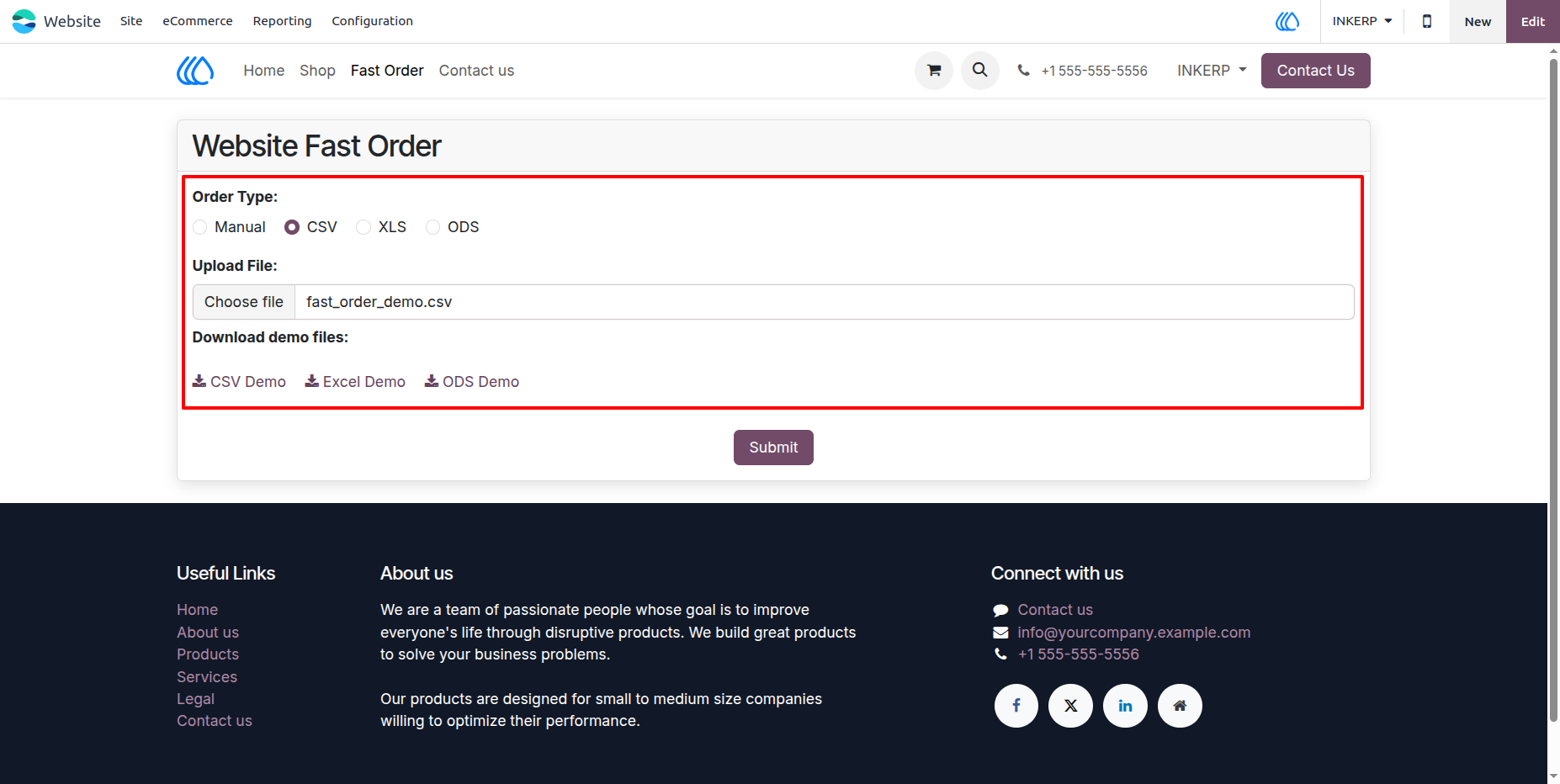
6.) Select CSV In Order Type Of Fast Order Form :
Upload .csv file after select CSV order type in fast order form but make sure that csv file is followed demo csv format.
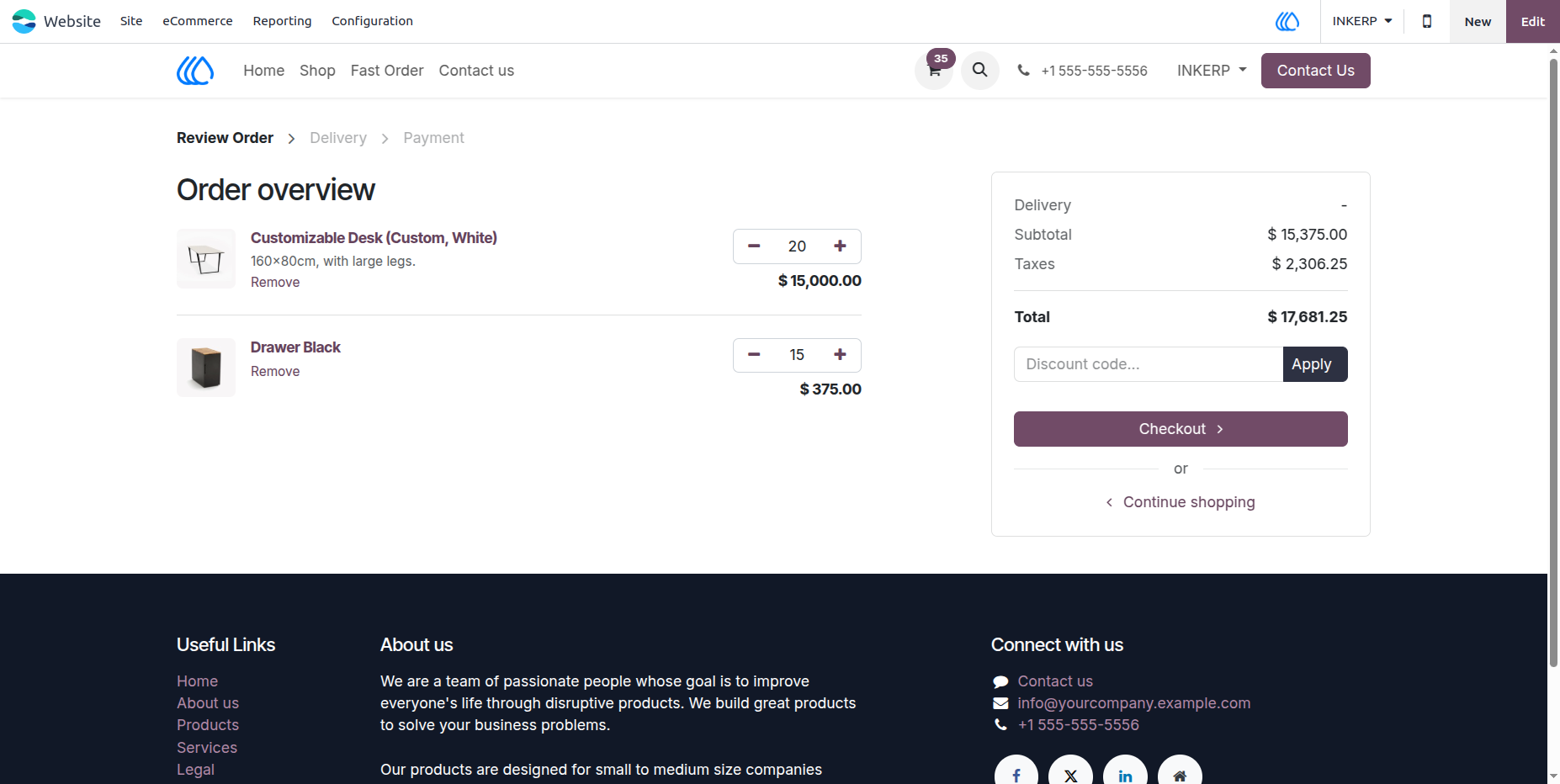
7.) Cart View According To CSV Order Type of Fast Order
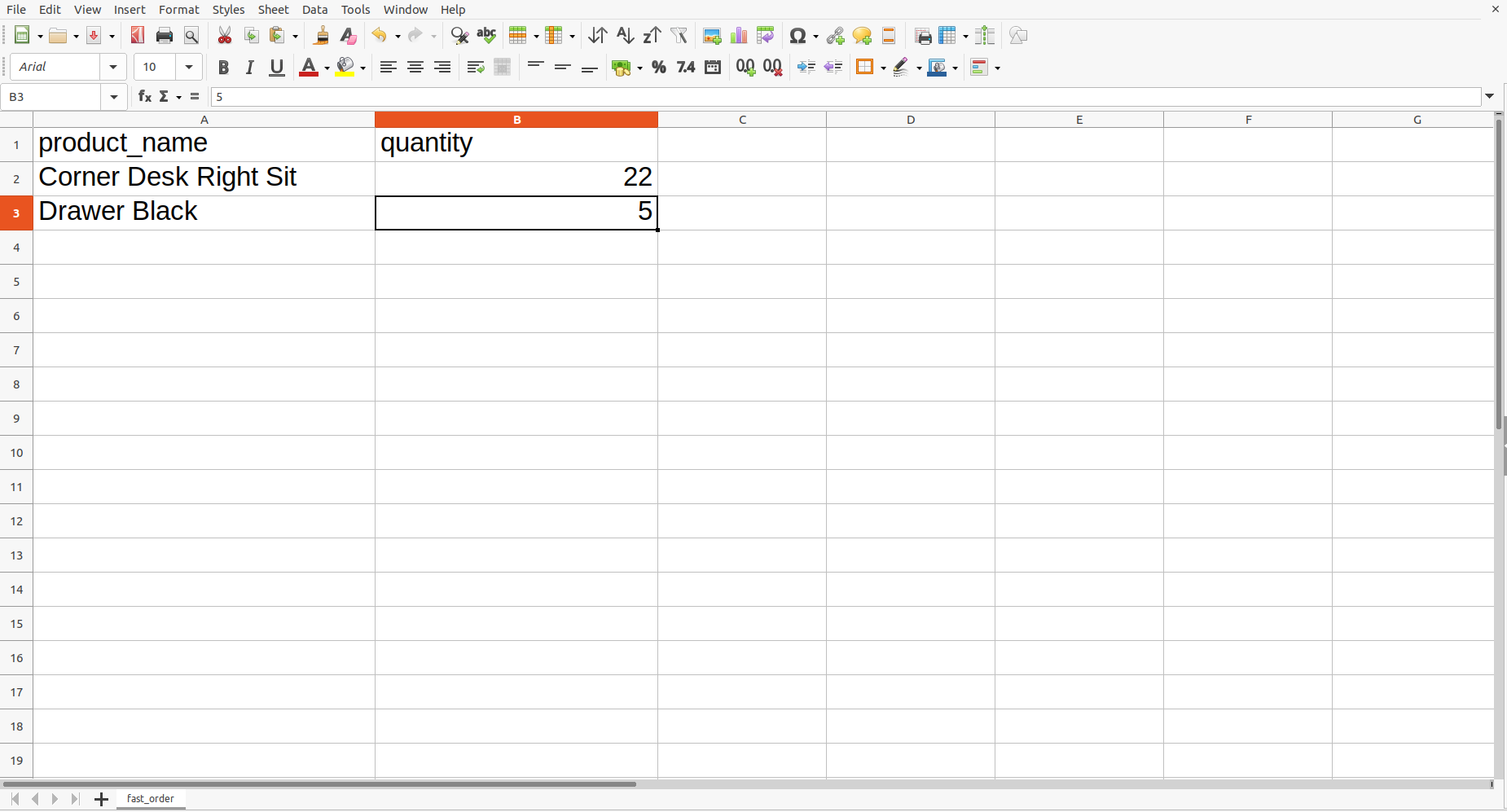
8.) XLS Demo File :
XLS File Data is in format of demo XLS file.
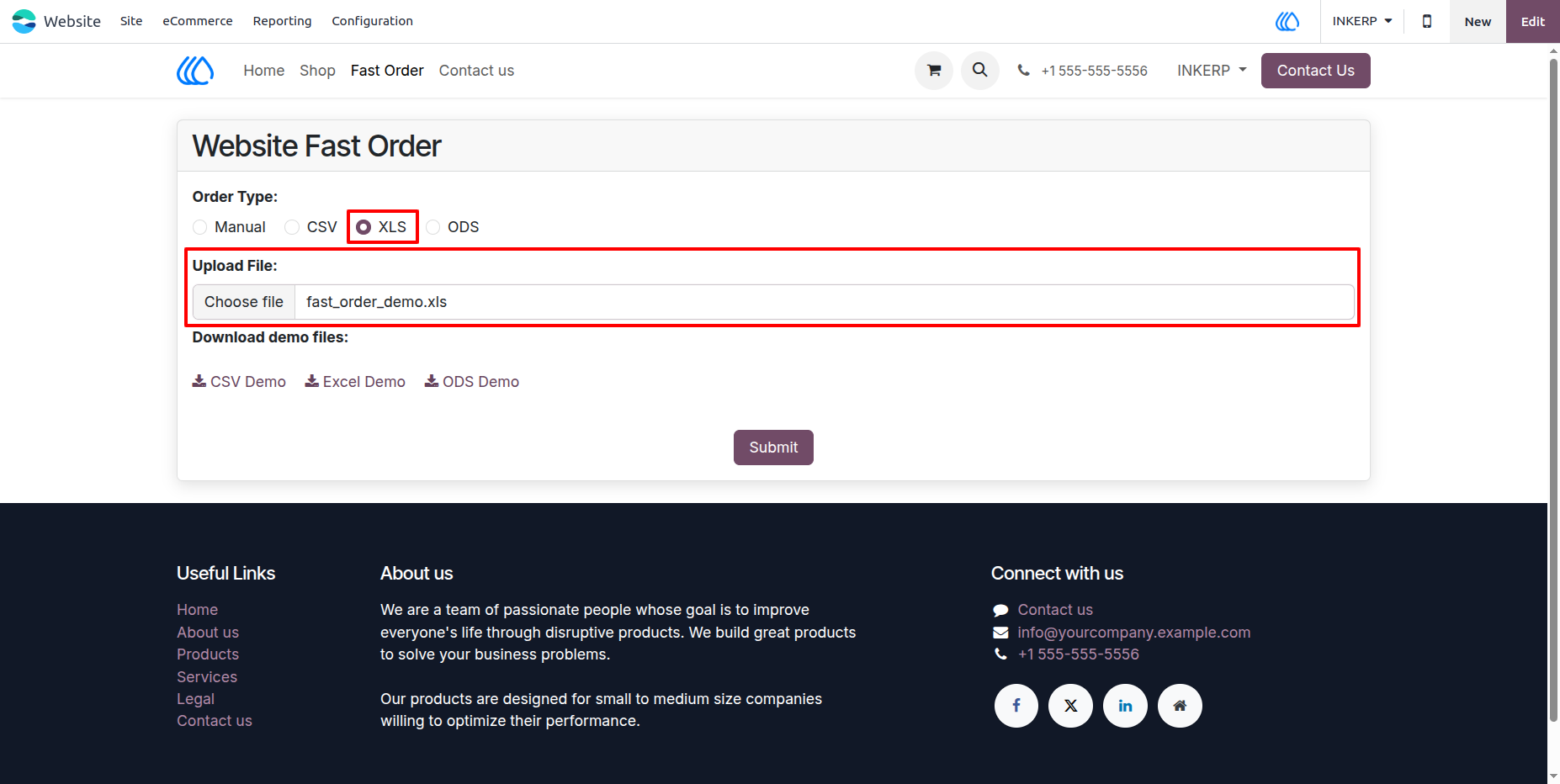
9.) Select XLS In Order Type Of Fast Order Form :
Upload .xls or .xlsx file after select XLS order type in fast order form but make sure that exel file is followed demo xls format.
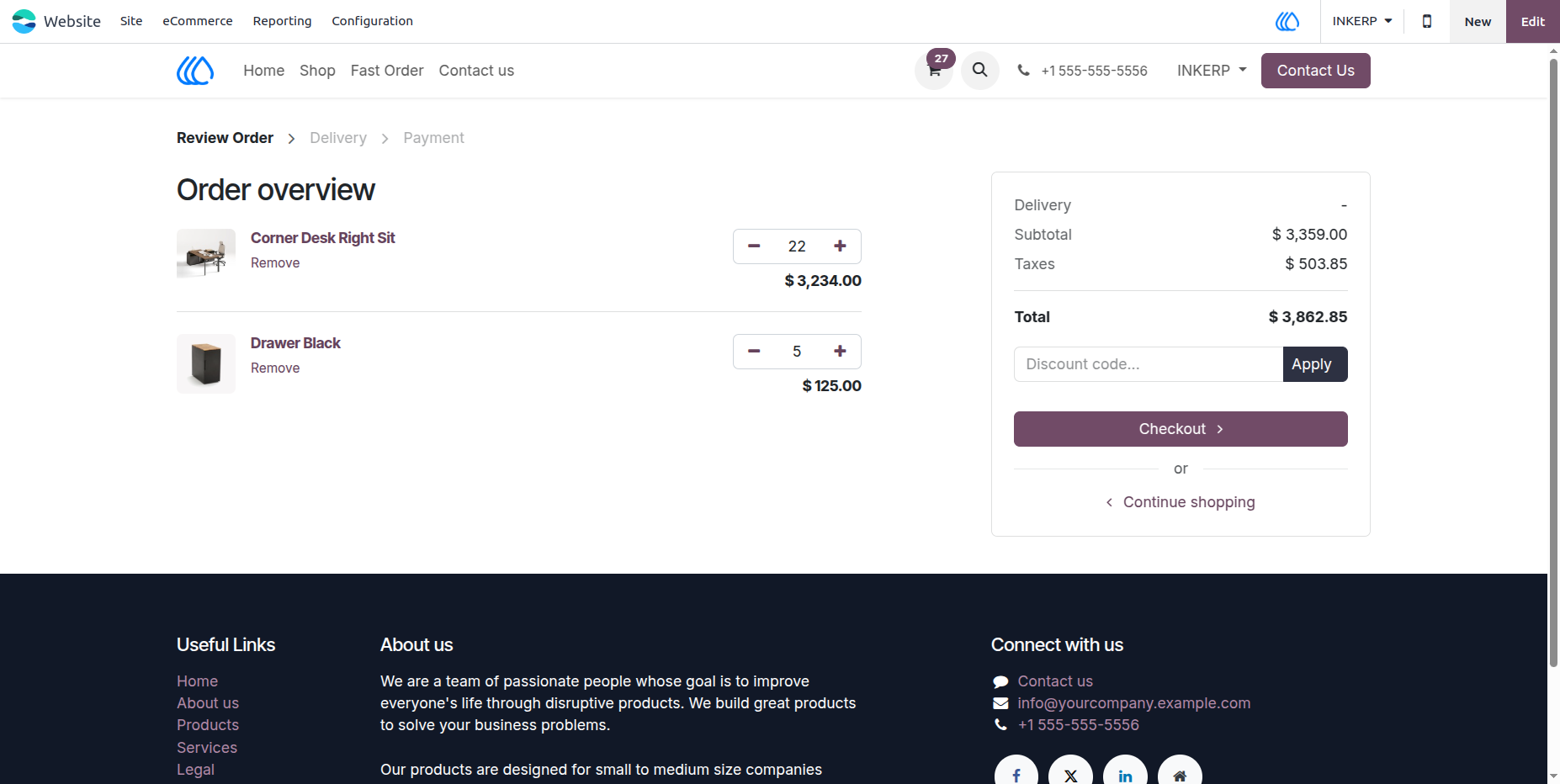
10.) Cart View According To XLS Order Type of Fast Order
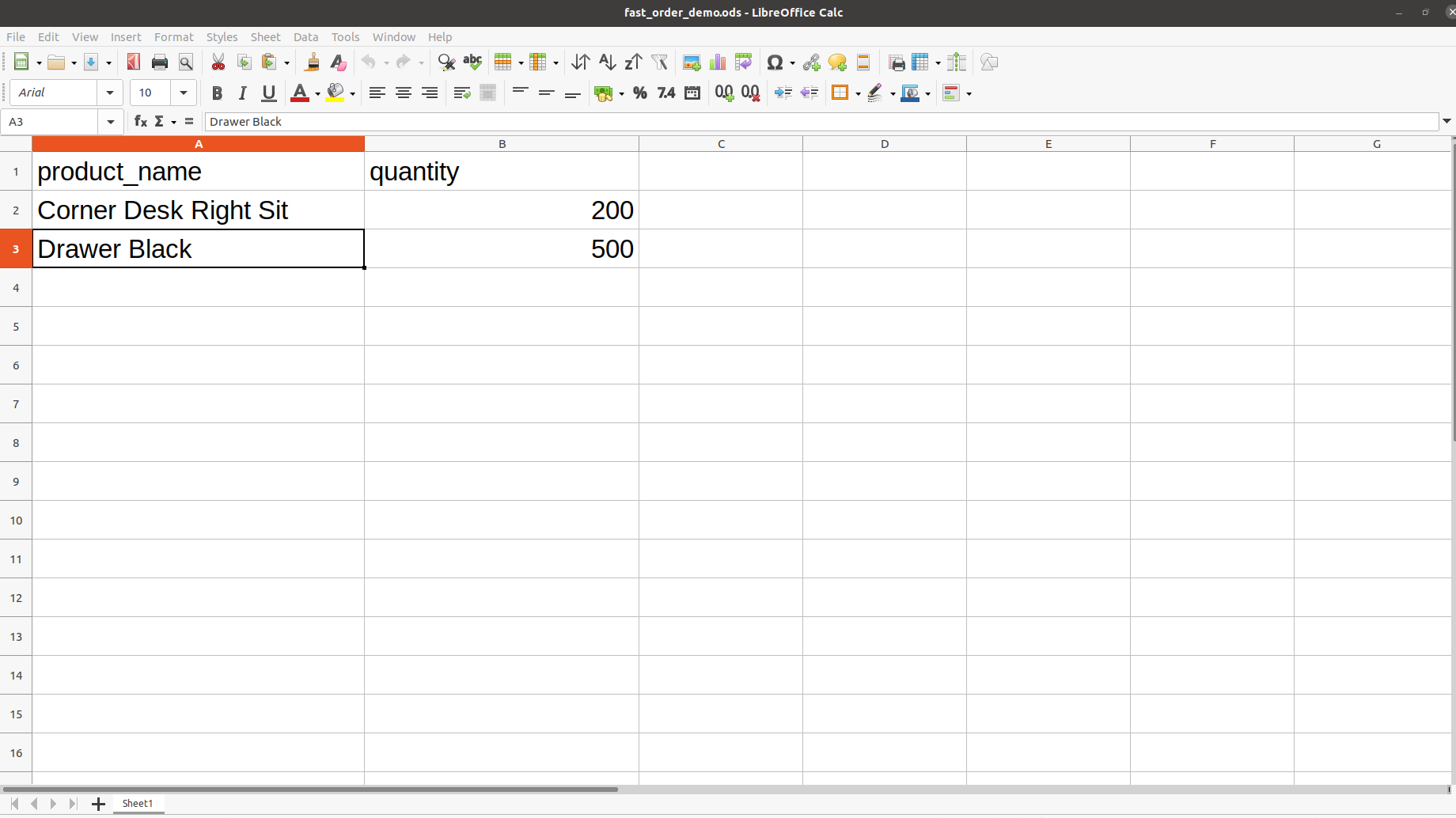
11.) ODS Demo File :
ODS File Data is in format demo .ods File.
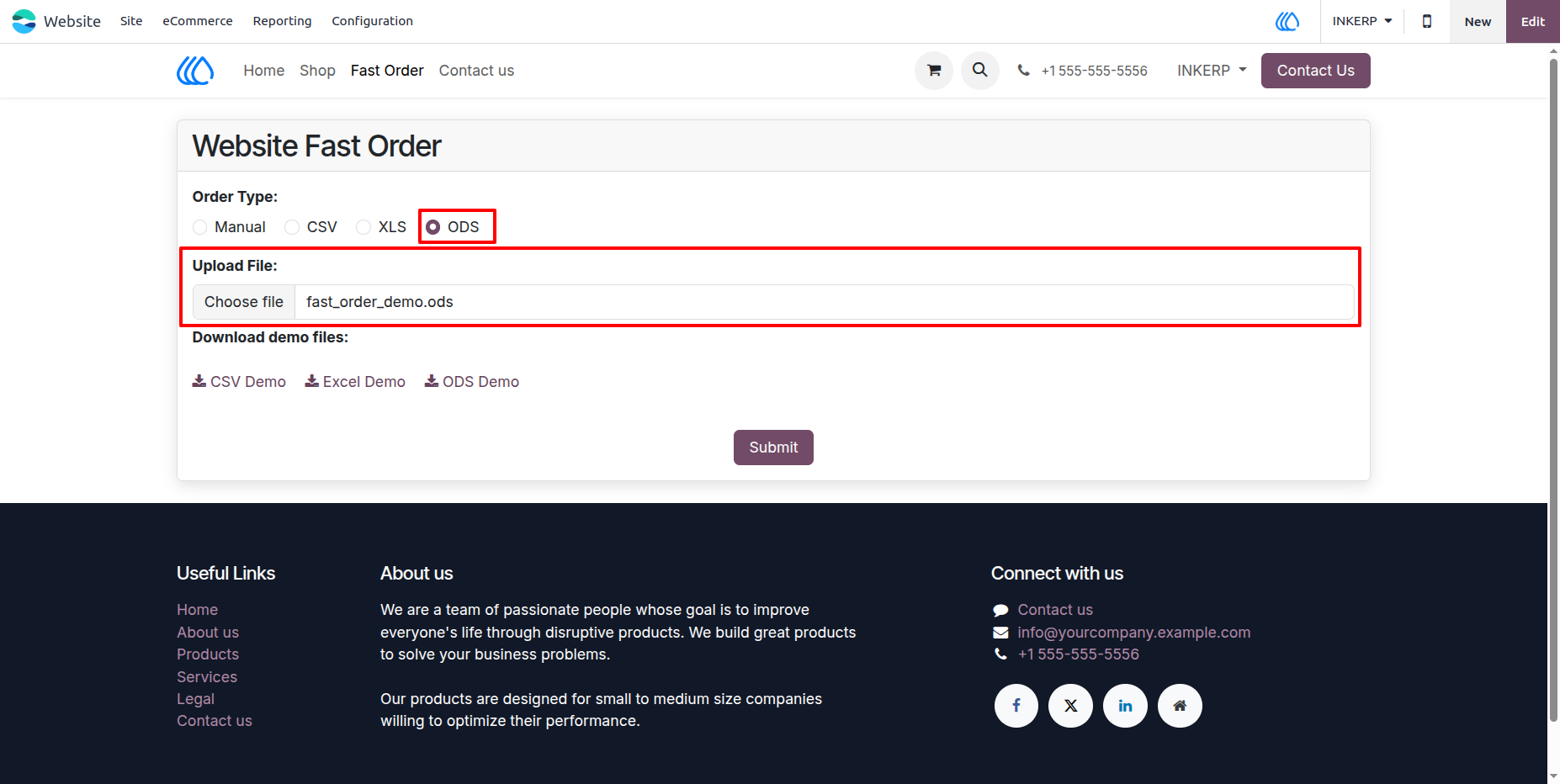
12.) Select ODS In Order Type Of Fast Order Form :
Upload .ods file after select ODS order type in fast order form but make sure that exel file is followed demo ods format.
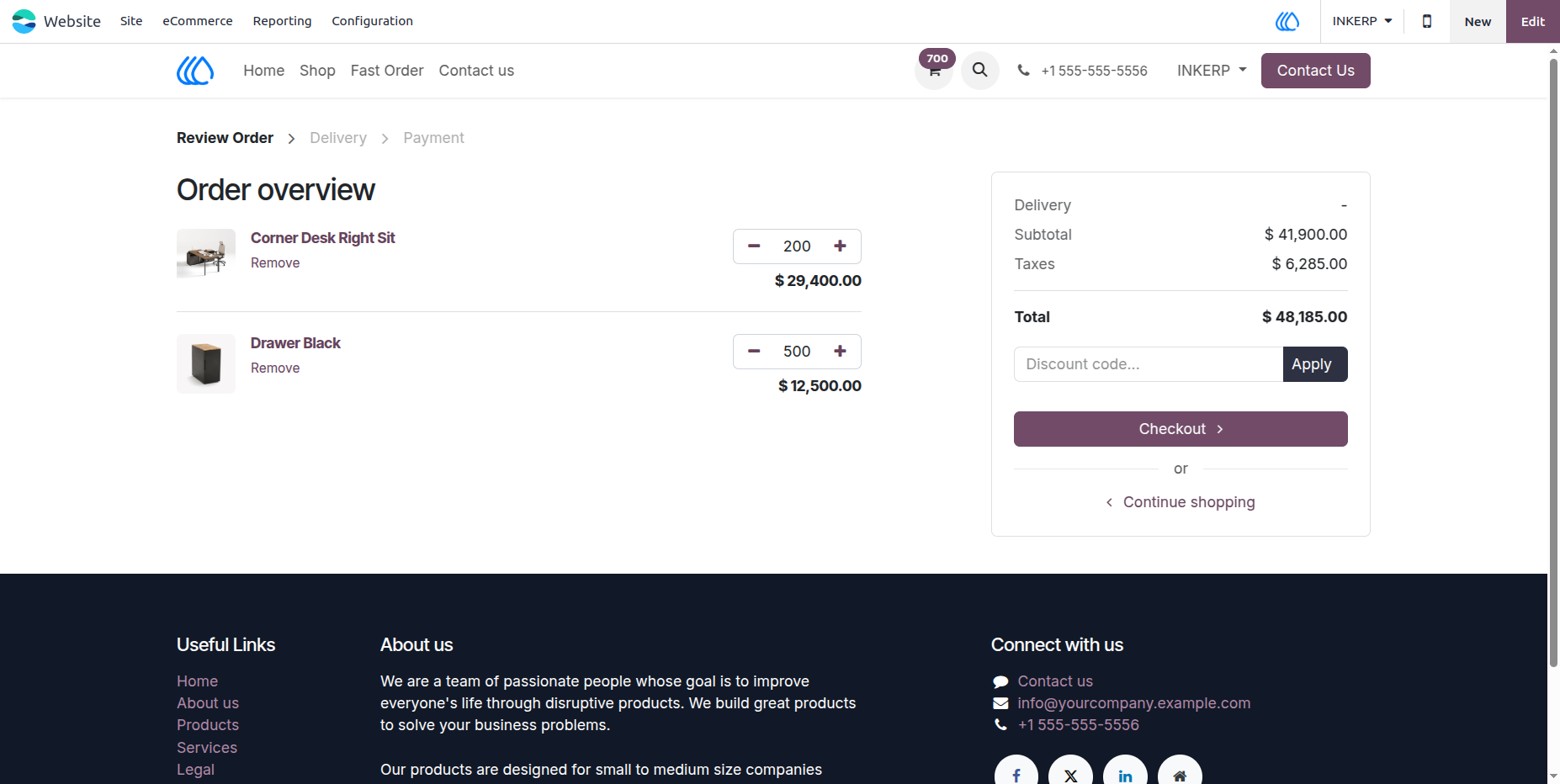
13.) Cart View According To ODS Order Type of Fast Order
User Guide