

Our Most Suggested Products


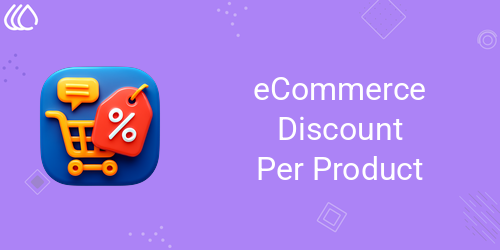
eCommerce Discount Per Product
eCommerce Discount Per Product allows administrators to apply unique discounts to individual products with ease. This feature provides the flexibility to tailor each discount with a custom message, enhancing customer engagement. Whether for limited-time offers or special promotions, the tool ensures you can target specific products and create personalized shopping experiences. Its intuitive interface makes managing discounts simple and efficient. Boost conversions and drive sales by offering exclusive deals that speak directly to your audience.
Video Tutorial
 Features
 Screenshots
 Support
 Service
Features
Custom Discount Application :
Discounts can be applied to individual products with full flexibility. Each promotion can be tailored to meet specific business goals. This ensures targeted offers that maximize the impact of sales campaigns.
Personalized Discount Messages :
Custom messages can be added to highlight product discounts. These messages help draw customer attention and improve engagement with promotional offers. Clear communication supports stronger purchase motivation.
Simple Discount Management :
A clean and intuitive dashboard makes discount management straightforward. Discounts can be added, modified, or removed from products quickly. This provides efficient control over promotional strategies.
Screenshot
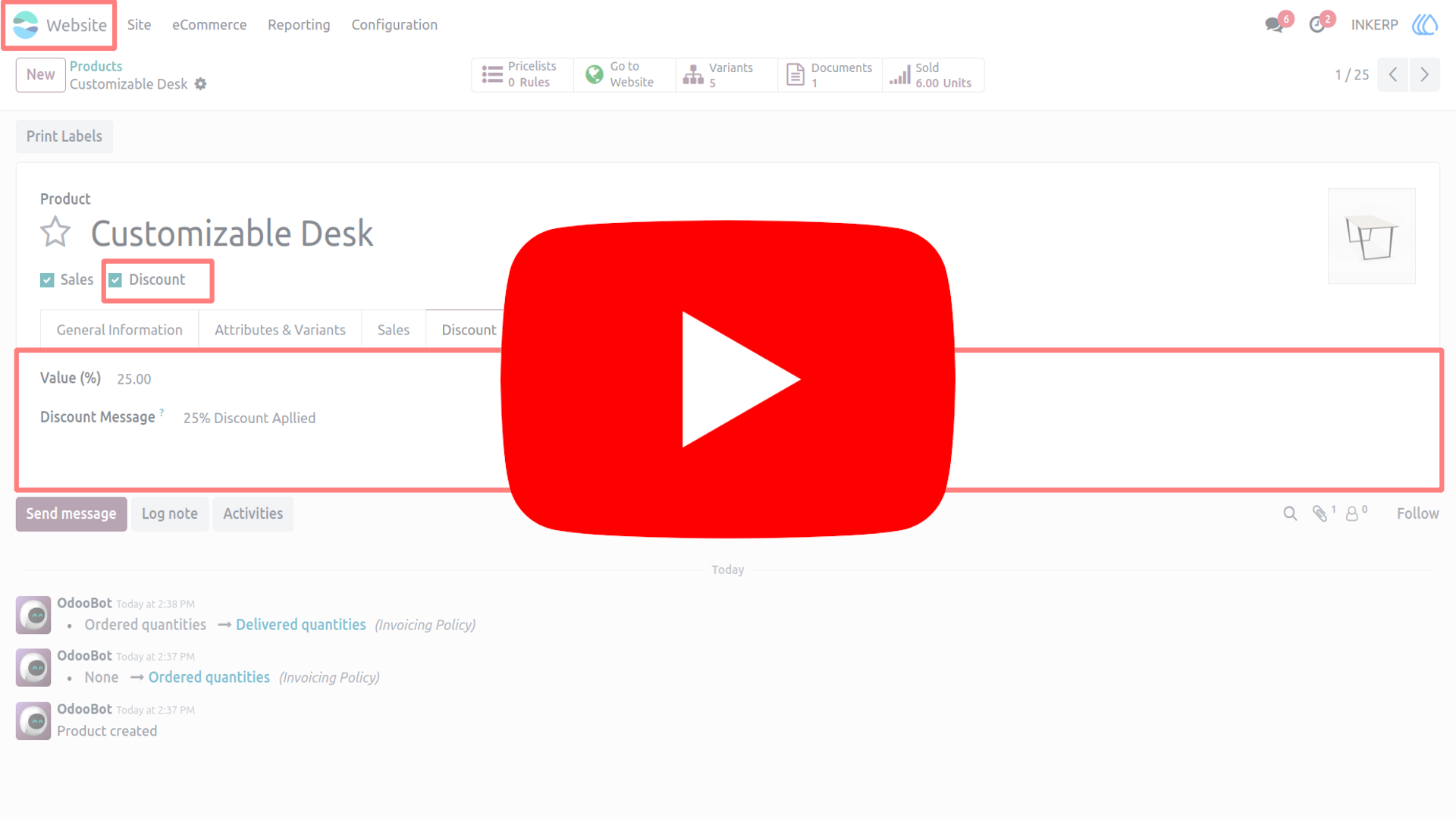
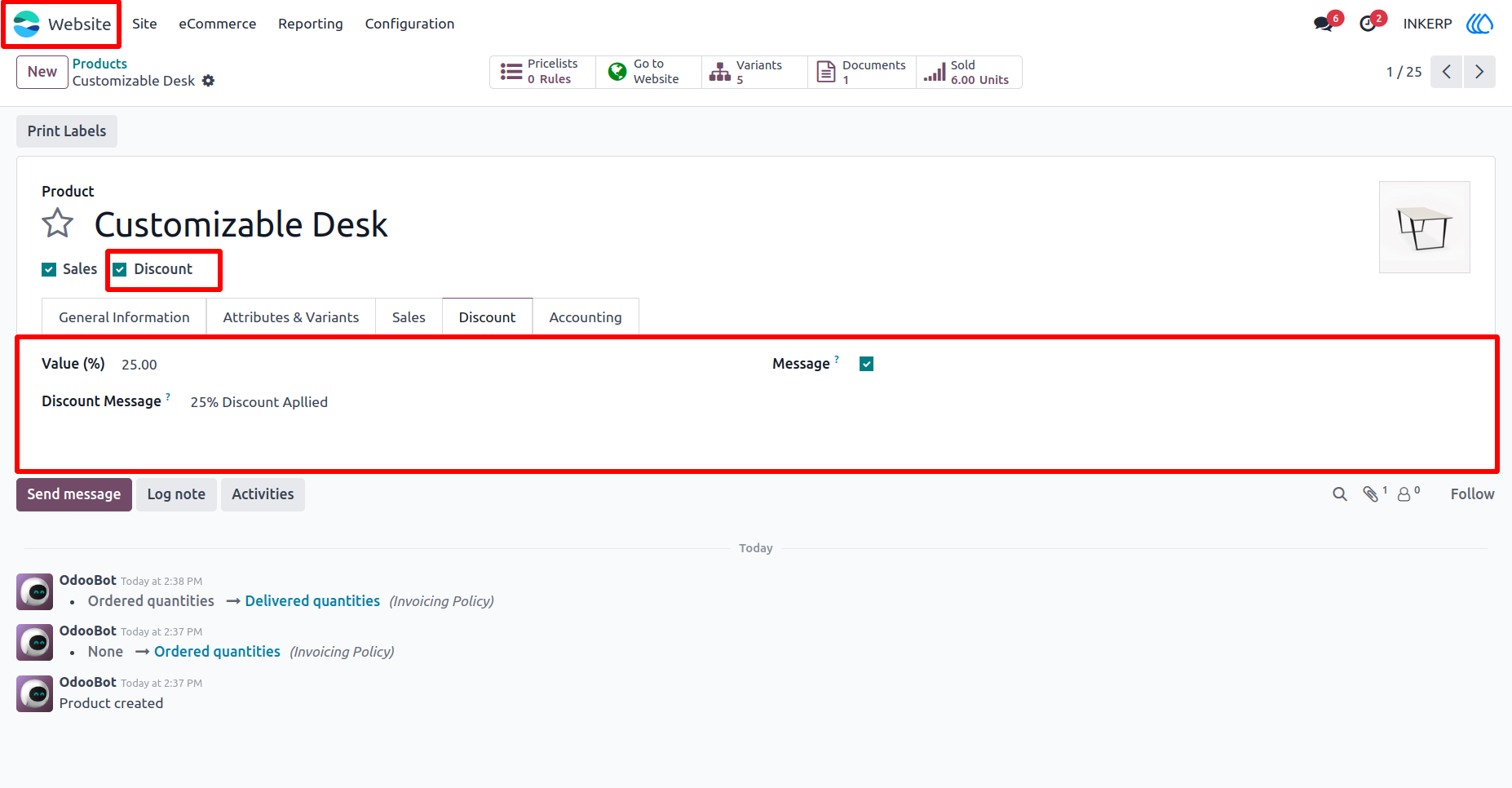
1.) Configure Discount :
Enable and configure discount percentage value and message.
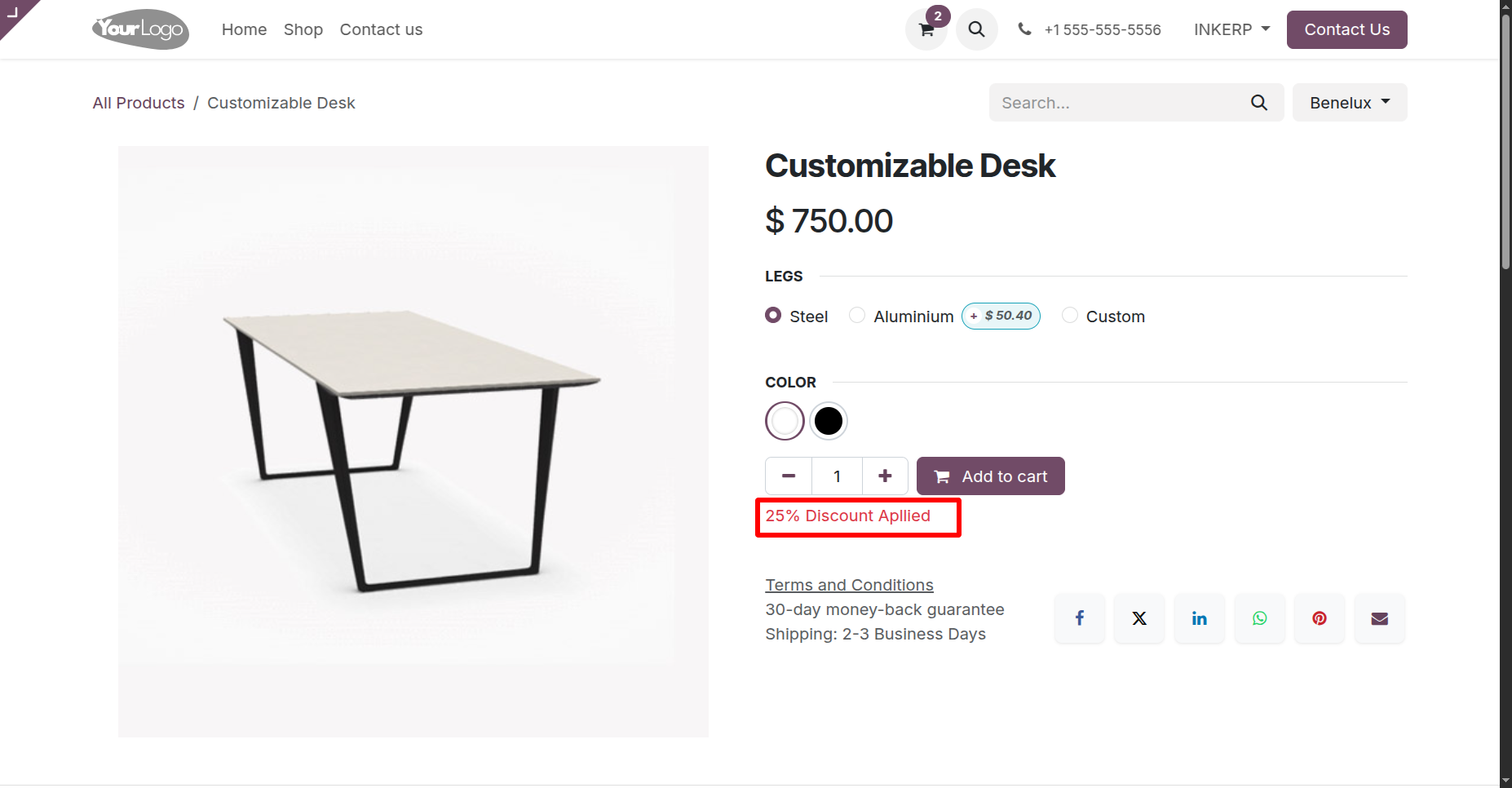
2.) Custom message :
On set up of custom message it display at single product page.
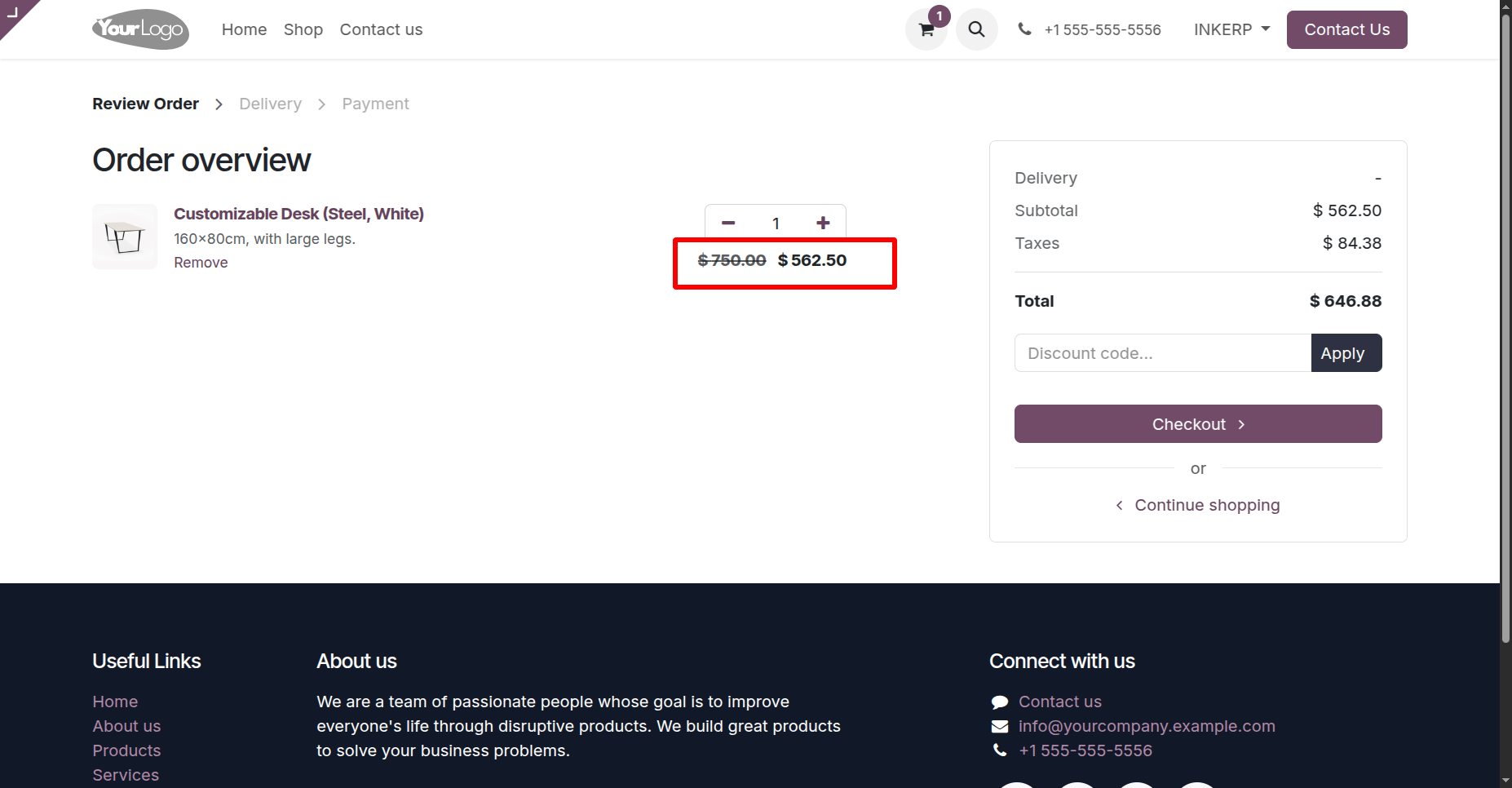
3.) Cart Page :
Cart page of discounted product.
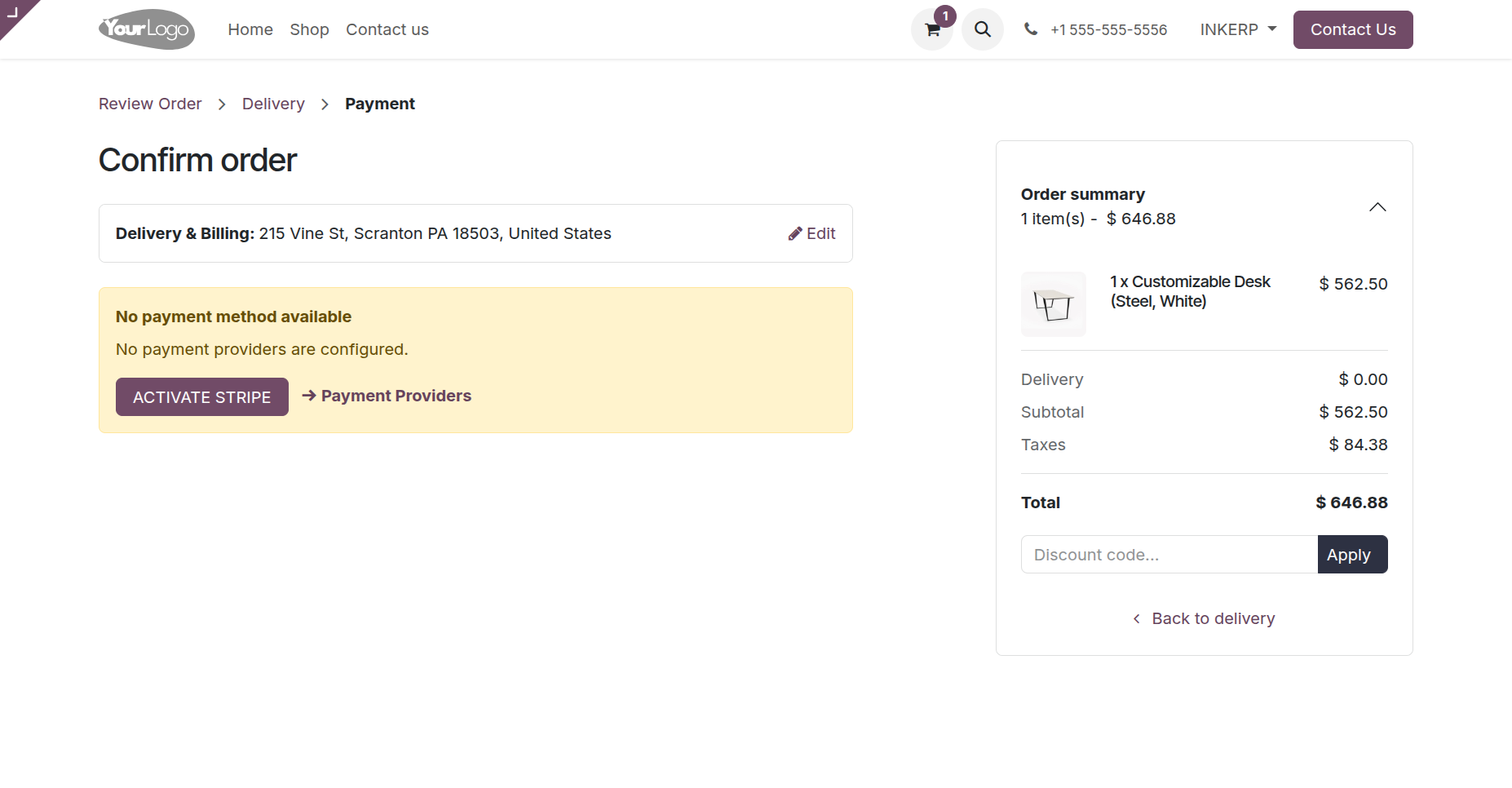
4.) Payment Page :
Payment page of cart page.
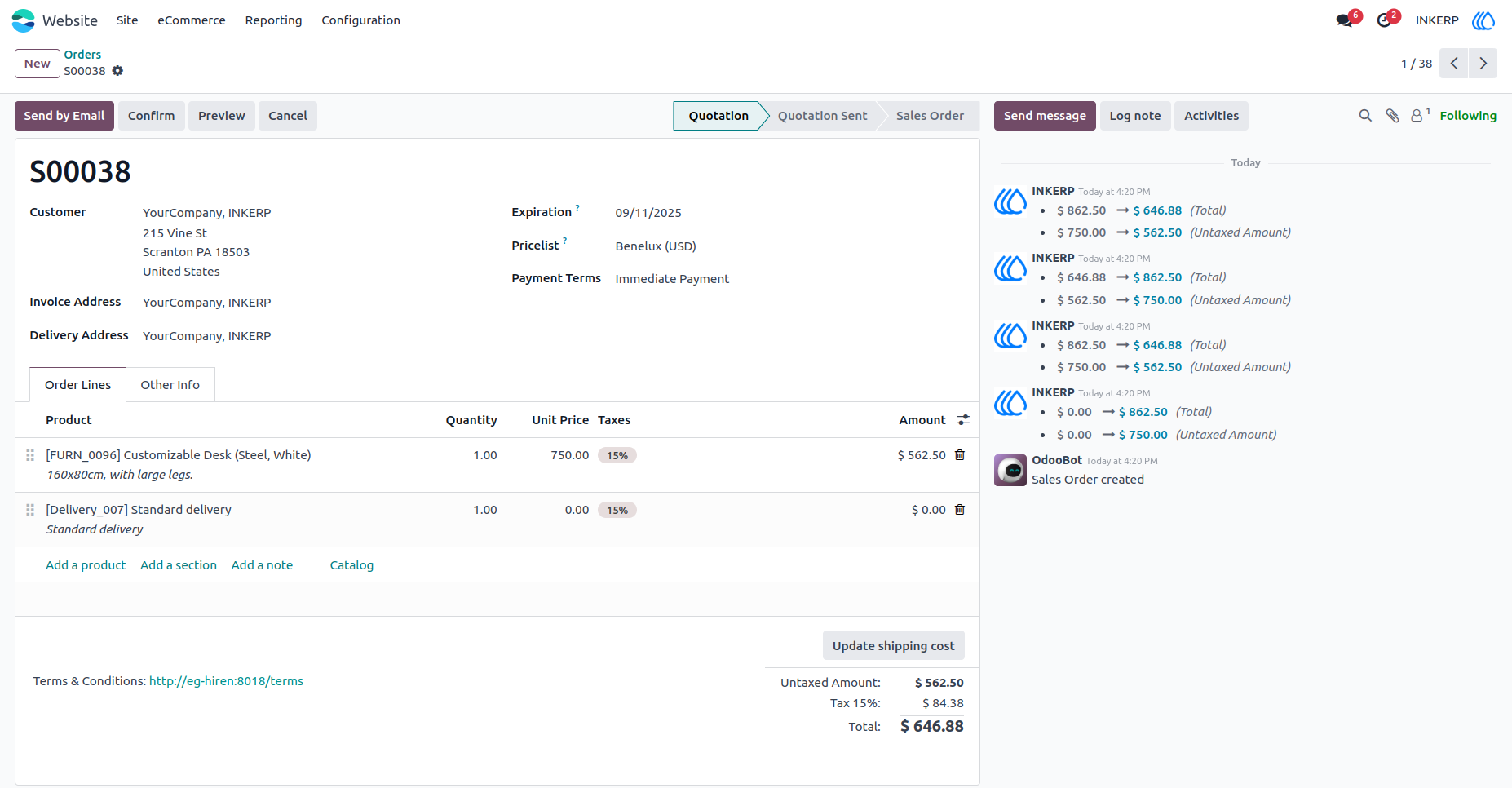
5.) Created Order View :
Sale order view of product.
User Guide