

Our Most Suggested Products


Website Quantity Min Max And Multiplier For Enterprise
The 'Website Quantity Min Max And Multiplier app allows you to set the minimum and maximum quantity for a product on the website. Additionally, you can define MOQ (Multiply Of Quantity) to control product increments in the shopping cart. Users cannot select a quantity lower than the minimum or higher than the maximum set limit.
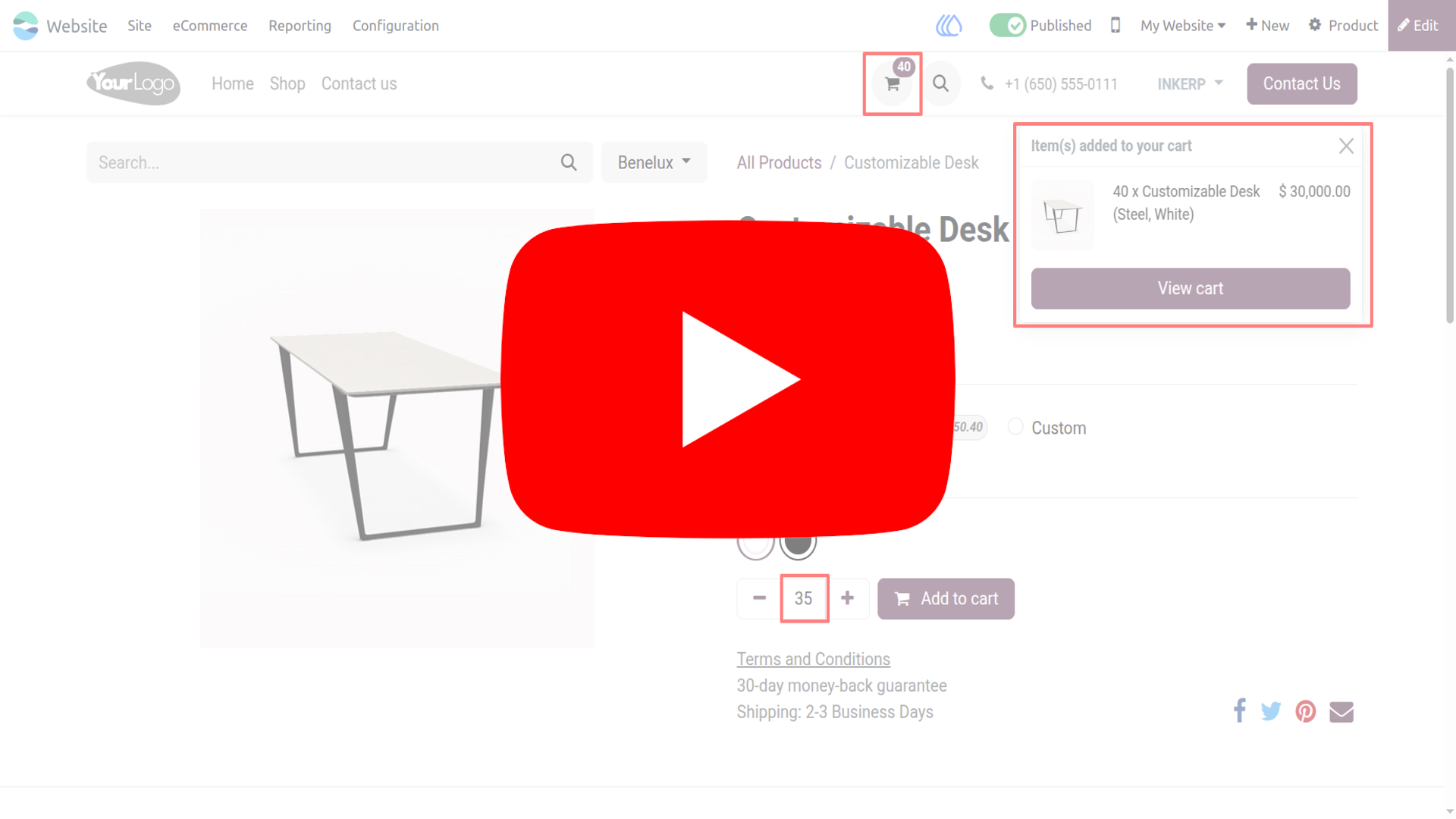
Video Tutorial
 Features
 Screenshots
 Support
 Service
Features
Set Minimum Quantity :
Set a baseline quantity that customers must meet before adding a product to their cart. This helps enforce bulk purchasing for wholesale or cost efficient sales. It reduces low volume orders that may disrupt fulfillment and profitability.
Set Maximum Quantity :
Limit how many units a customer can buy to protect inventory and ensure fair access. Ideal for managing high demand or limited stock items during promotions. Prevents over-ordering and helps maintain balanced product availability.
Define MOQ (Multiply of Quantity) :
Force customers to order in fixed multiples like 5, 10, or 25 units. Perfect for products sold in packs or standardized shipping units. It aligns customer orders with packaging, logistics, and production constraints.
Screenshot
1.) Configure Minimum Quantity, Maximum Quantity, and Multiple Of Quantity :
Maximum Product Quantity feature works only if Max Quantity is Enabled
Navigation : Website › eCommerce › Products ›Sales
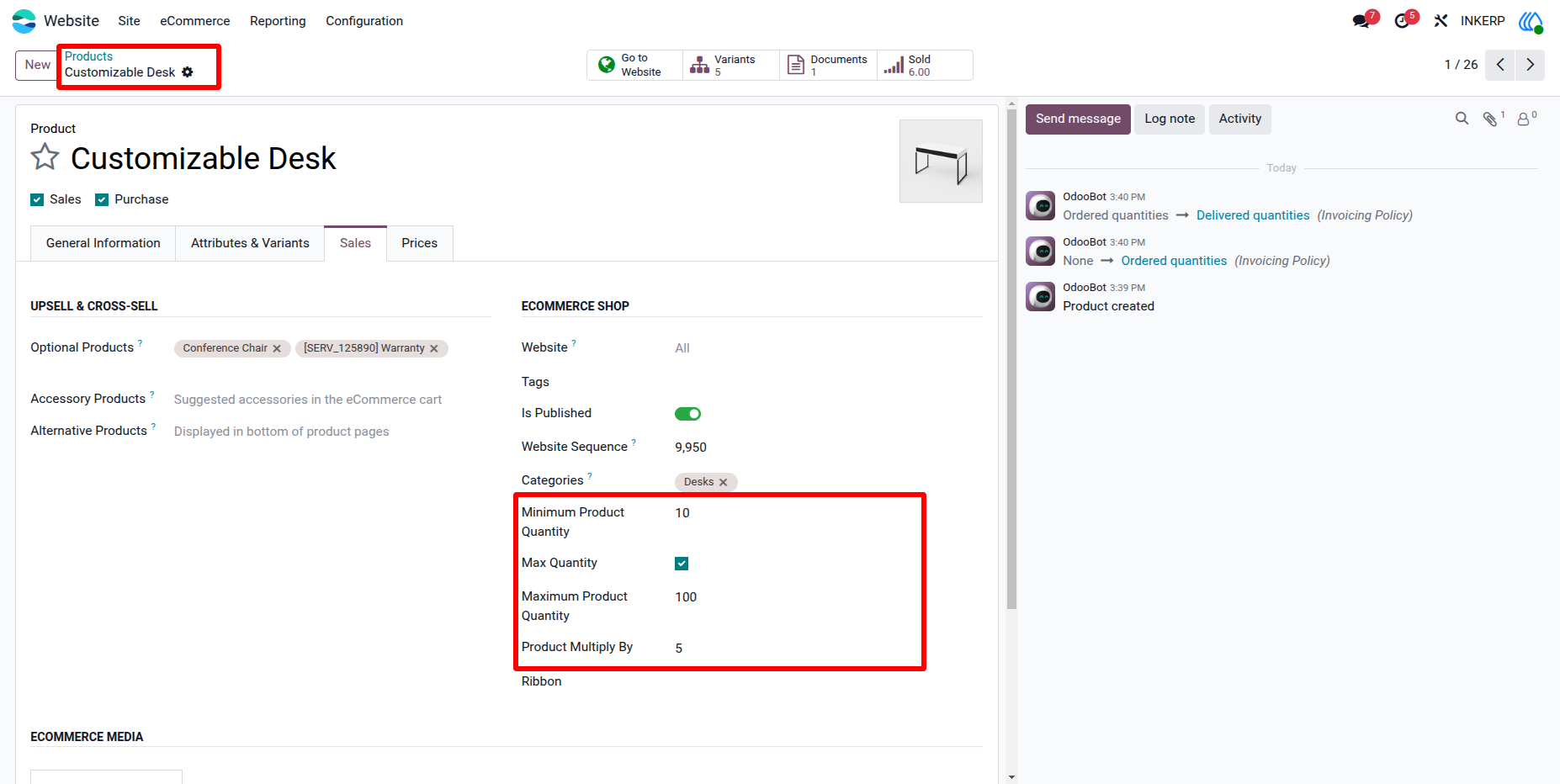
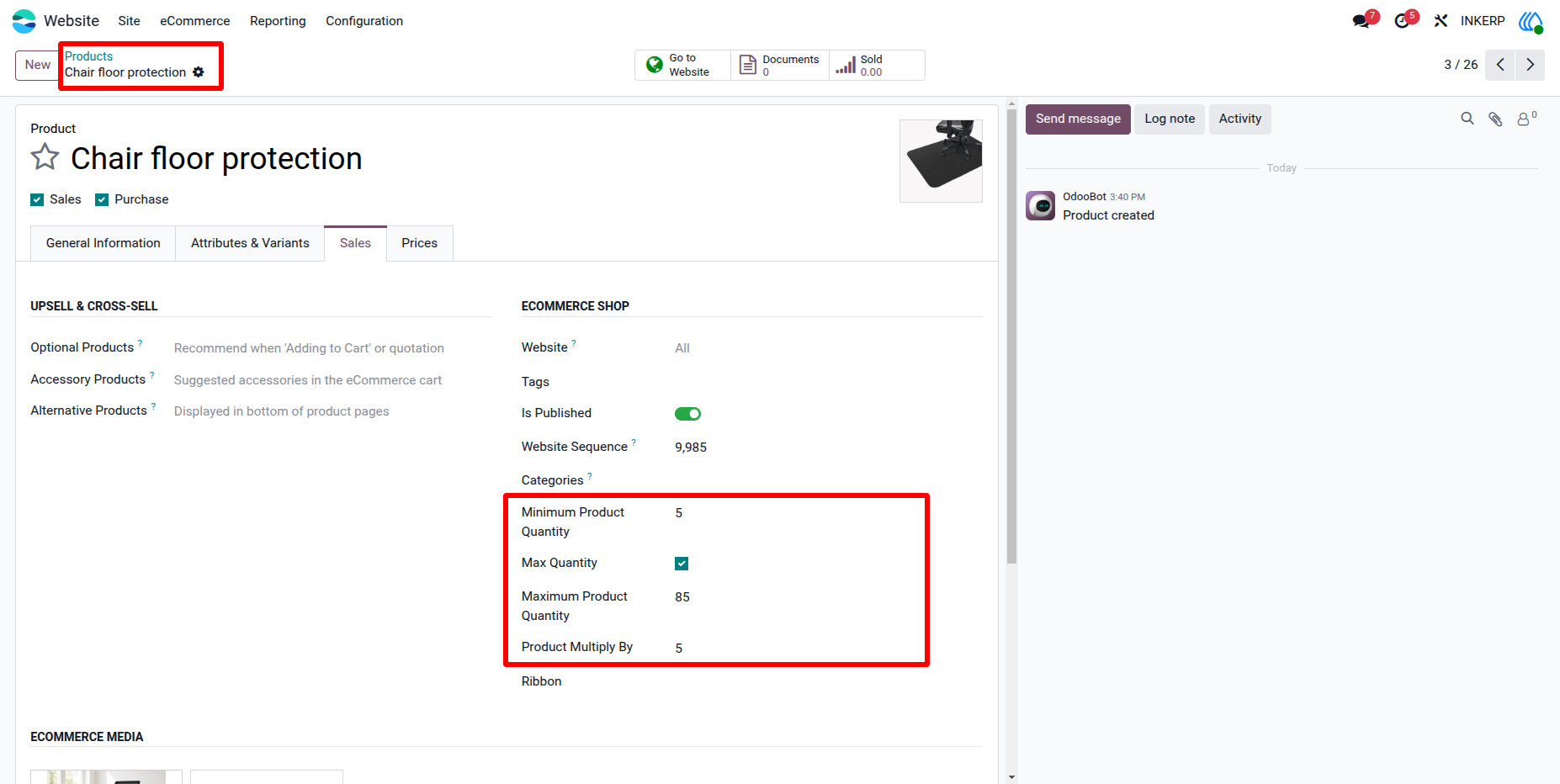
2.) Automatic Adjustment of Product Multiply By :
If 'Product Multiply By' is greater than 'Minimum Product Quantity' and 'Maximum Product Quantity', it will be automatically applied to both.
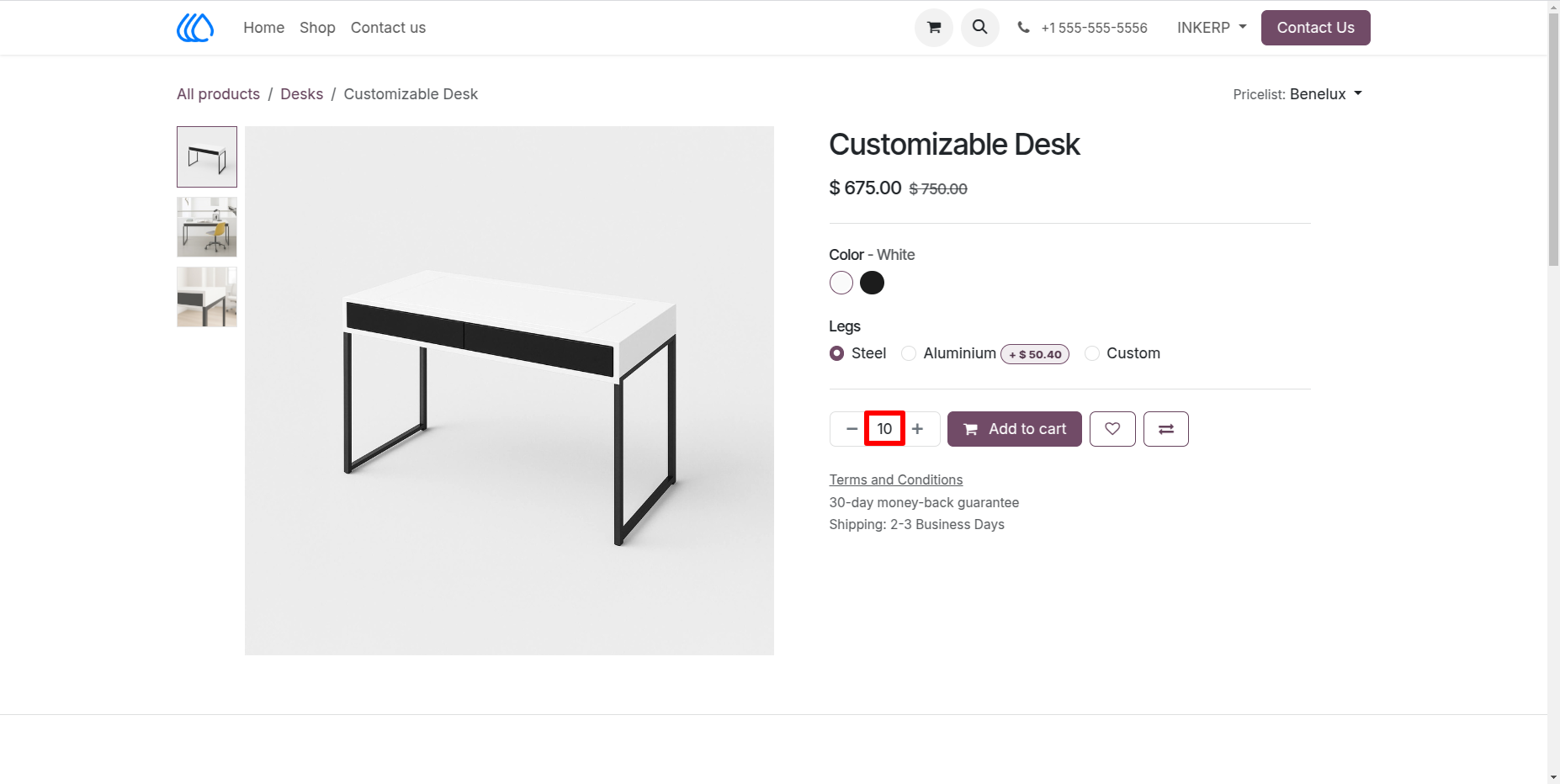
3.) Minimum Product Quantity Auto Set :
The default minimum product quantity is automatically applied to products.
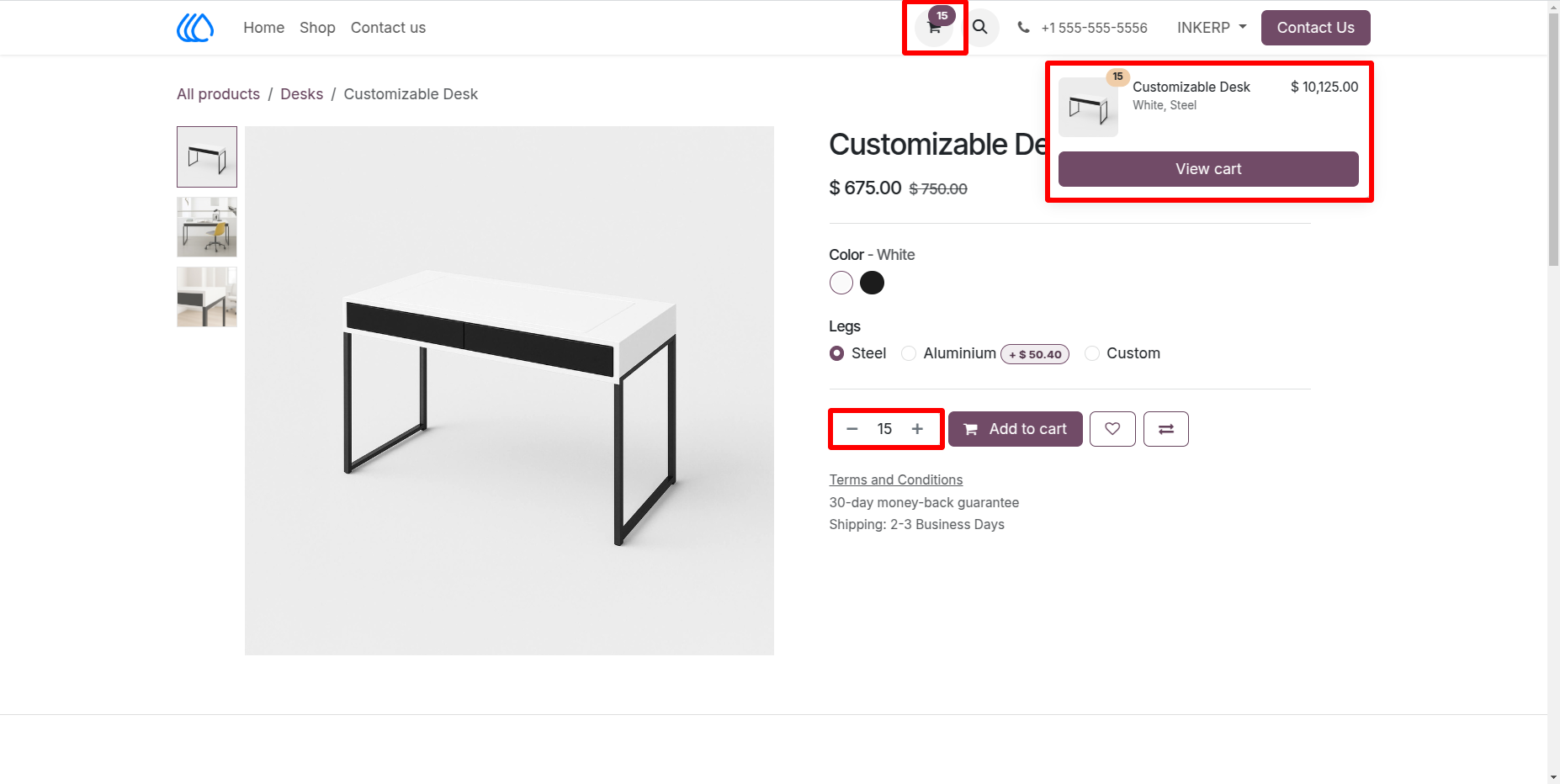
4.) Product Quantity Increment And Decrement :
The product quantity increases and decrease based on the value set in 'Product Multiply By' .
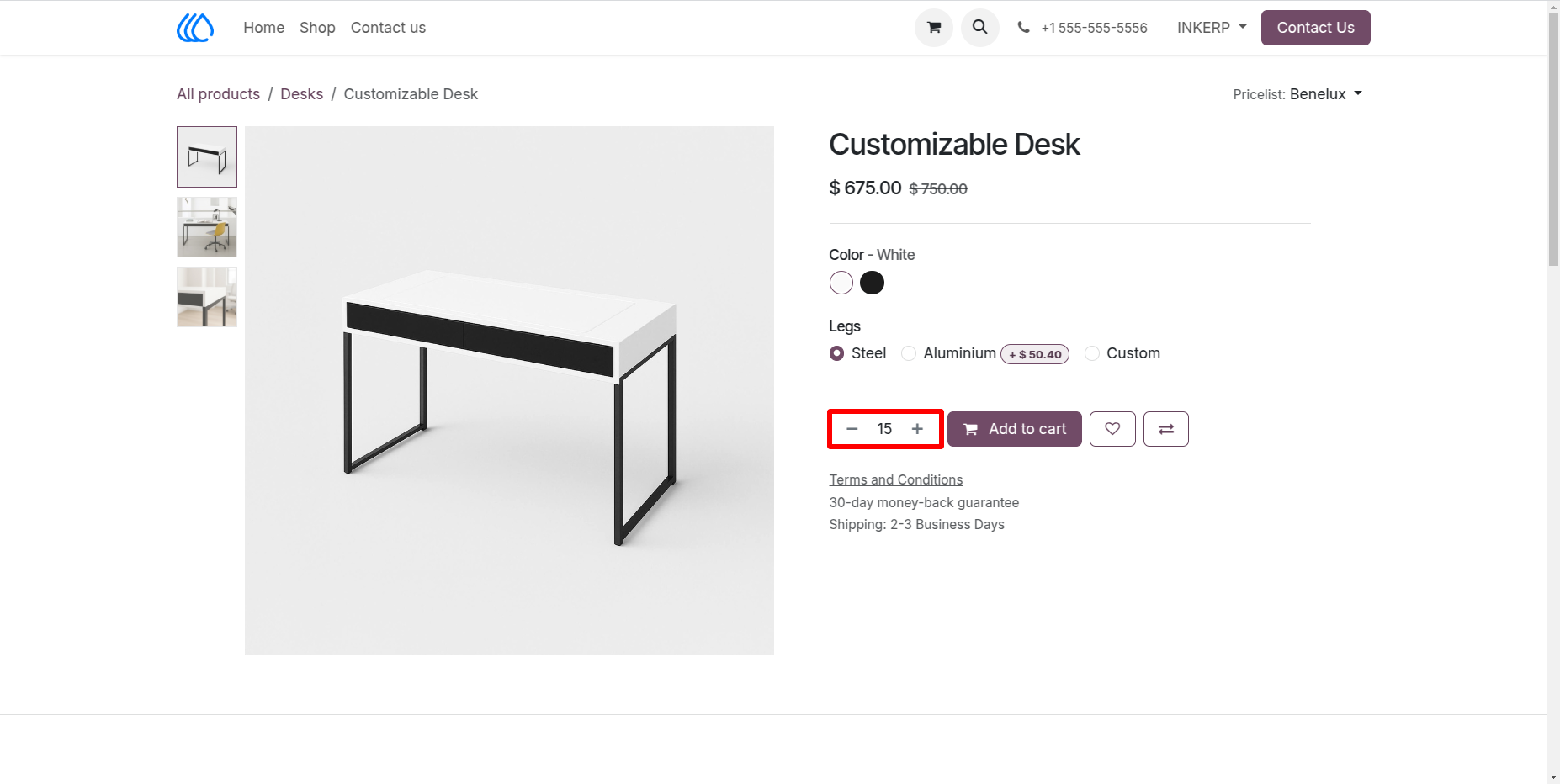
5.) Restriction on Custom Quantity Input in Cart :
Users cannot manually enter a quantity below the minimum or above the maximum set value.
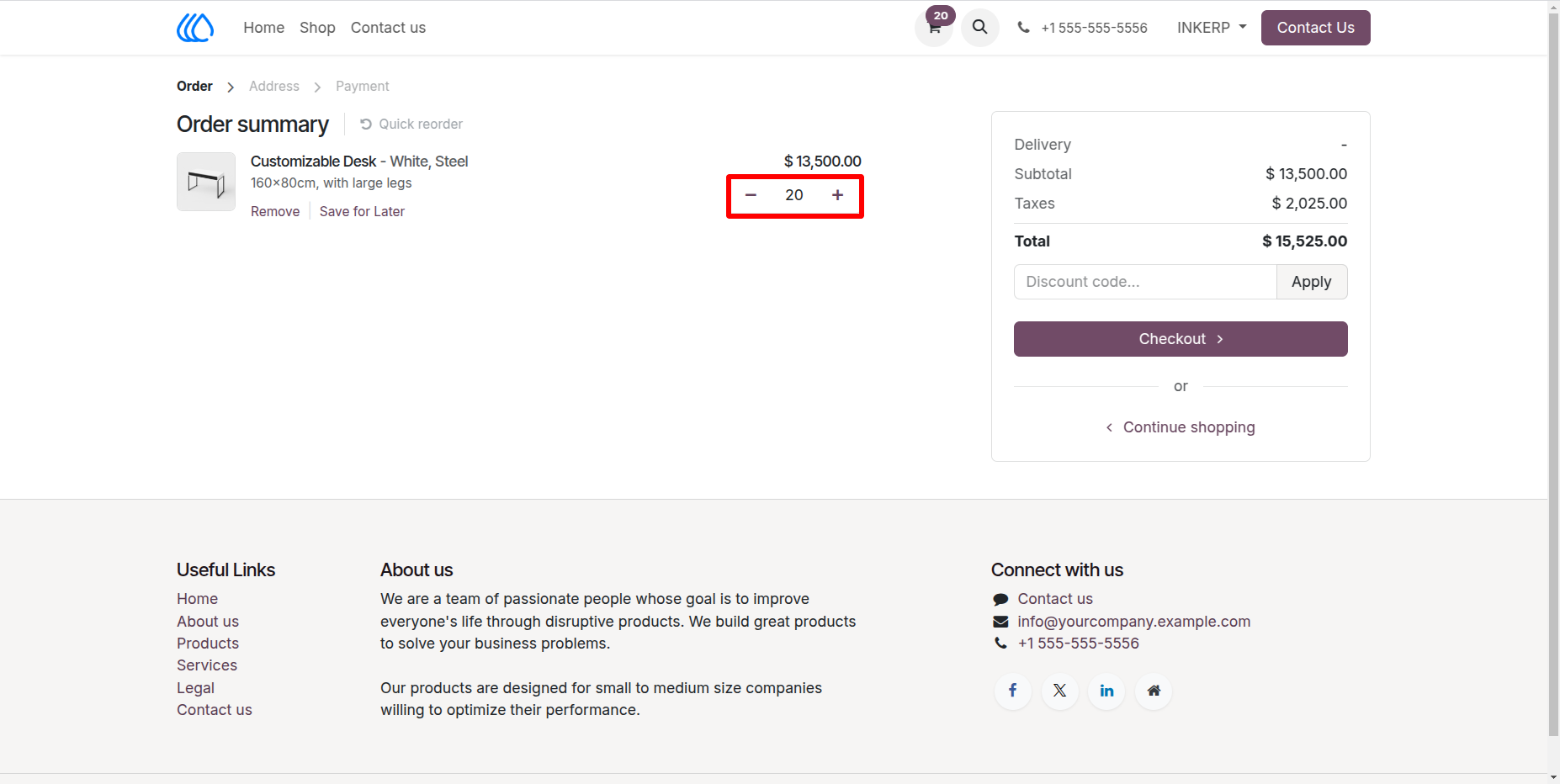
6.) Same Function Work in Cart Section :
User Guide