

Our Most Suggested Products


Material Purchase Requisitions
The Material Purchase Requisitions module for Odoo streamlines the internal procurement process by enabling employees to create, submit, and track material requests efficiently. It introduces a structured approval workflow involving department managers and requisition officers, ensuring transparency and accountability at every stage
Video Tutorial
 Features
 Screenshots
 Support
 Service
Features
Employee Requisition Creation
Employees are empowered to create and manage their own material requisition requests with ease. Multiple items can be added within a single requisition, allowing users to consolidate their needs into one structured request.
Approval Workflow with Notifications
A structured approval process enables department managers and requisition officers to review, approve, or reject requests efficiently. At every stage of the workflow, automated email notifications keep all stakeholders informed about the status of the requisition.
Flexible Requisition Fulfillment Options
Users have the flexibility to determine how requisitions should be fulfilled based on availability and business needs. Requests can either be satisfied directly from existing stock or processed through vendor purchase orders.
Automated Warehouse & Procurement Handling
The module intelligently manages fulfillment by integrating with warehouse and procurement operations. When stock is available, internal picking orders are generated automatically to ensure quick delivery. In cases where stock is insufficient, the system seamlessly triggers procurement processes, reducing manual intervention and ensuring uninterrupted supply.
Comprehensive Reporting & Documentation
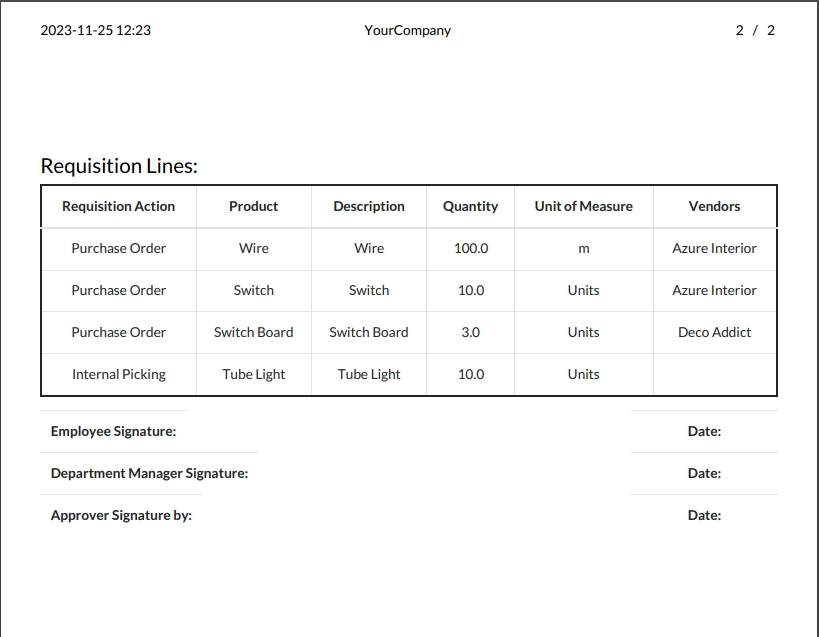
Both employees and managers can generate detailed PDF reports of material requisitions for record-keeping and analysis. These reports provide a clear overview of request details, approval history, and fulfillment status.
Screenshot
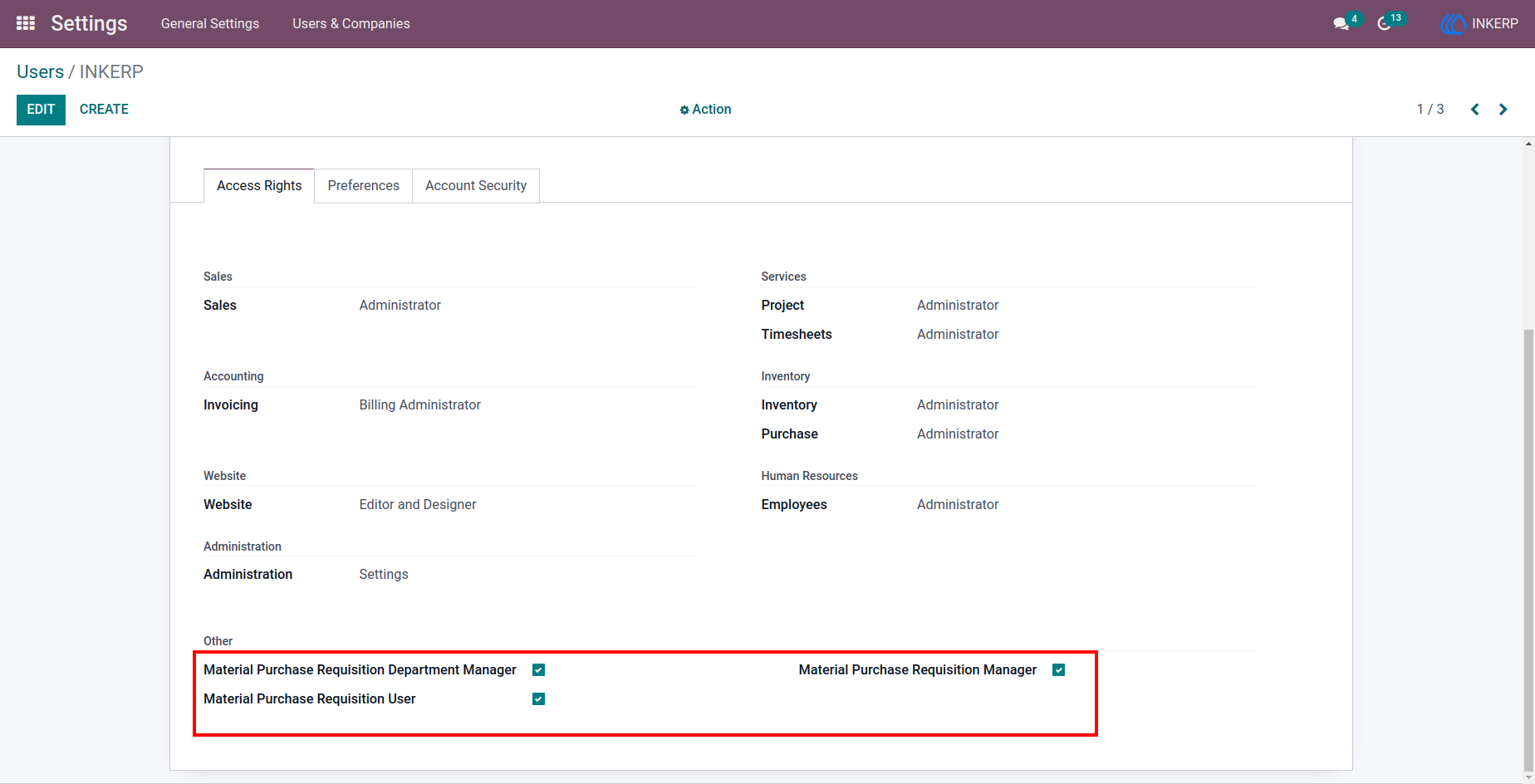
1.) Role Assignment Setup
Manage user roles to define permissions for requisition creation, approval, and management.
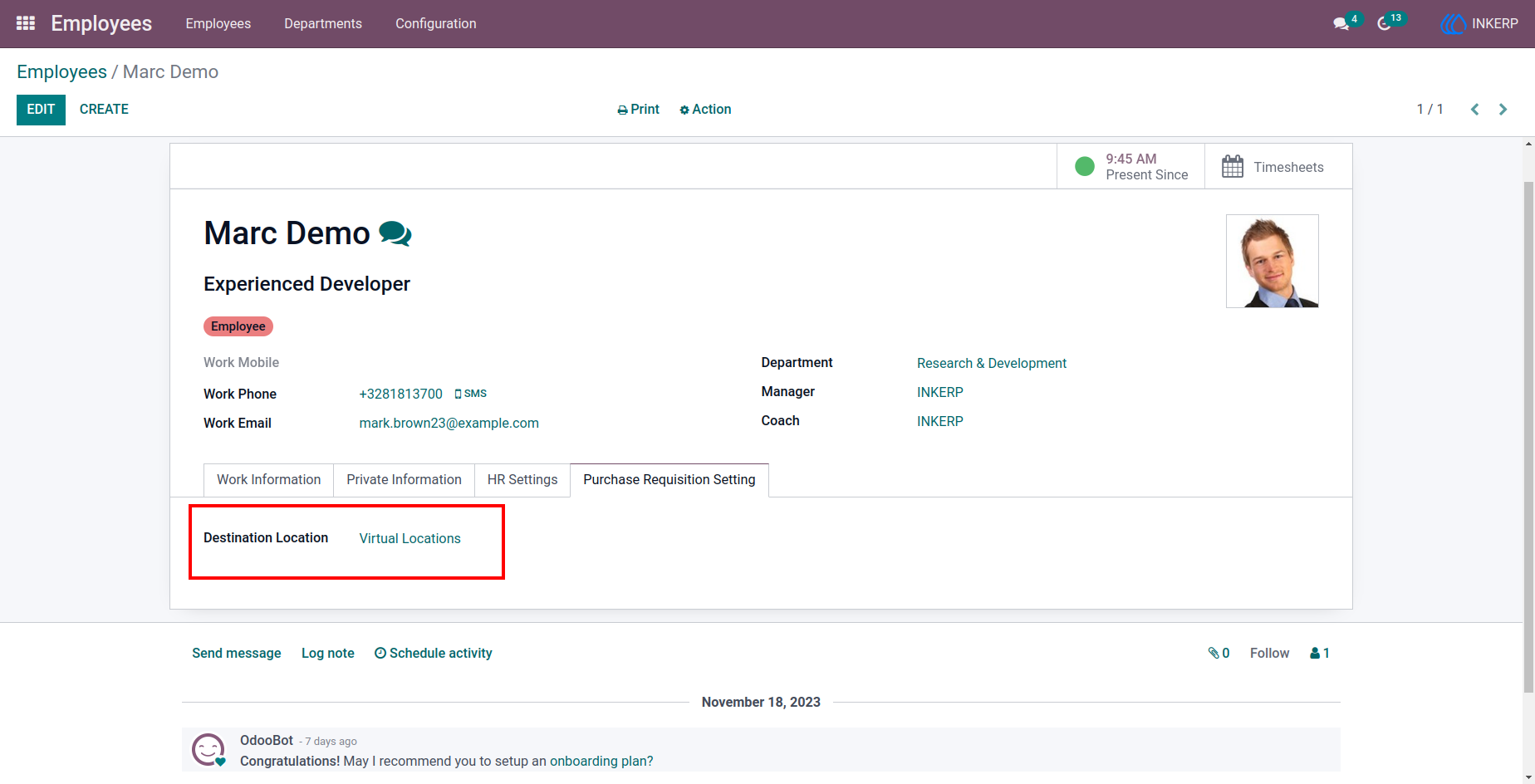
2.) Employee Stock Location
Assign a default delivery location for each employee to ensure accurate material distribution.
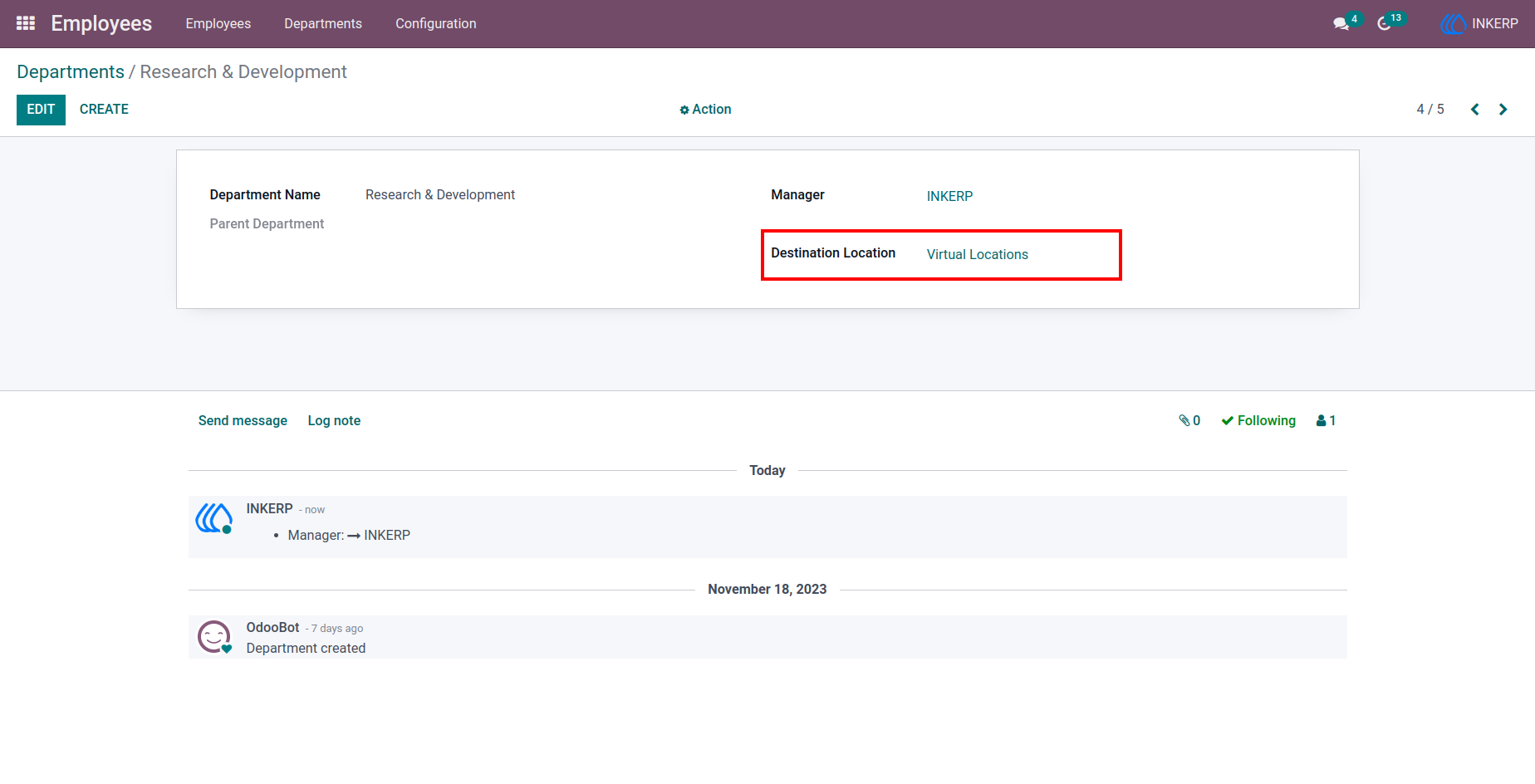
3.) Department Stock Location
Configure stock destinations for departments to streamline request fulfillment.
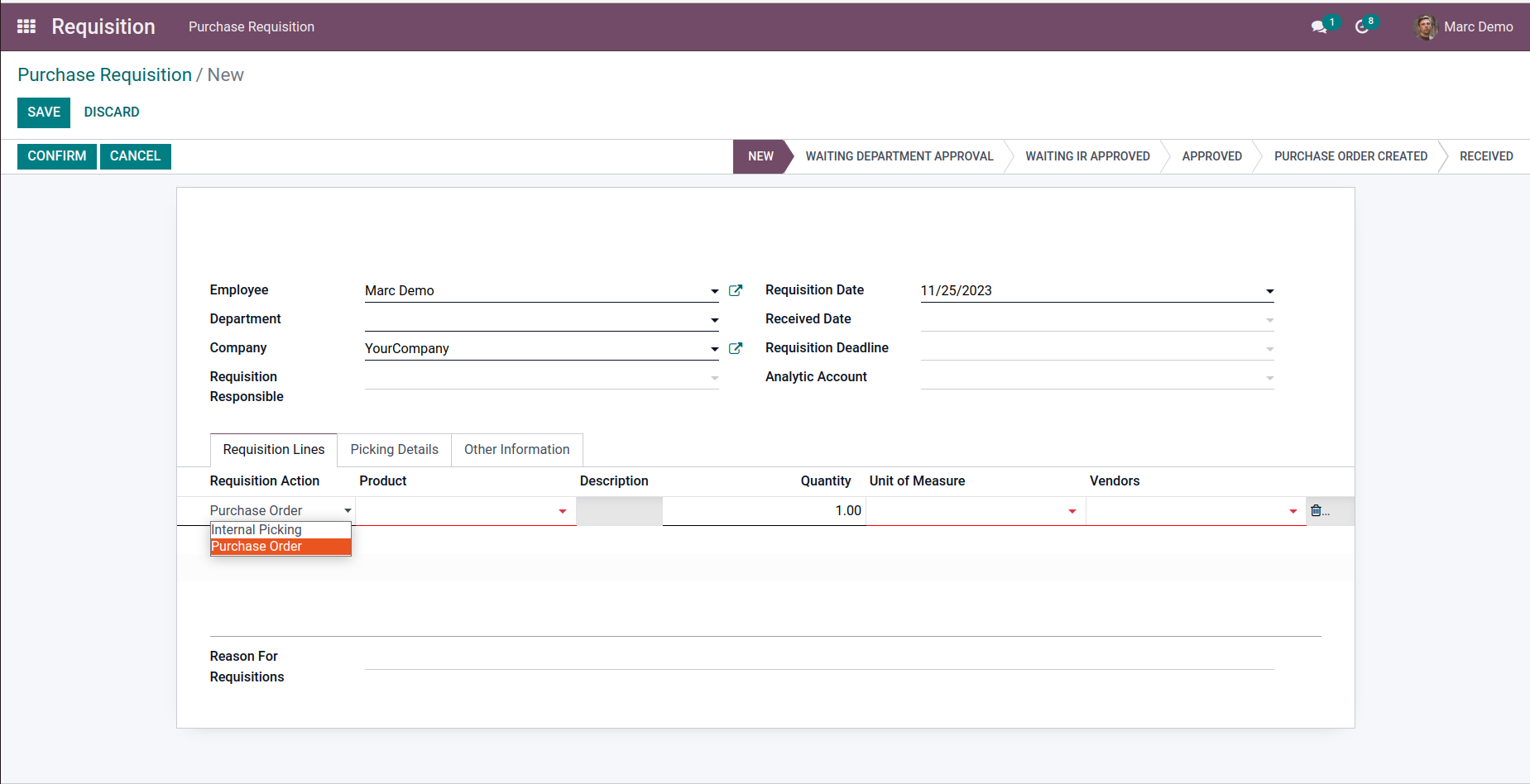
4.) Requisition Action Selection
Select whether requisitions will be fulfilled via internal transfer or purchase order.
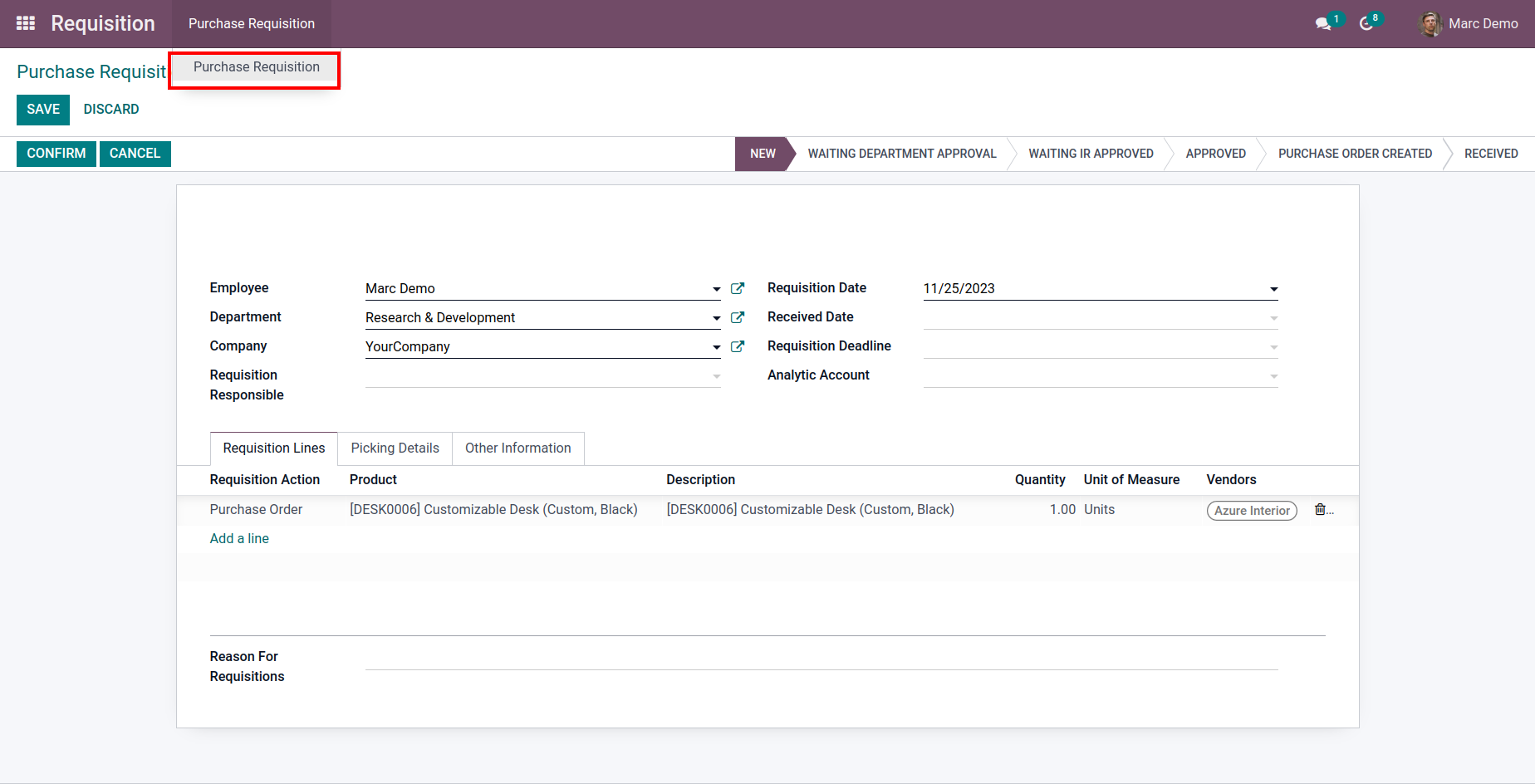
5.) Create Material Request
Submit requisitions by adding required materials and quantities in a structured form.
6.) Requisition Line Details
View detailed information for each requested item within a requisition.
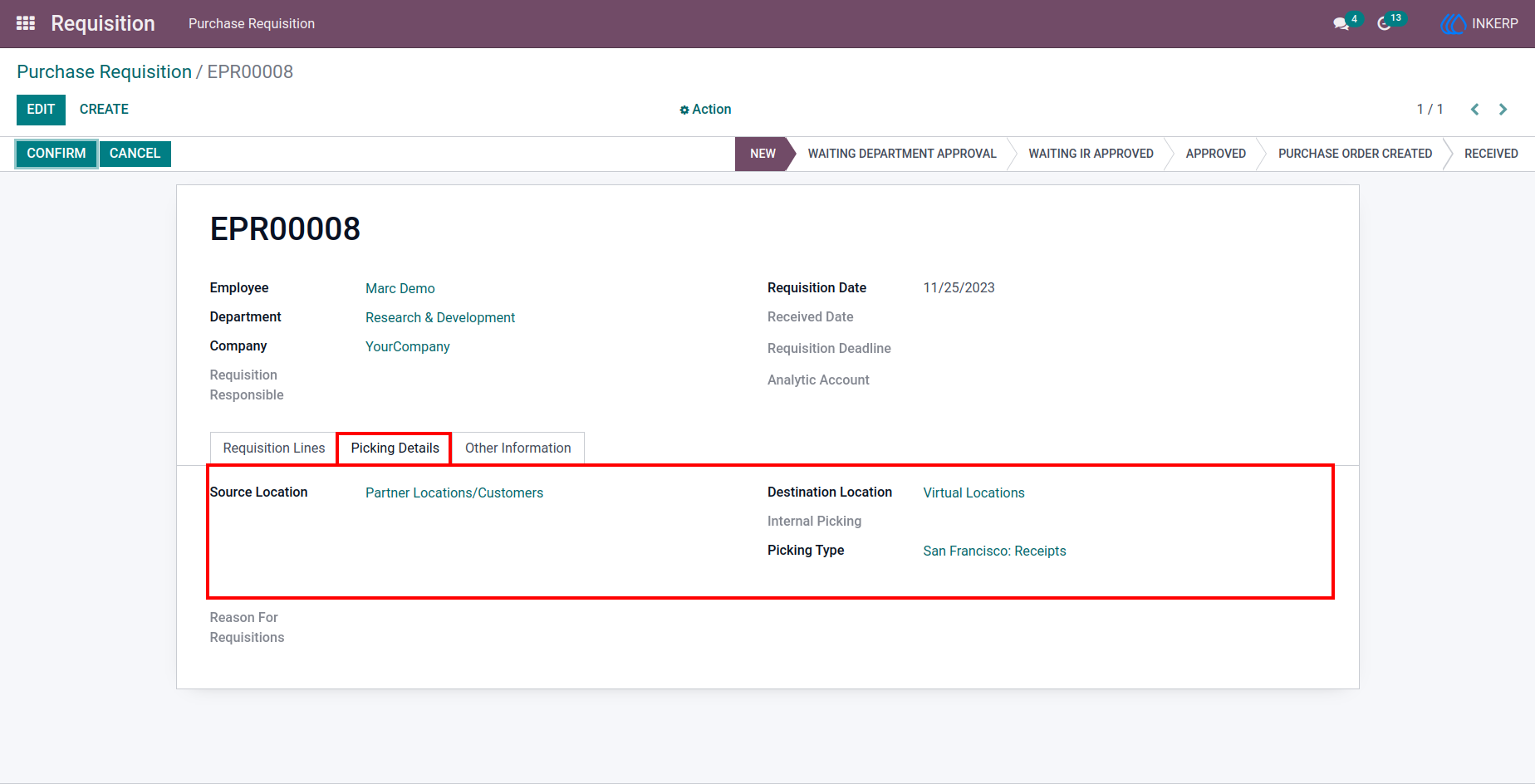
7.) Picking Details View
Access information about stock movements related to requisition fulfillment.
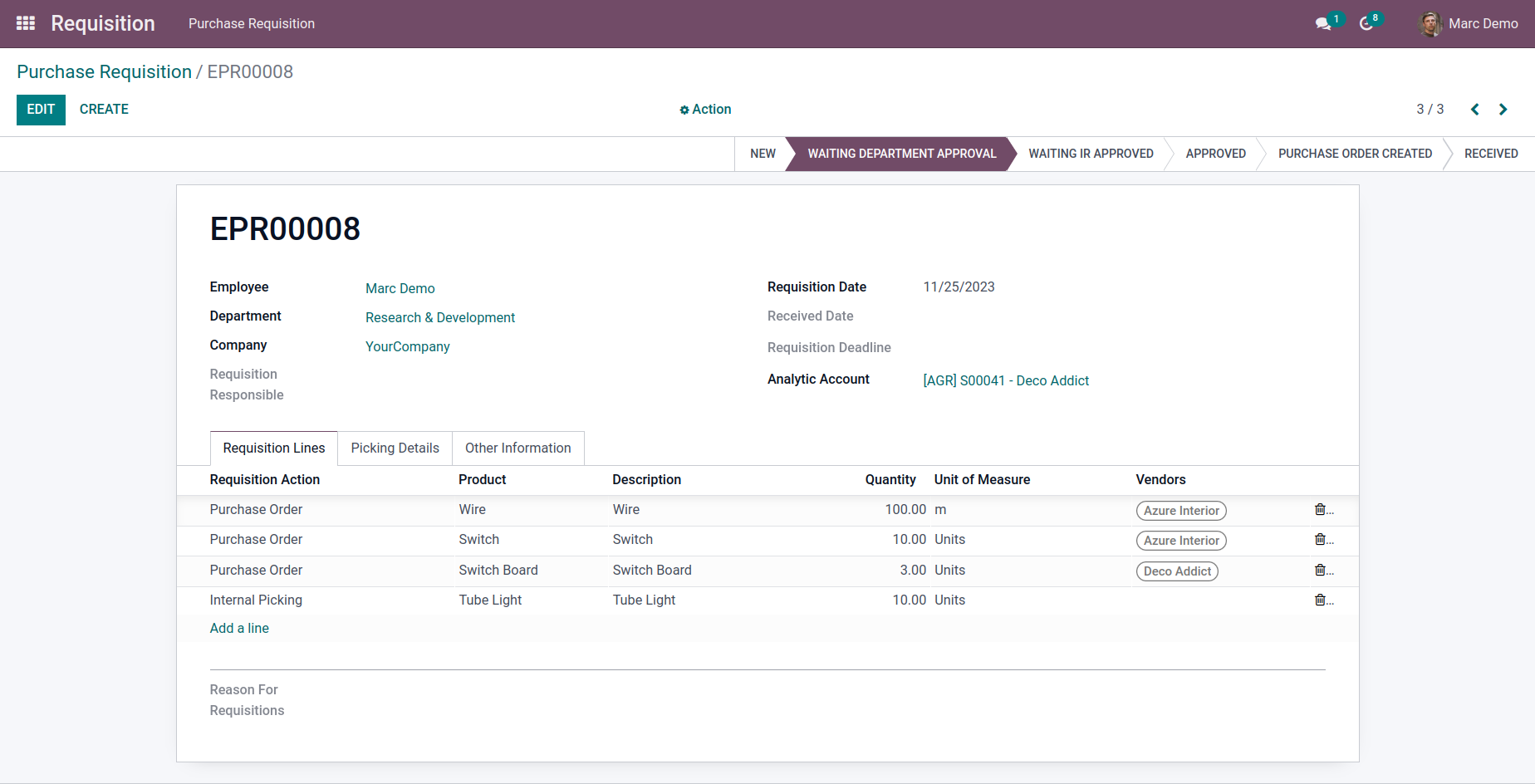
8.) Pending Approval Overview
Monitor requisitions that are awaiting approval from responsible authorities.
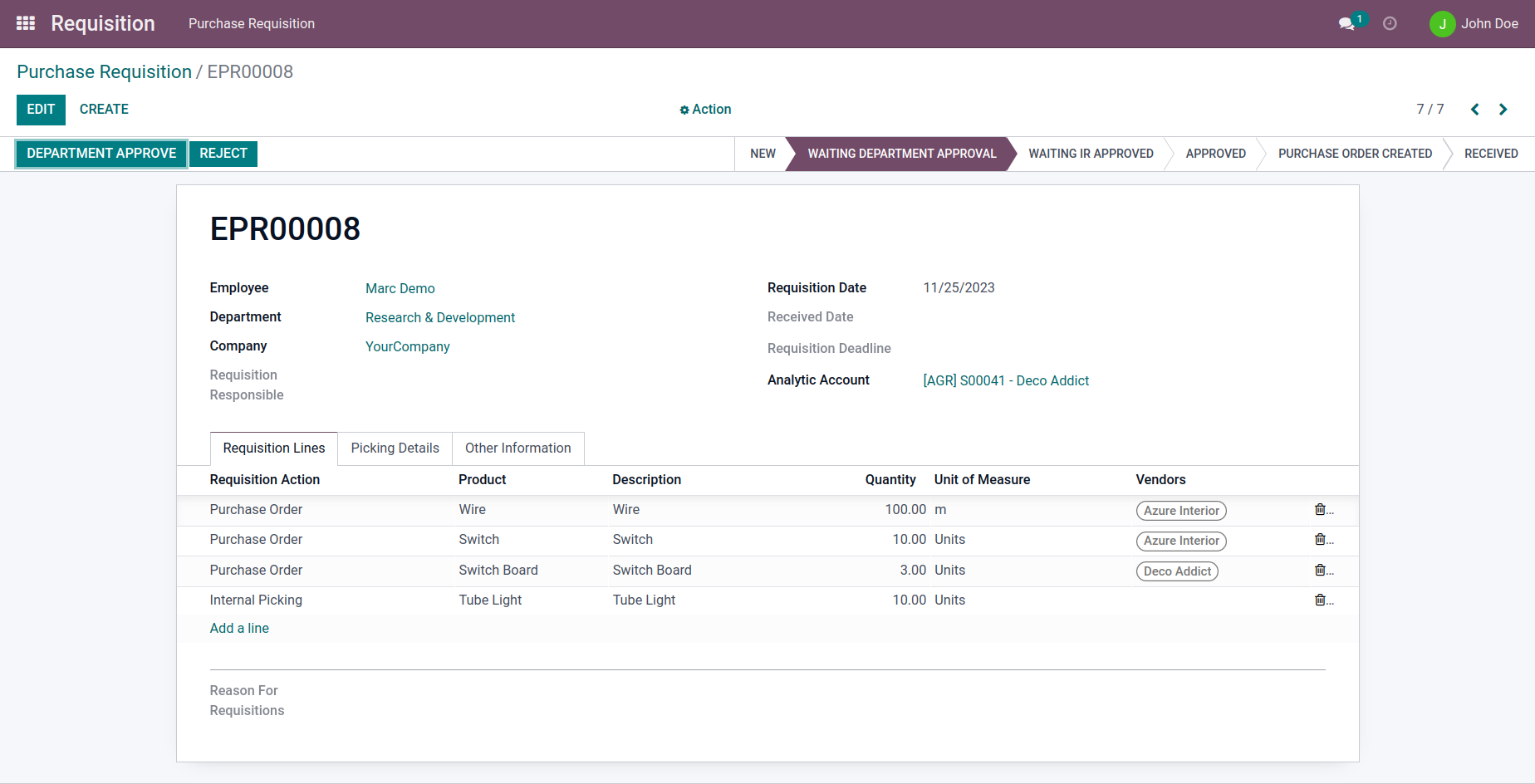
9.) Department Approval Action
Approve or reject requests at the department level to validate requirements.
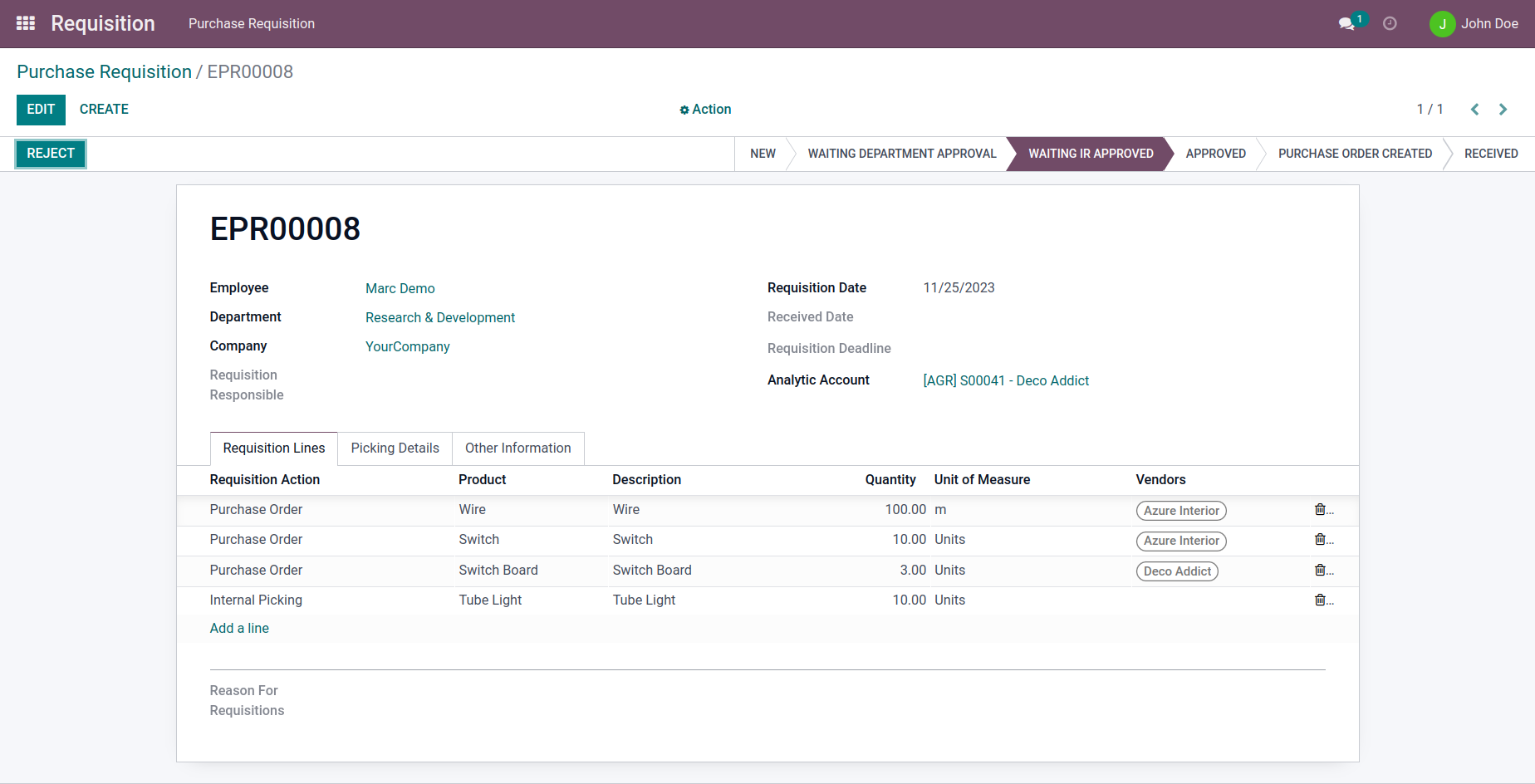
10.) Secondary Approval Stage
Process requisitions after initial approval to move them toward fulfillment.
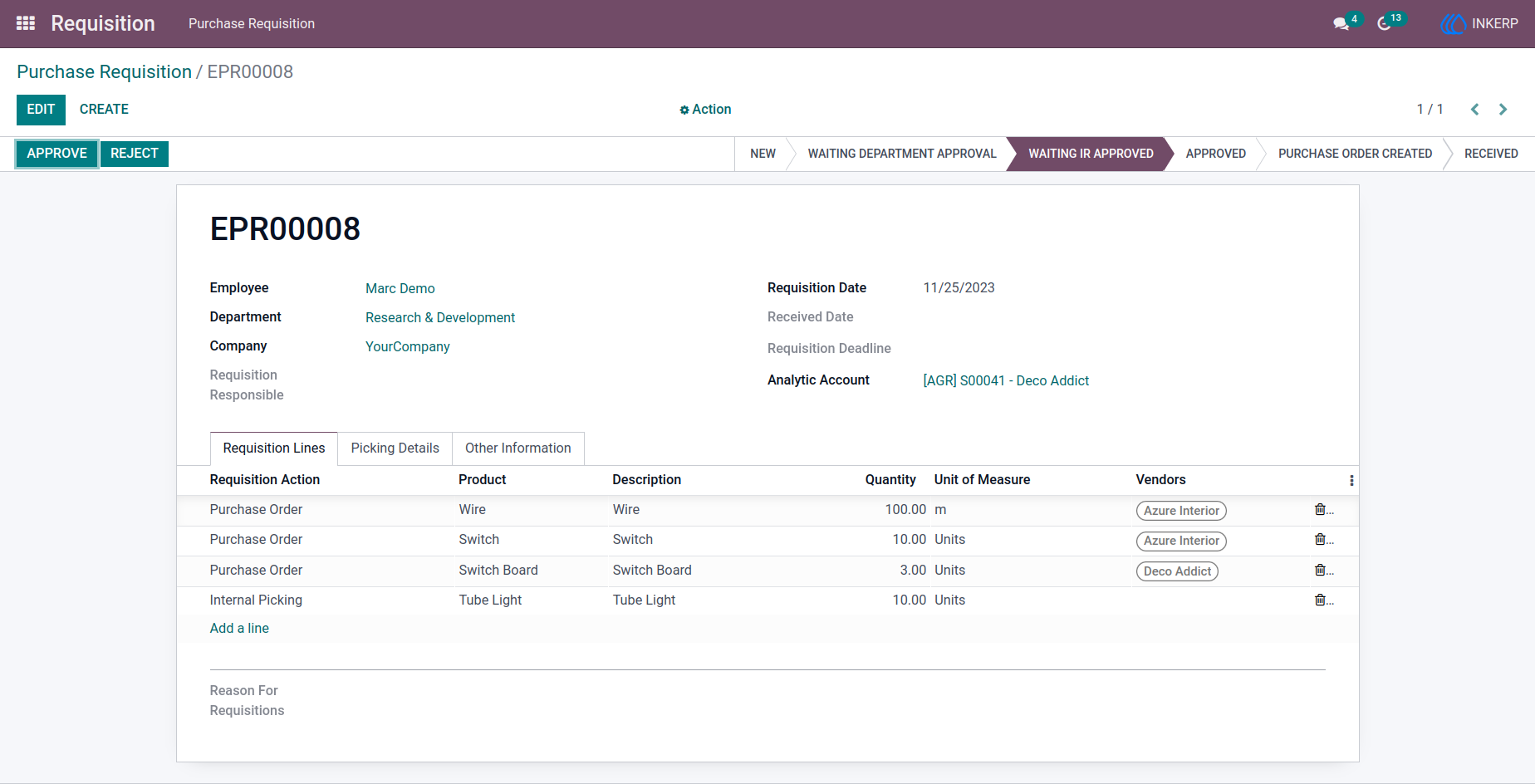
11.) Requisition Action Processing
Execute actions to convert approved requisitions into operational tasks.
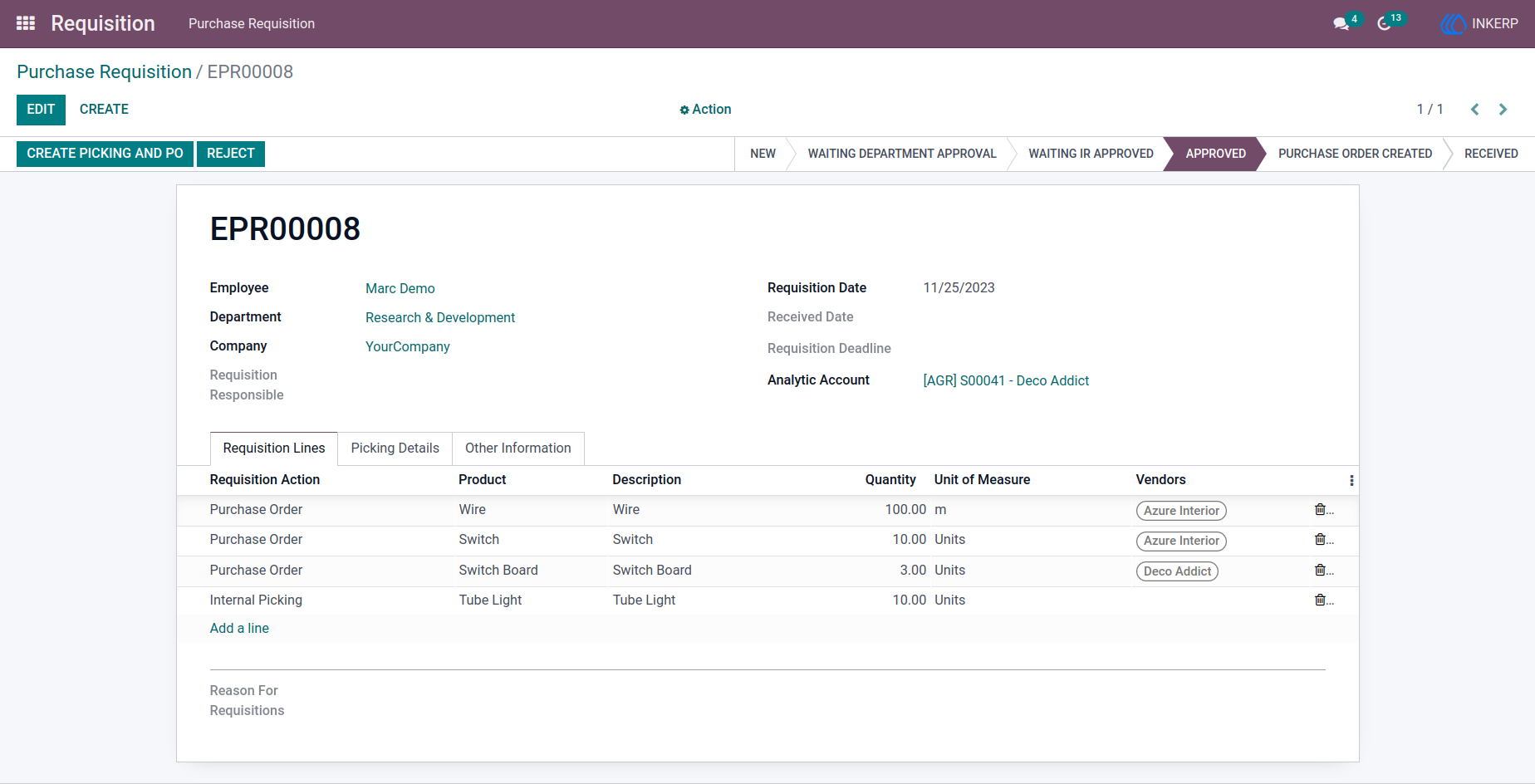
12.) Create Internal Picking
Generate internal transfers for available stock to fulfill requests quickly.
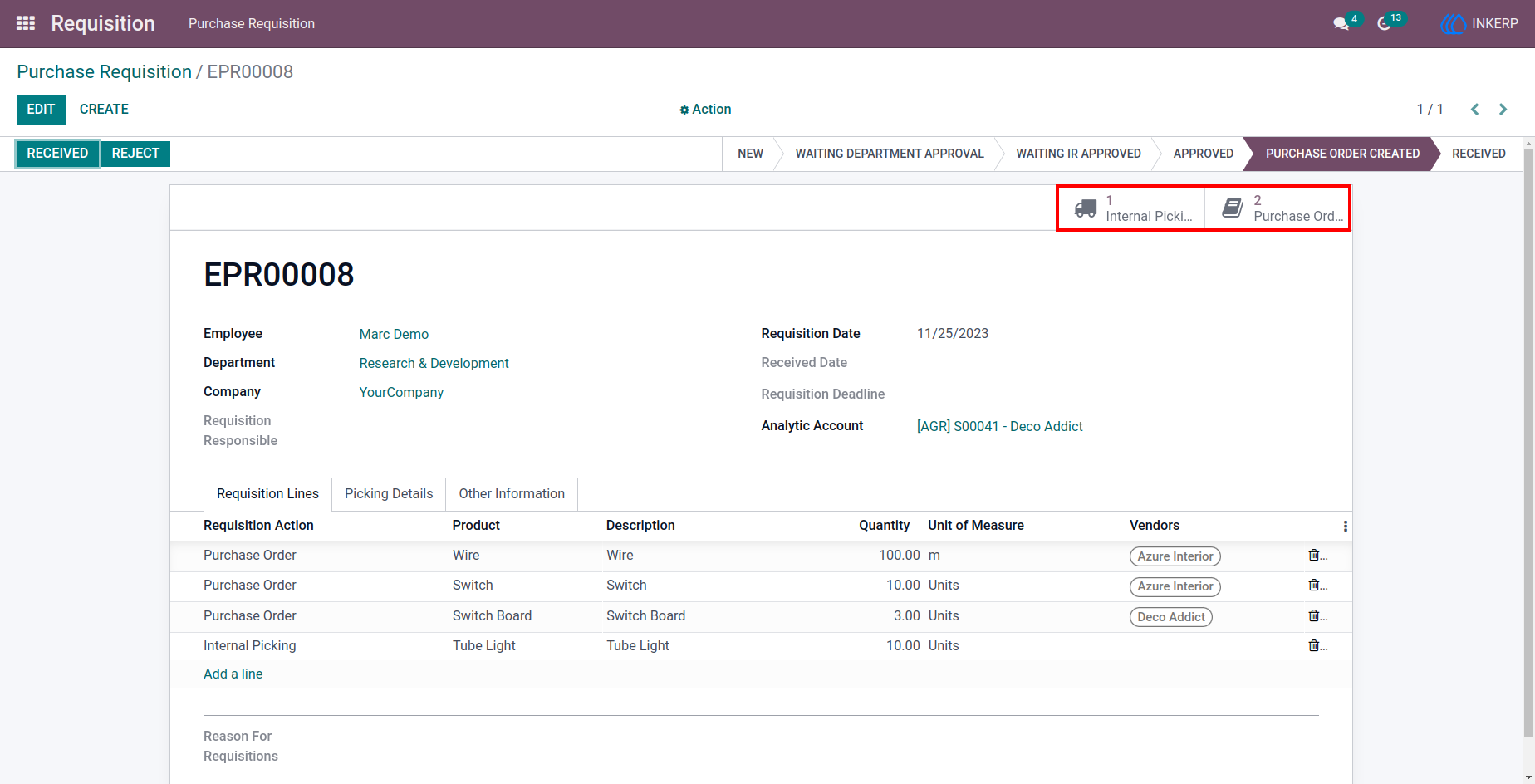
13.) Create Purchase Orders
Initiate procurement by generating purchase orders for unavailable items.
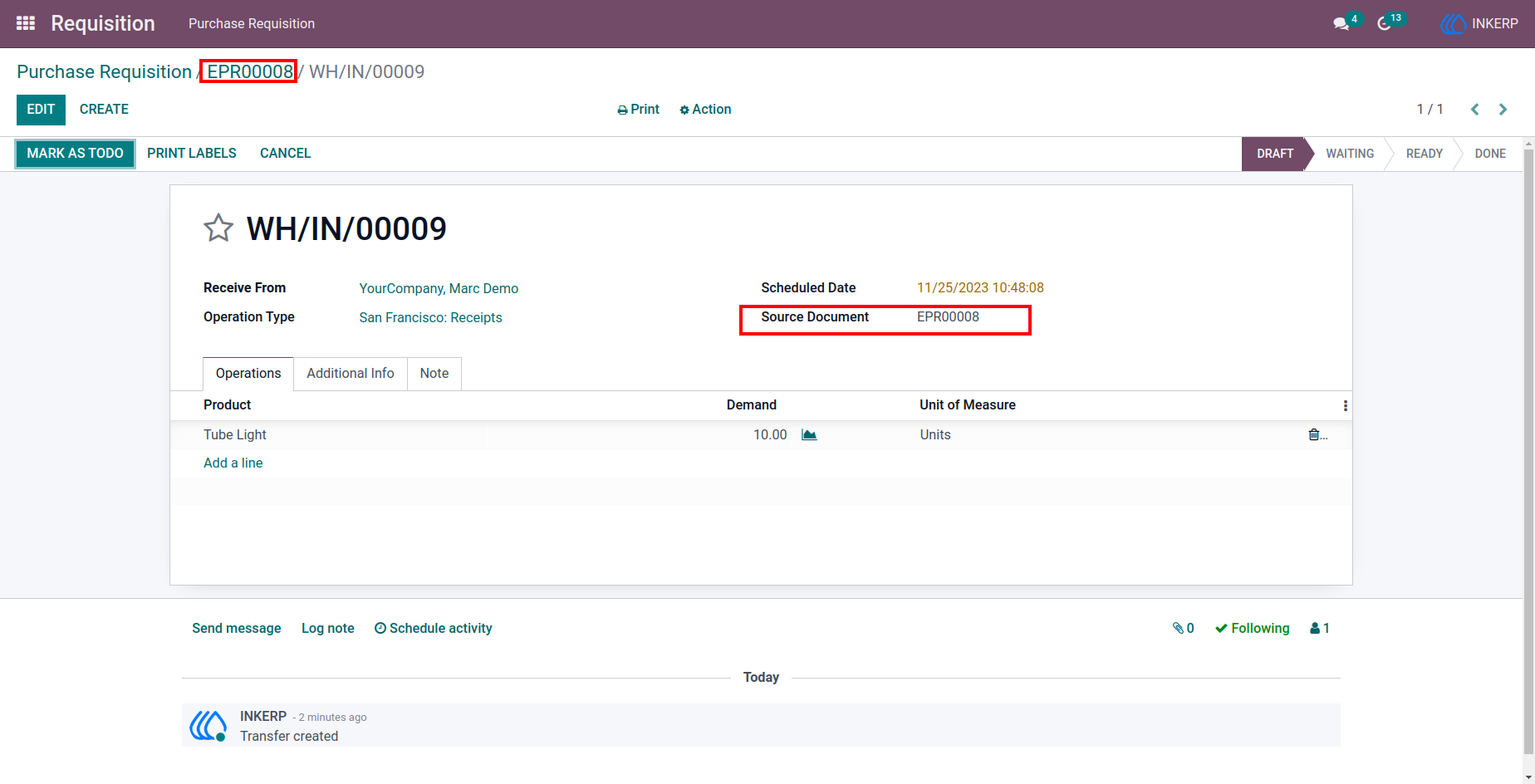
14.) Vendor Selection for Orders
Choose vendors when creating purchase orders from requisitions.
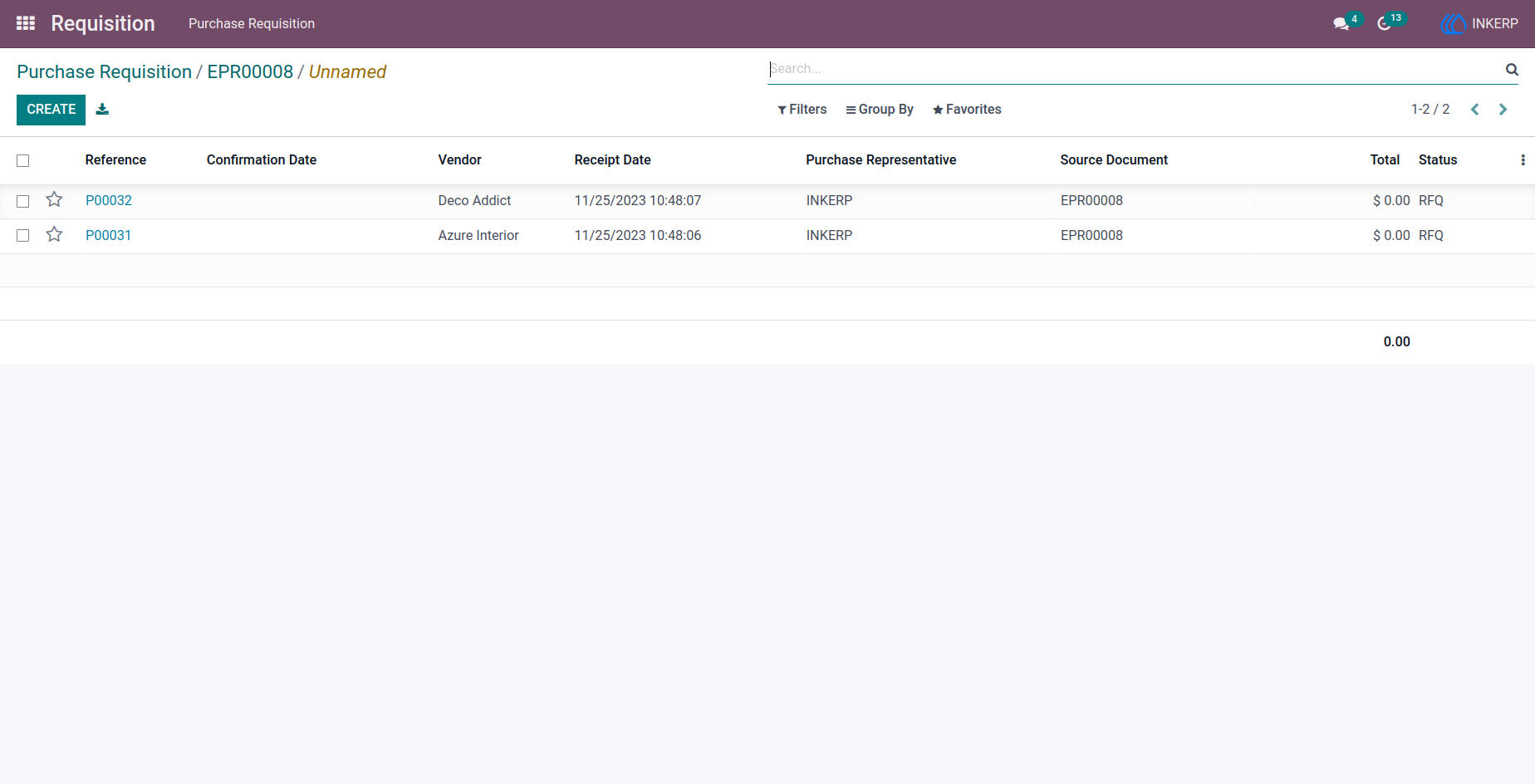
15.) Internal Picking List
Track all internal transfer operations created from requisitions.
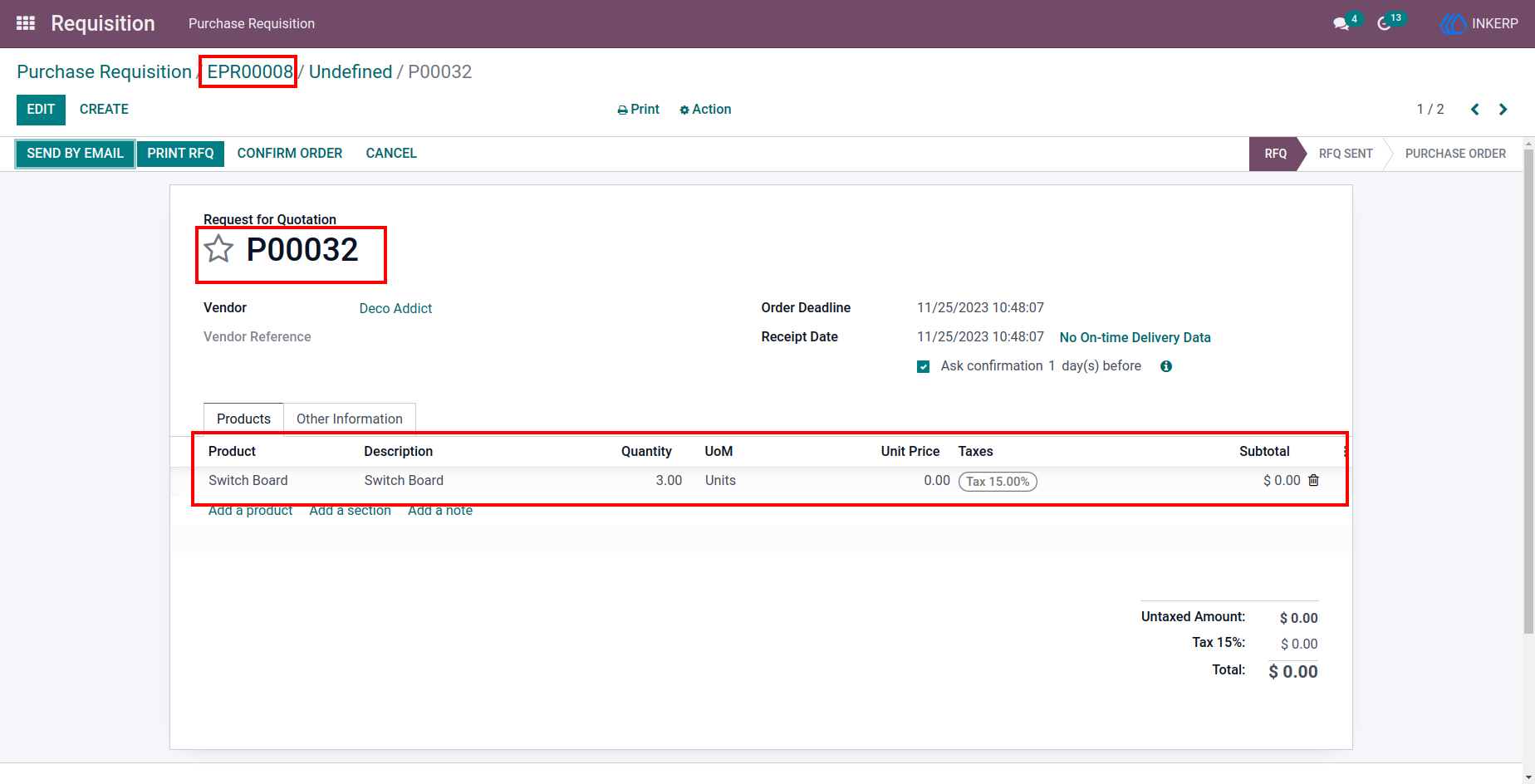
16.) Purchase Order List
View all purchase orders generated through requisition processing.
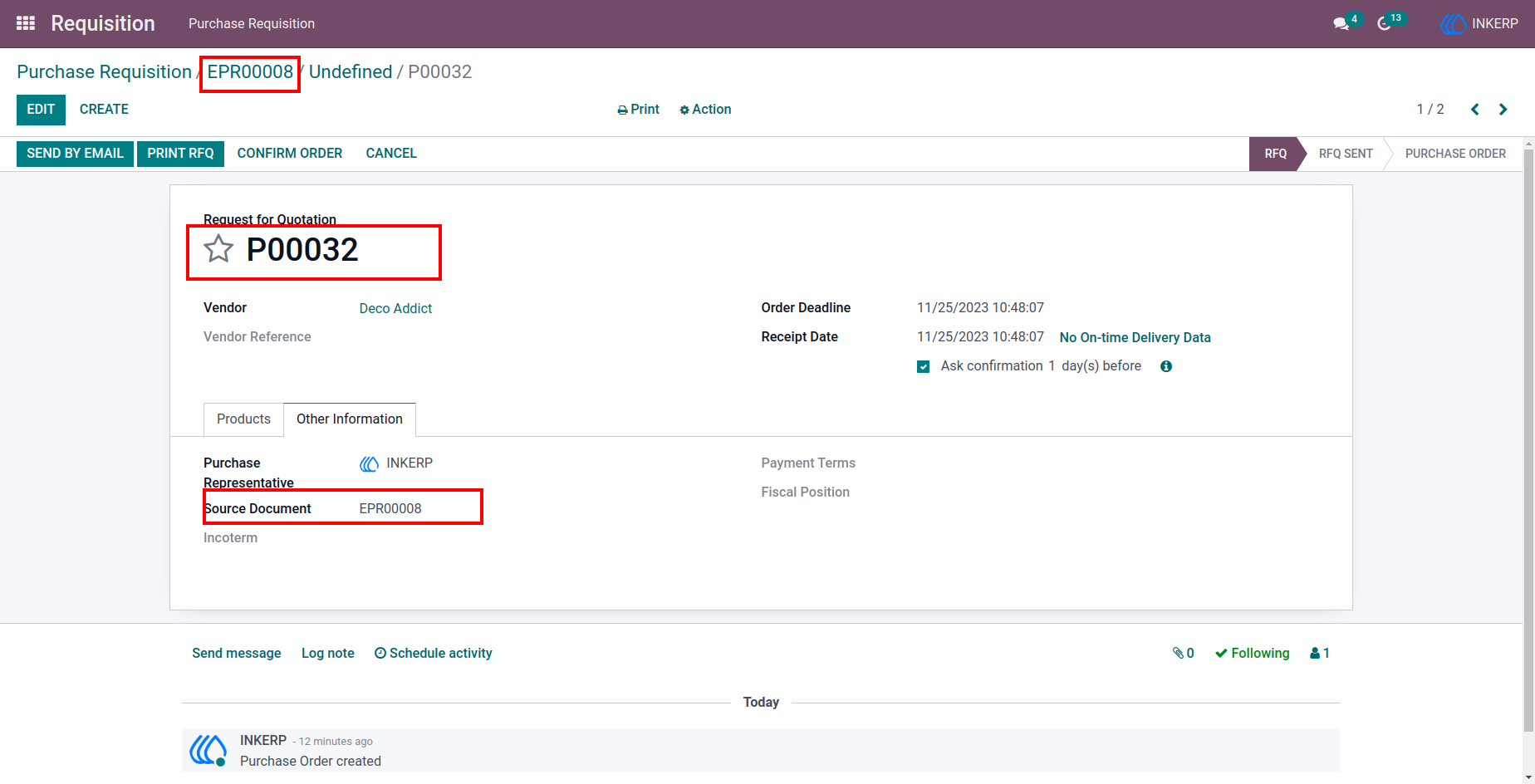
17.) Purchase Order Details
Review vendor, product, and pricing details for a specific purchase order.
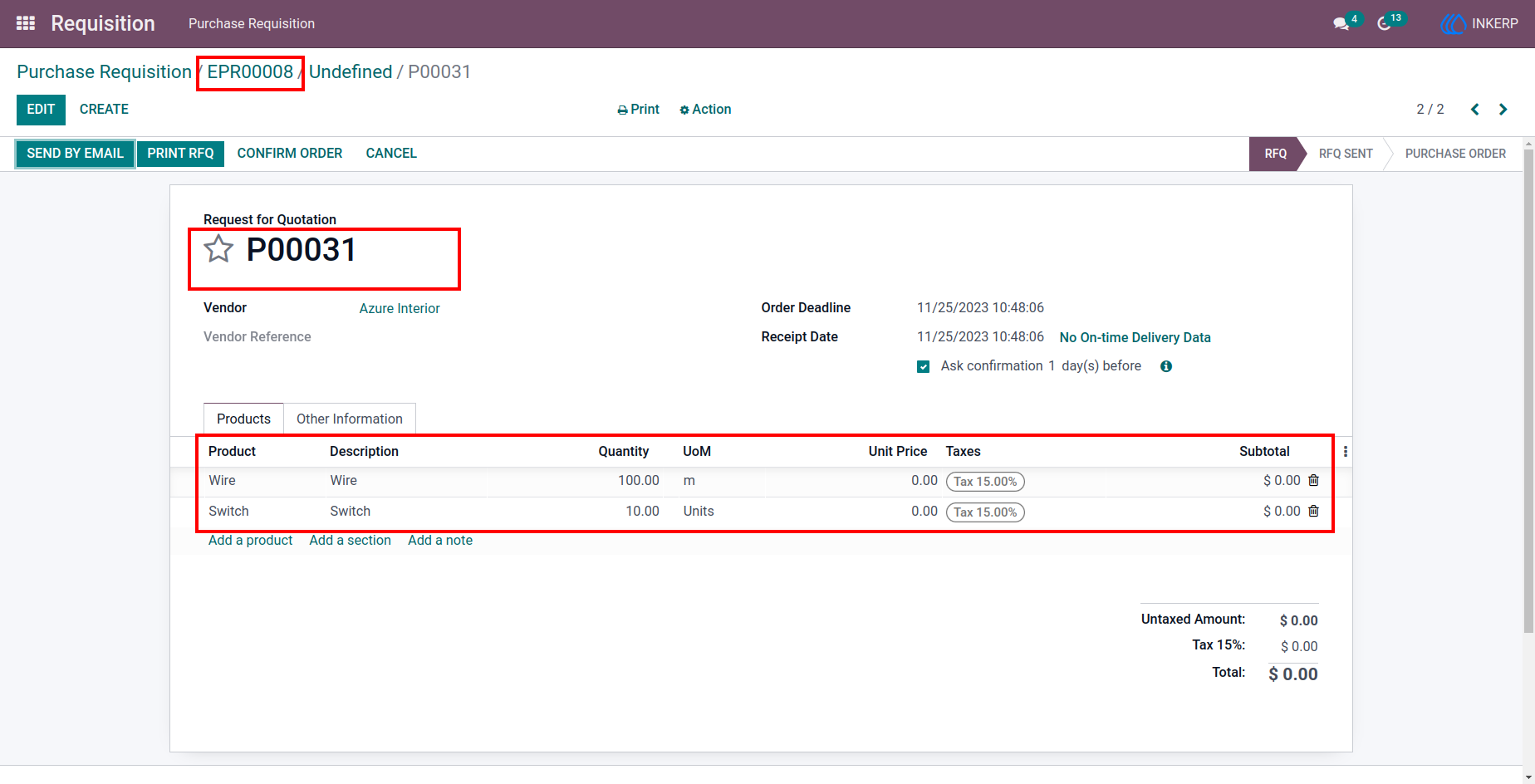
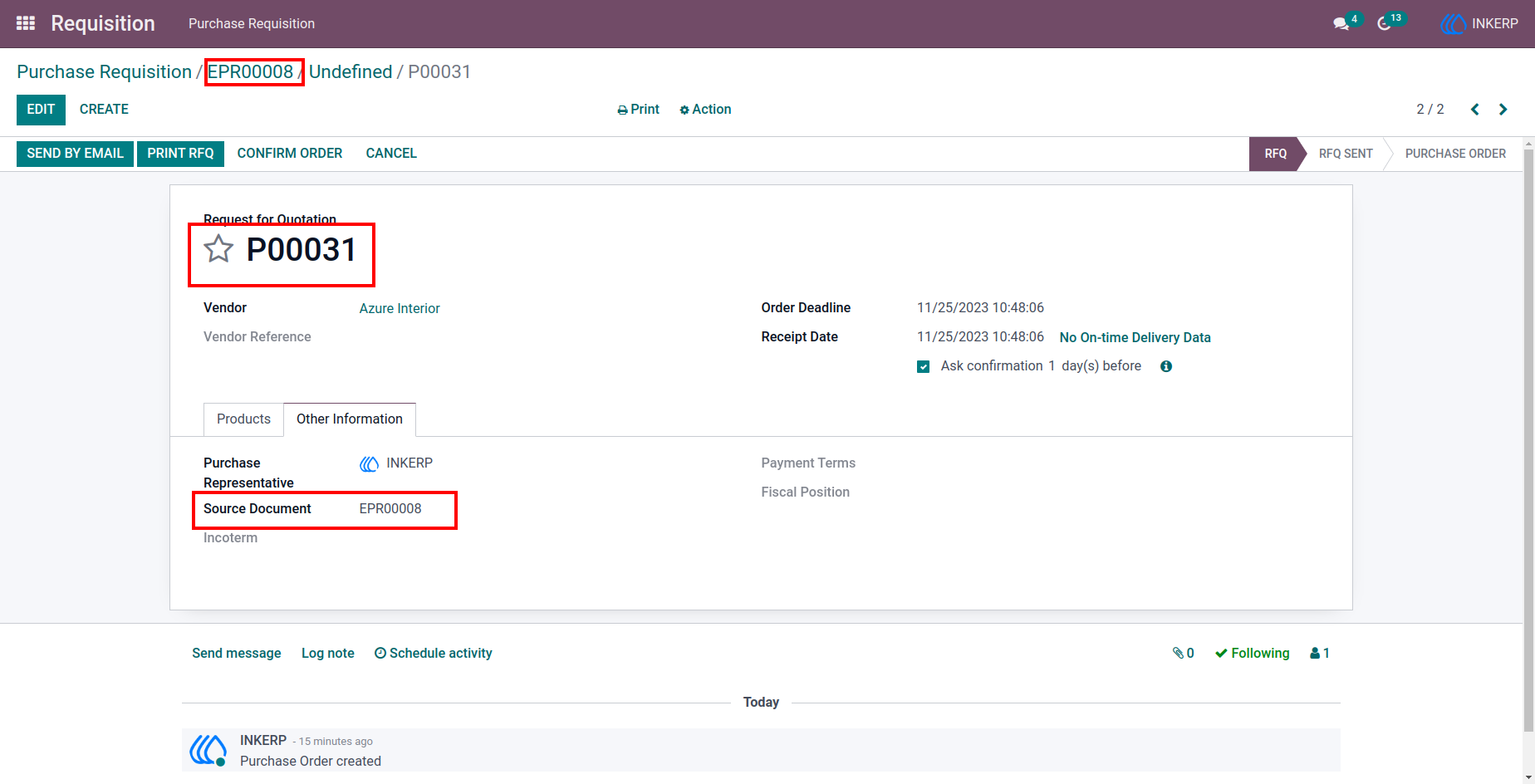
18.) Purchase Order Details
Analyze another purchase order with complete item and status information.
19.) Requisition Report Generation
Generate a PDF report summarizing requisition details and approvals.
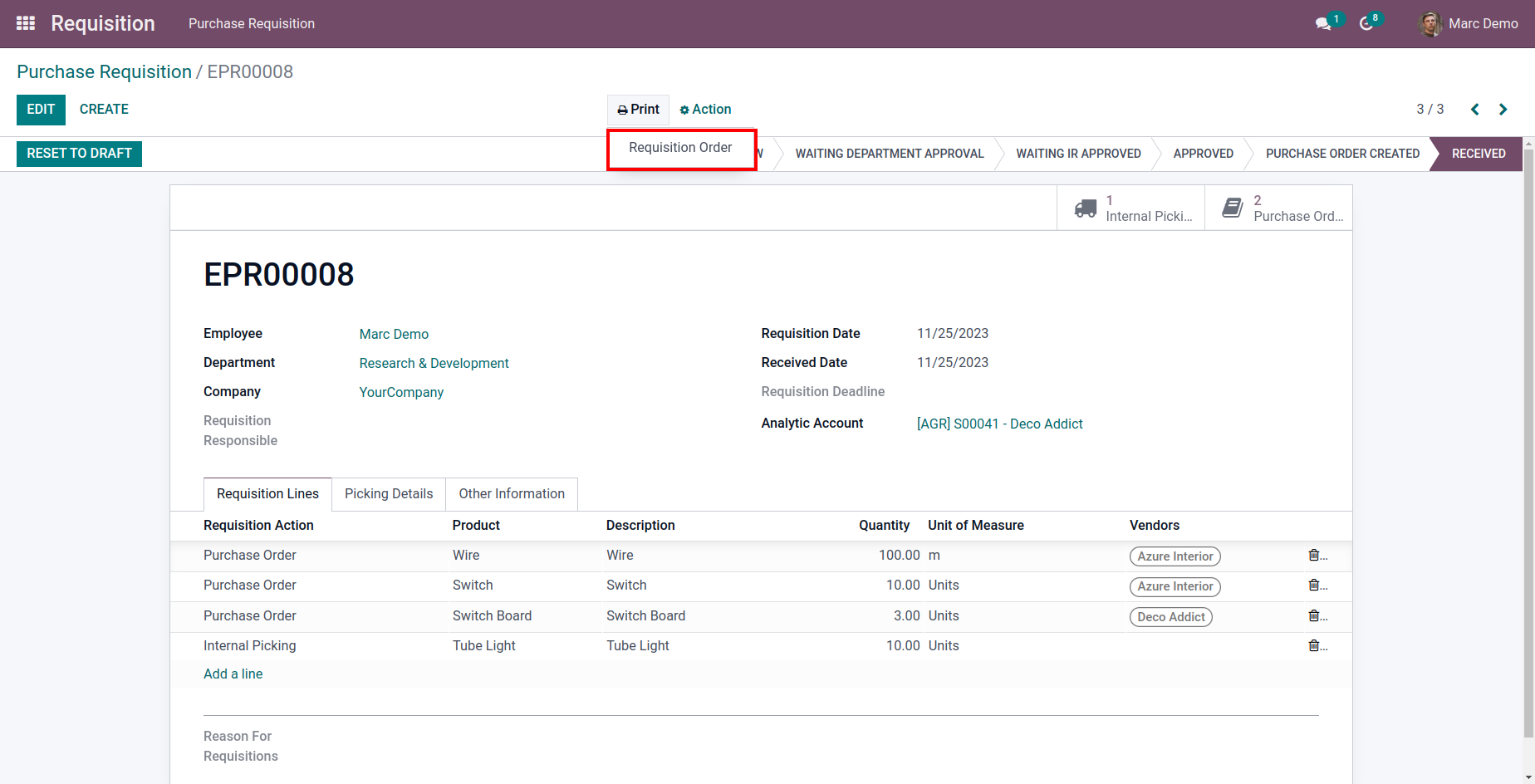
20.) PDF Report Preview
View the formatted requisition report before printing or sharing.
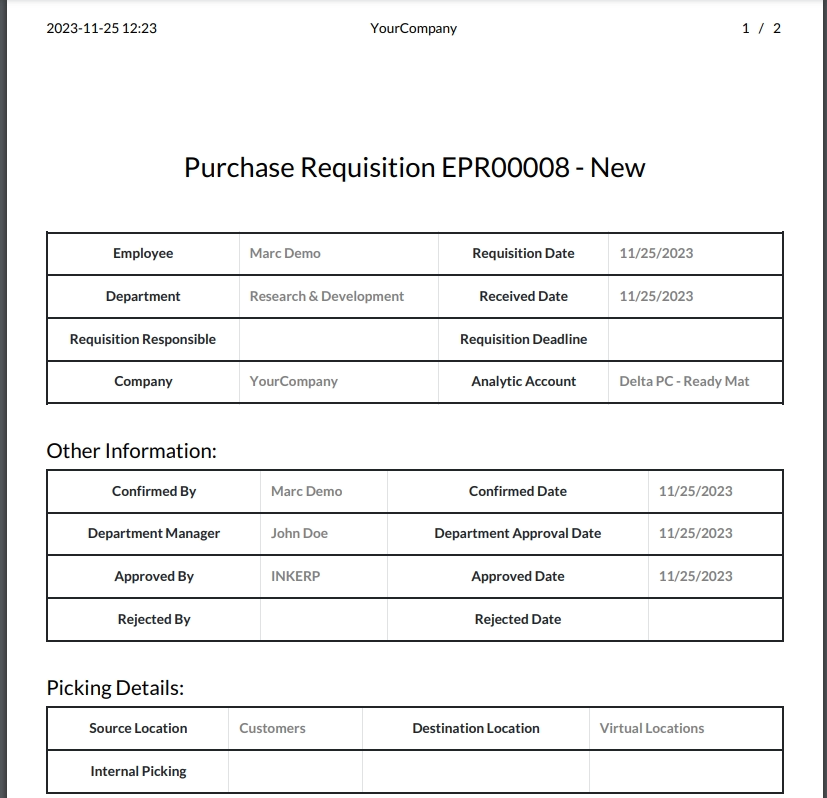
21.) Printable Report Output
Access the final printable version of the requisition report for documentation.
User Guide





