

Our Most Suggested Products


Employee Training Management
The Employee Training Management module in Odoo empowers organizations to efficiently manage the full lifecycle of employee training programs. From scheduling sessions and assigning courses to tracking attendance, monitoring progress, and collecting feedback, this solution streamlines training administration. Integrated with Odoo's HR and Employee modules, it enables managers to approve applications, oversee task completion, and maintain detailed training records.
 Features
 Screenshots
 Support
 Service
Features
Simplified Training Application and Management
This feature allows employees to easily apply for training courses and for managers to efficiently manage applications. It reduces administrative overhead by providing a clear workflow from application to approval, ensuring that training sessions are organized and attended without confusion.
Course and Subject Assignment for Employees
Managers can assign specific courses or subjects to individual employees or entire departments. This targeted approach ensures that employees receive the training relevant to their roles, helping to close skill gaps and promote professional growth.
Approval and Task Management for Training
Training requests and tasks can be tracked from submission to completion, with approval workflows built into the module. Managers can monitor progress, handle approvals efficiently, and ensure accountability. This feature provides oversight and guarantees that training initiatives are executed on time, enhancing overall organizational efficiency.
PDF Report Generation
Users can generate comprehensive PDF reports for their training applications, making record-keeping and documentation simple. Reports include course details, employee participation, completion status, and feedback.
Screenshot
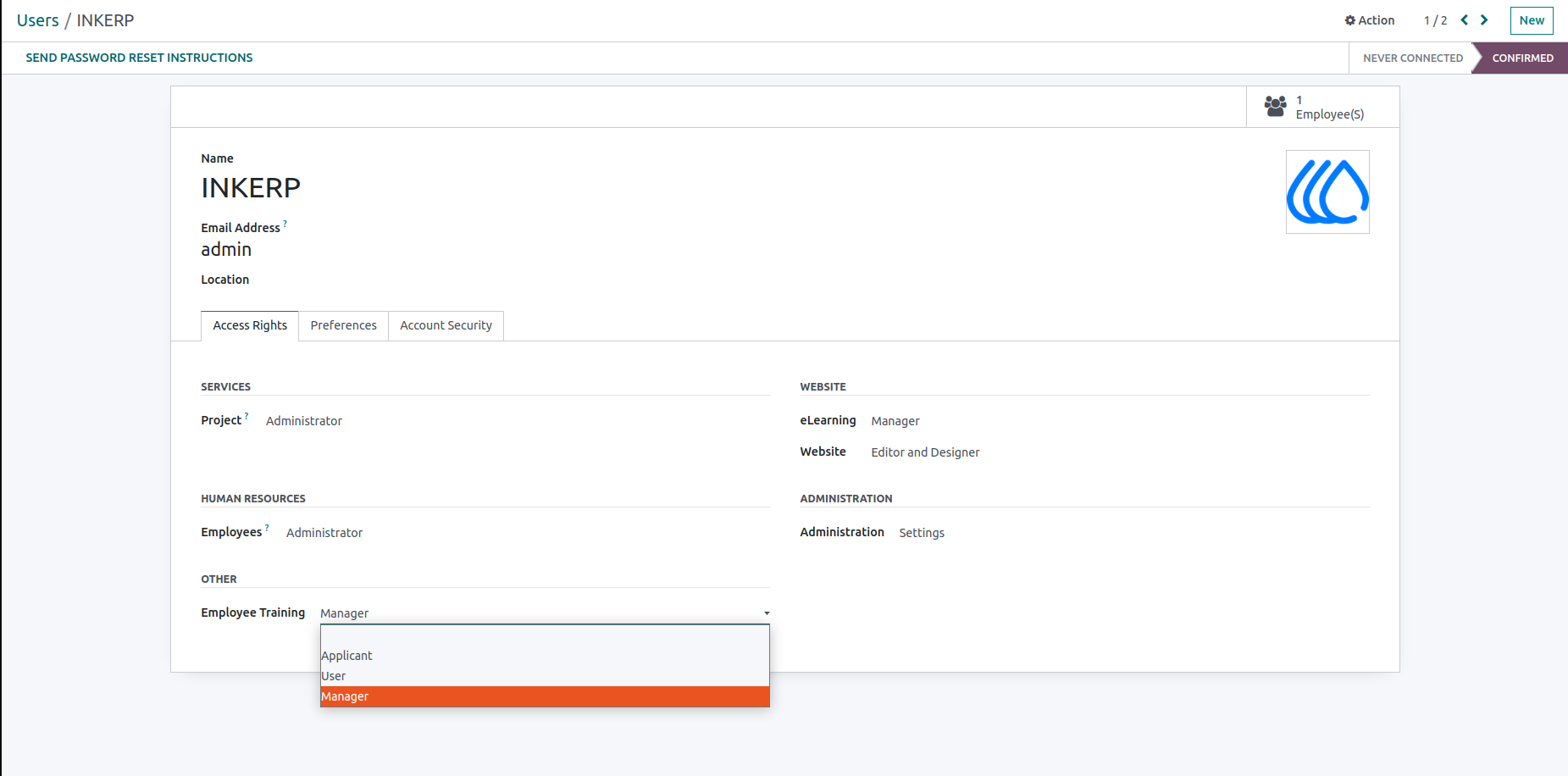
1.) User Group Assignment Screen
Admins assign user groups for access control.
Navigation : Settings › Users & Companies › Users
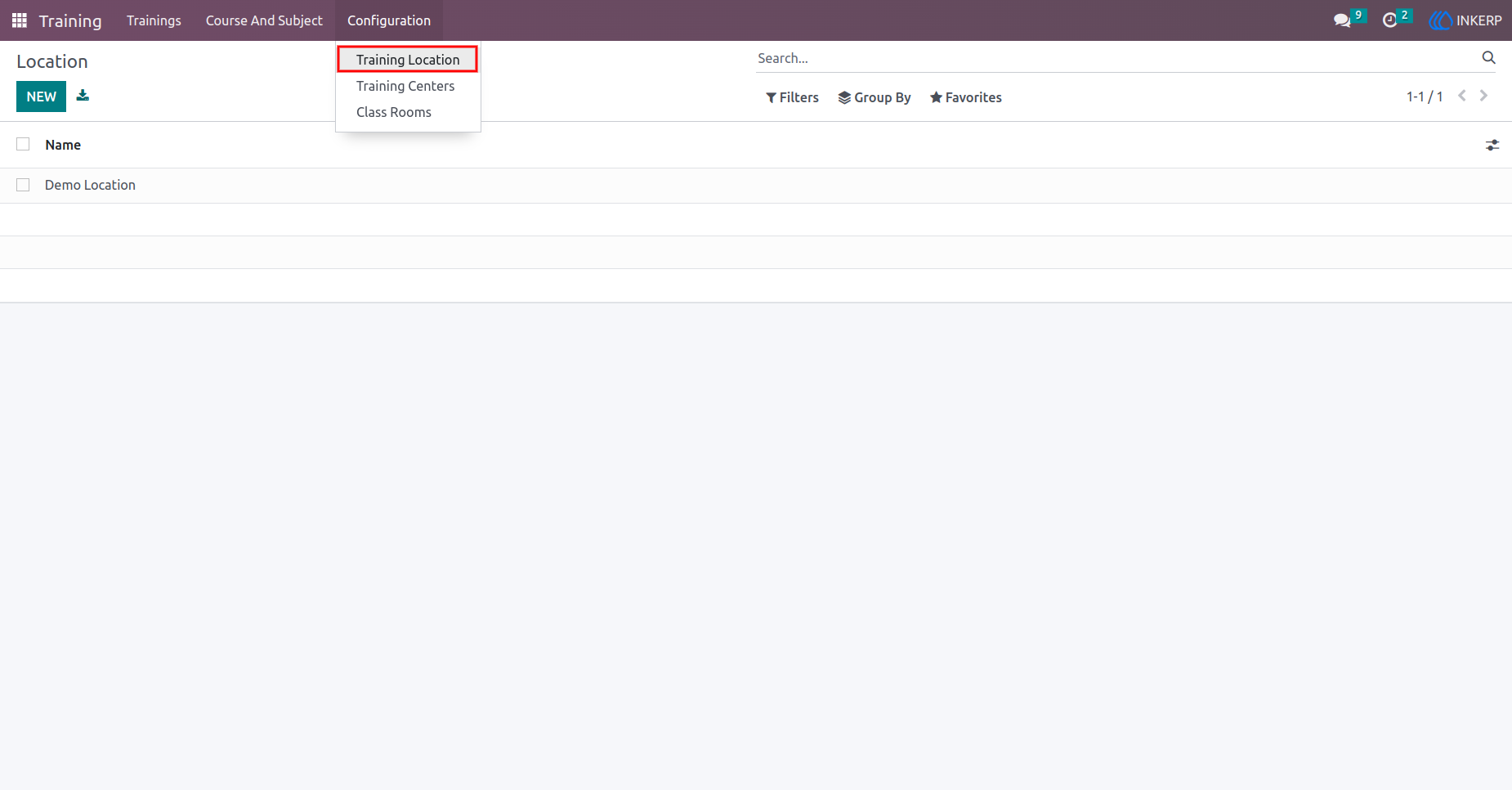
2.) Training Location Creation Screen
Admins create and manage training locations.
Navigation : Training › Configuration › Training Location
3.) Training Center Creation Screen
Admins set up training centres under specific locations.
Navigation : Training › Configuration › Training Location
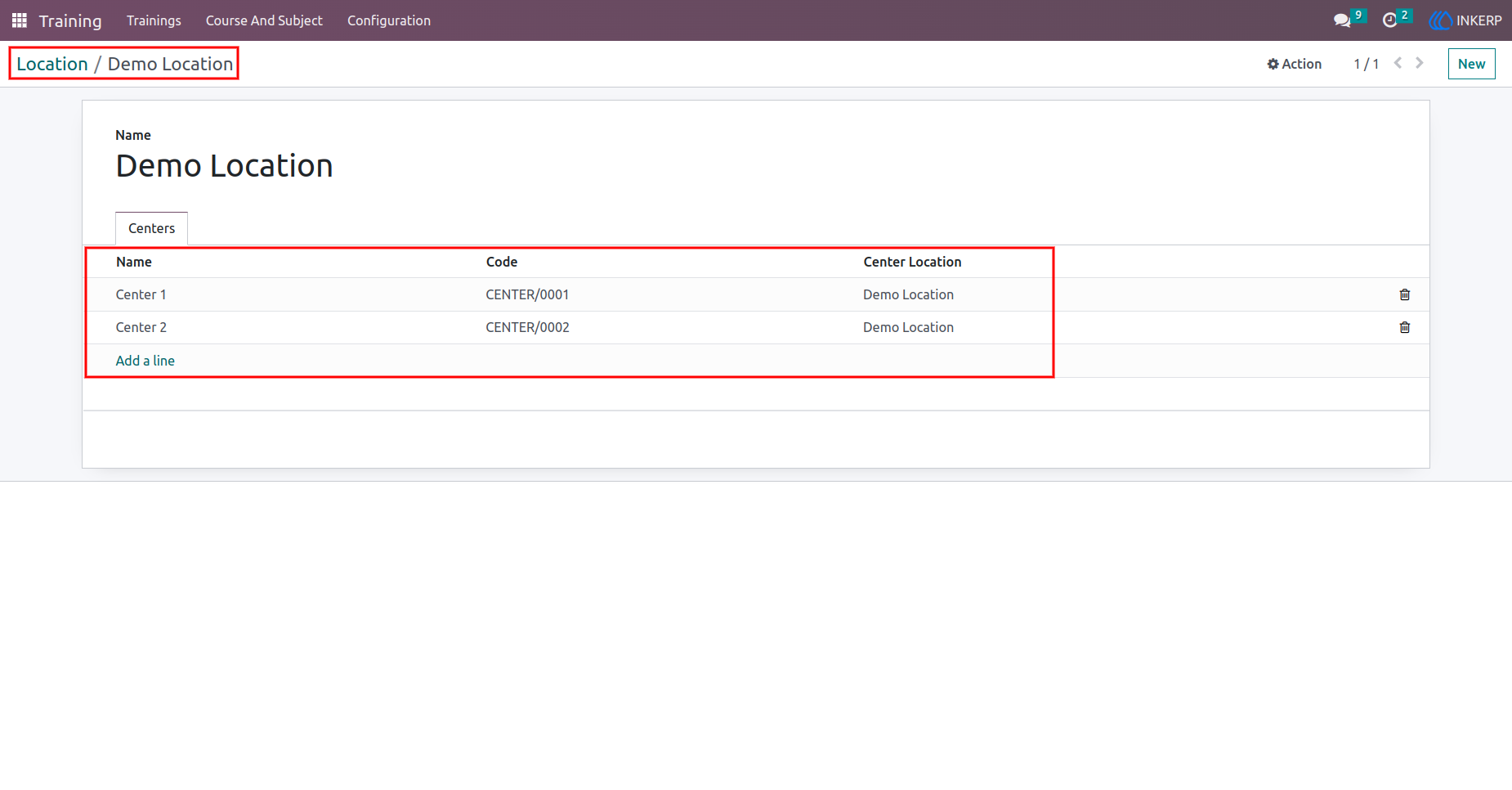
4.) Training Center Details Screen
View the training centre created within a location.
Navigation : Training › Configuration › Training Center
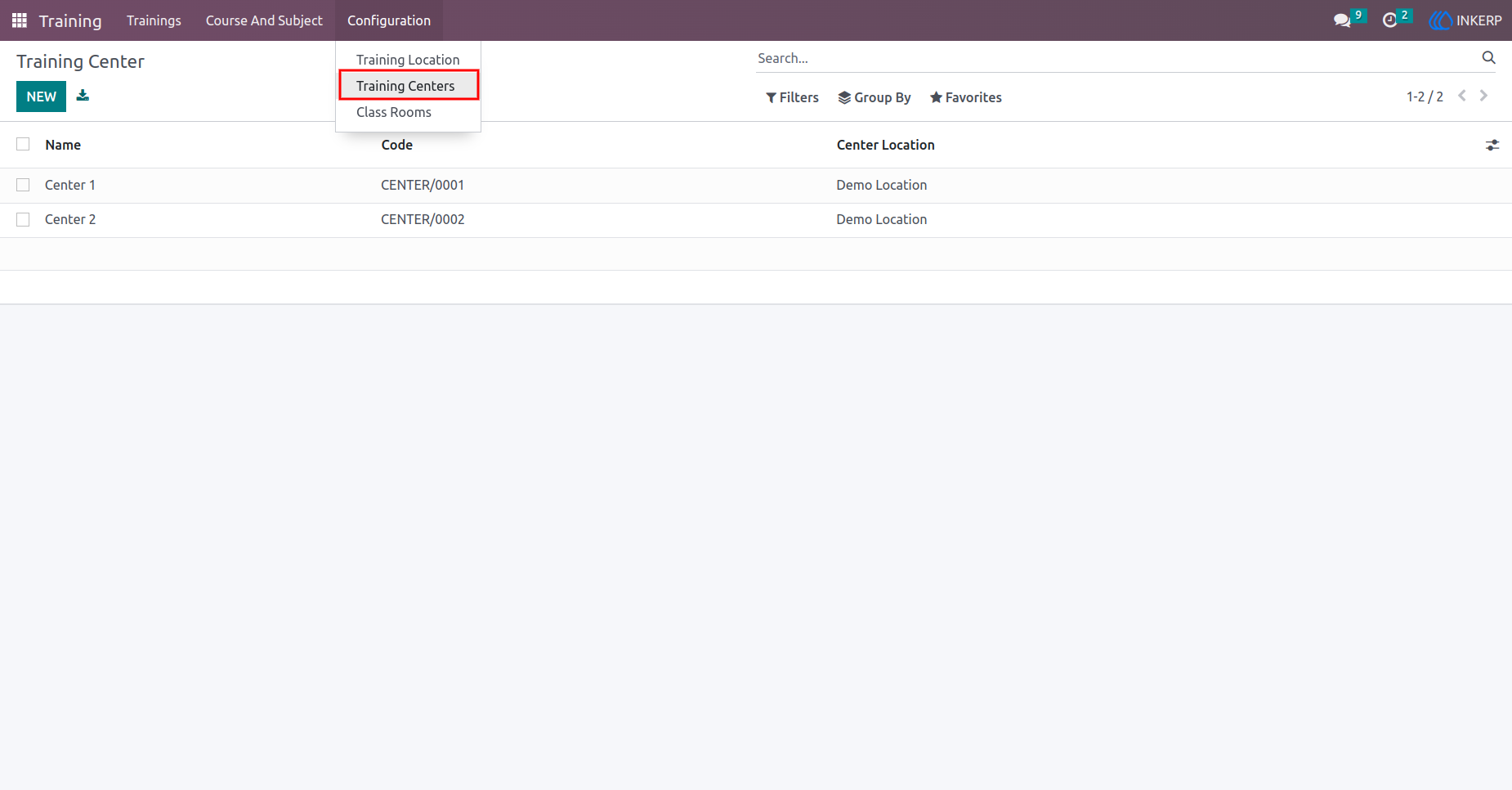
5.) Classroom Creation Screen
Admins create classrooms for training centres.
Navigation : Training › Configuration › Training Center
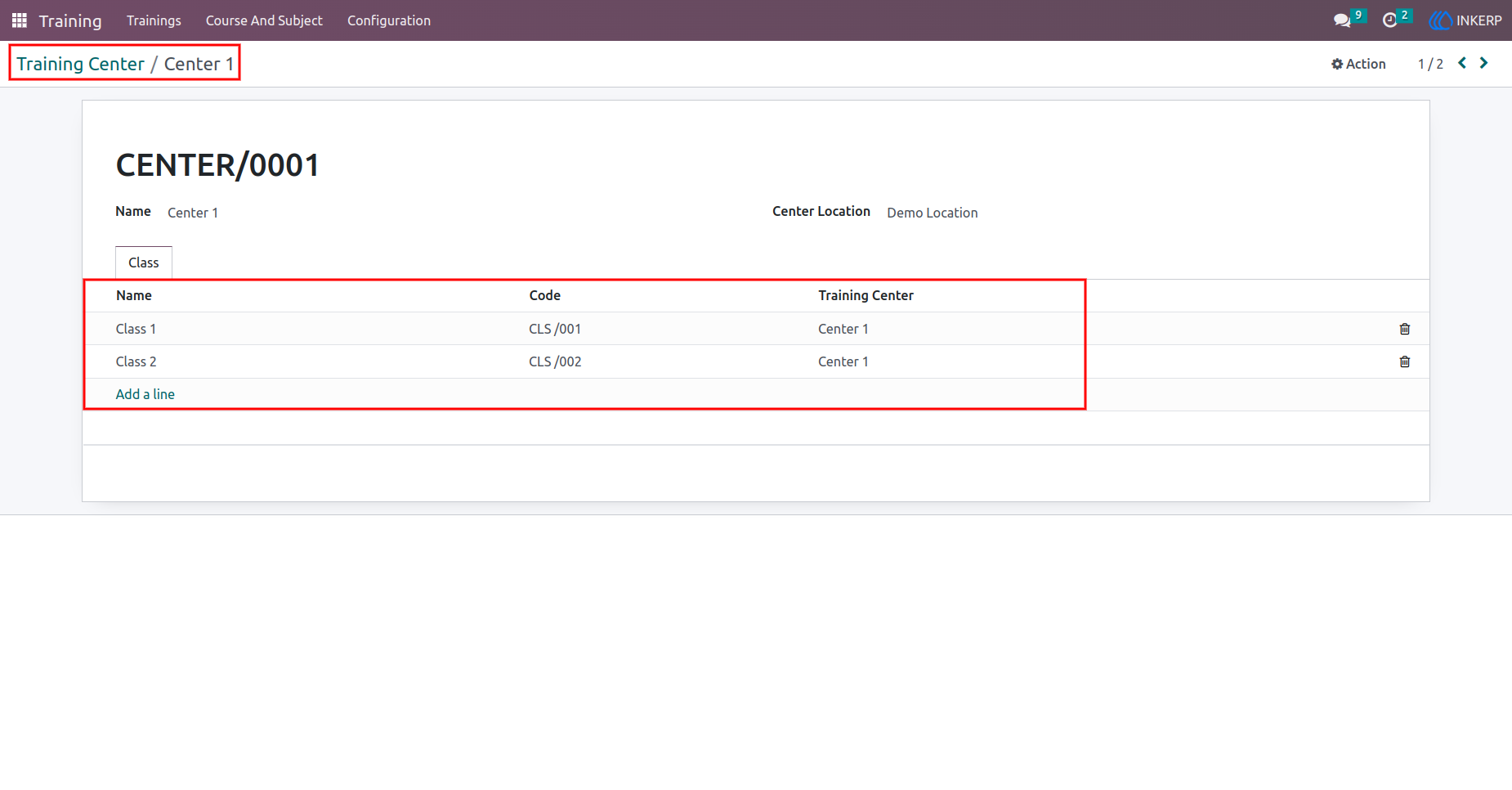
6.) Classroom List Screen
View and manage classrooms in training centres.
Navigation : Training › Configuration › Classrooms
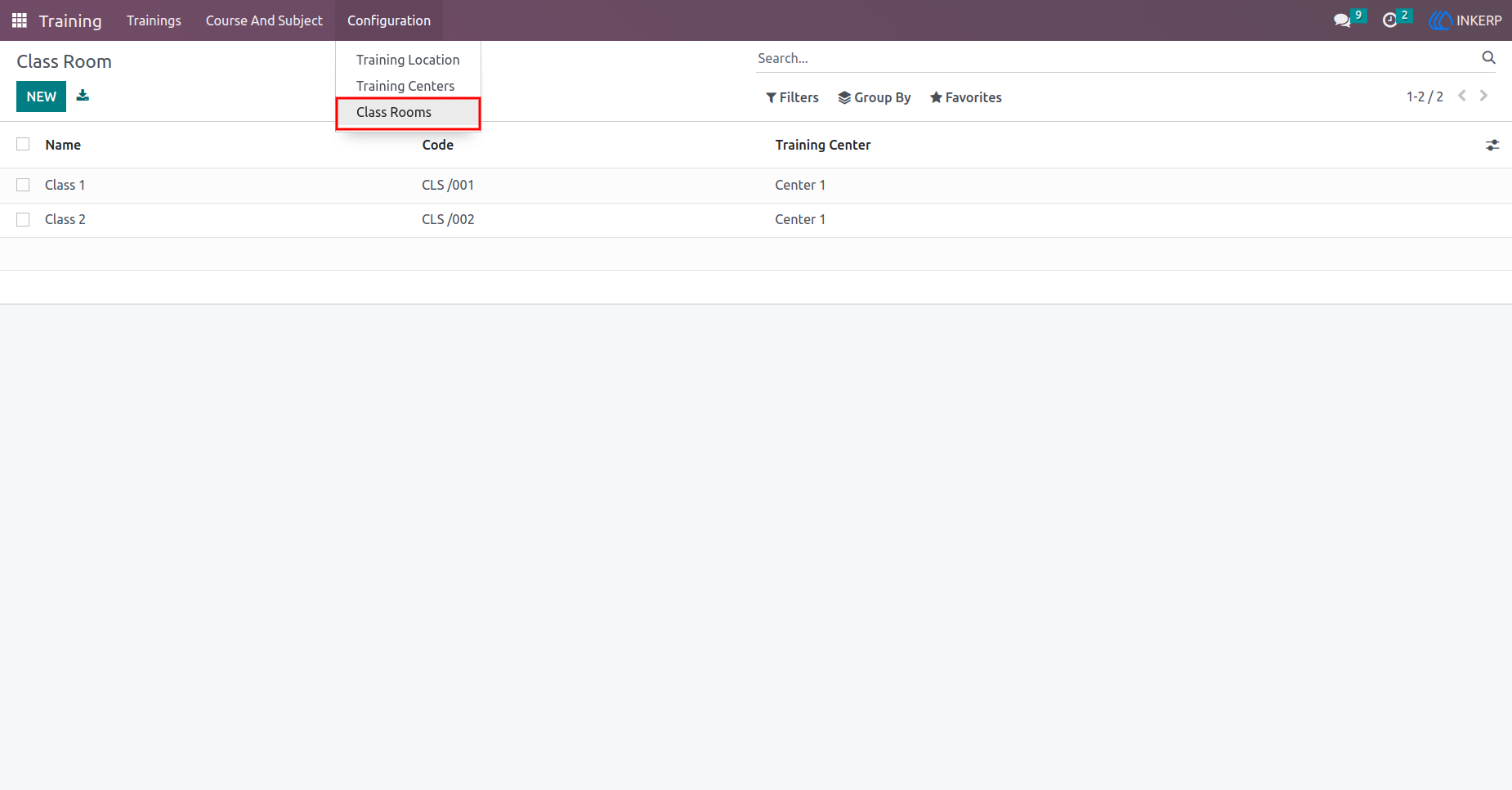
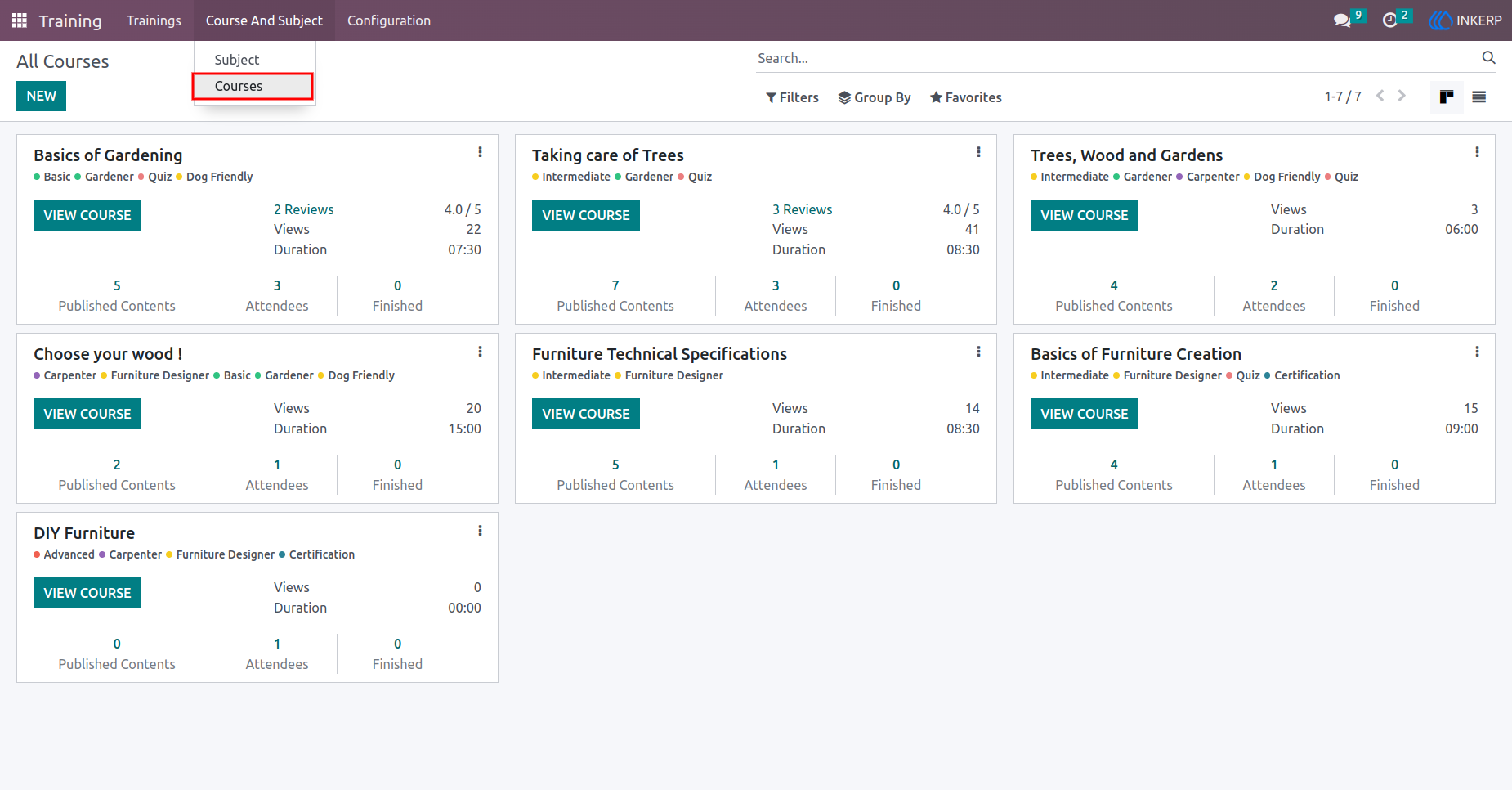
7.) Course Management Screen
Admins create and manage training courses.
Navigation : Training › Course & Subject › Course
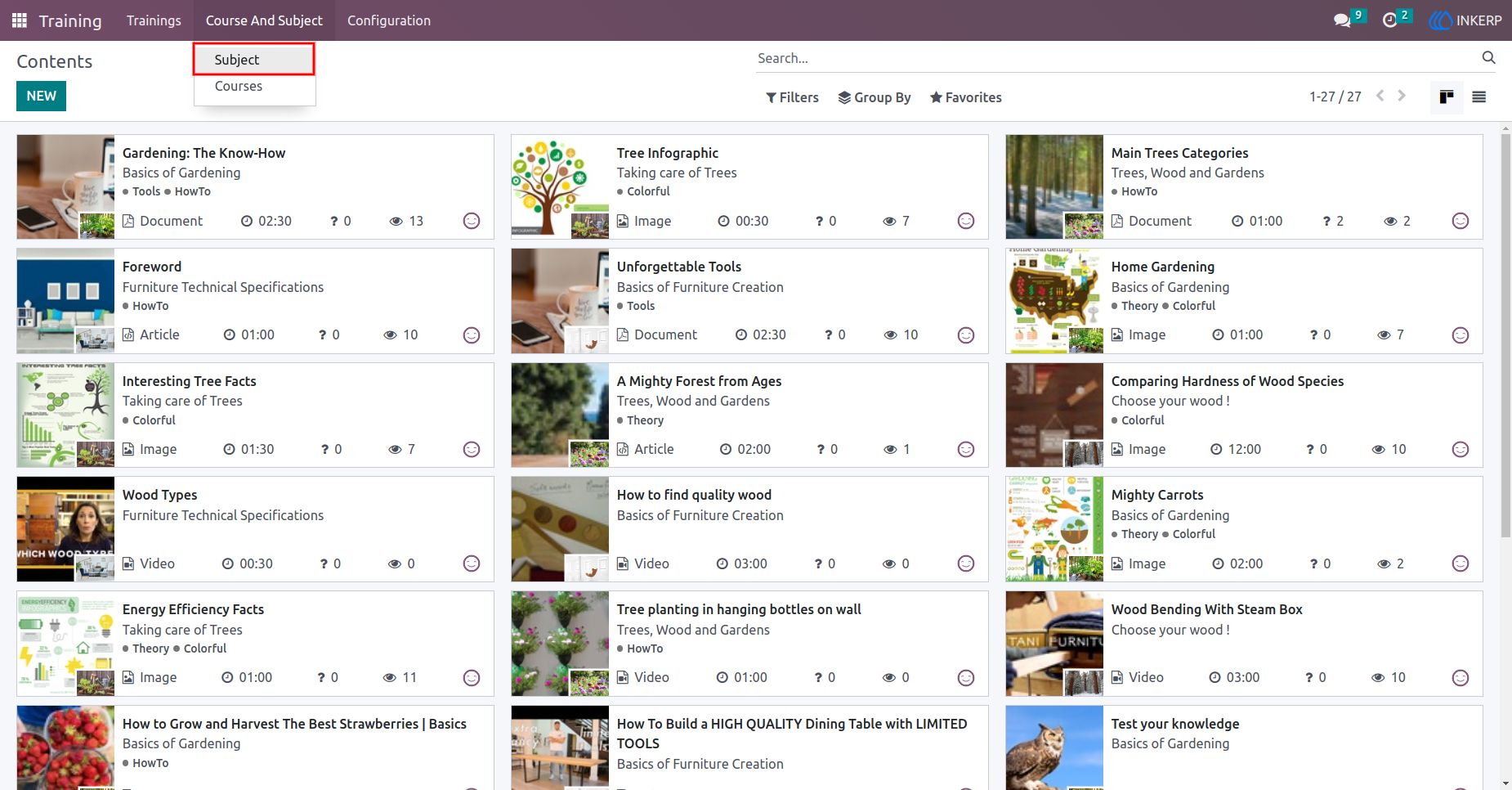
8.) Subject Management Screen
Admins create and manage subjects for training courses.
Navigation : Training › Course & Subject › Subject
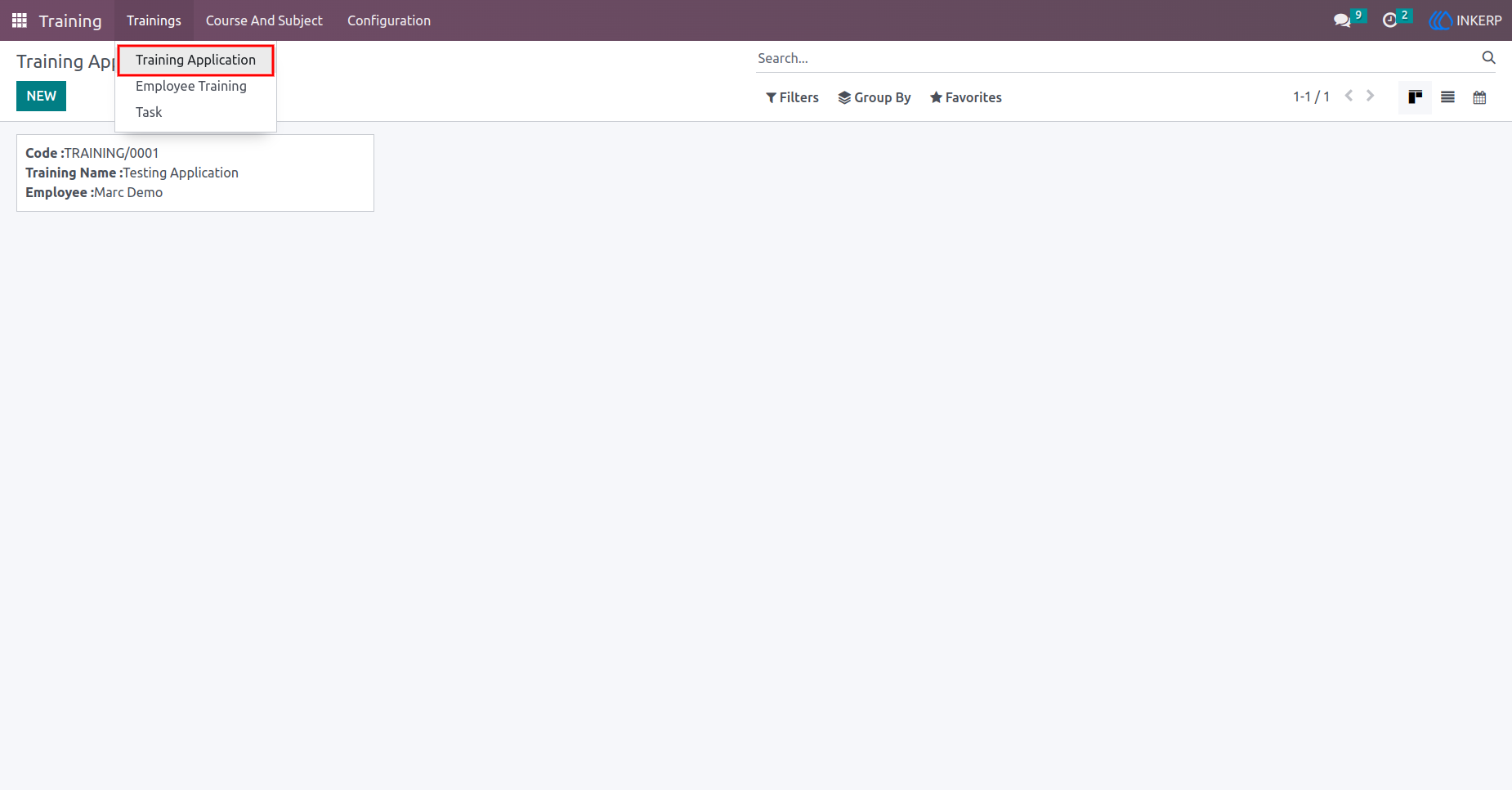
9.) Training Application Creation Screen
Employees create training applications by selecting their courses and subjects.
Navigation : Training › Trainings › Training Application
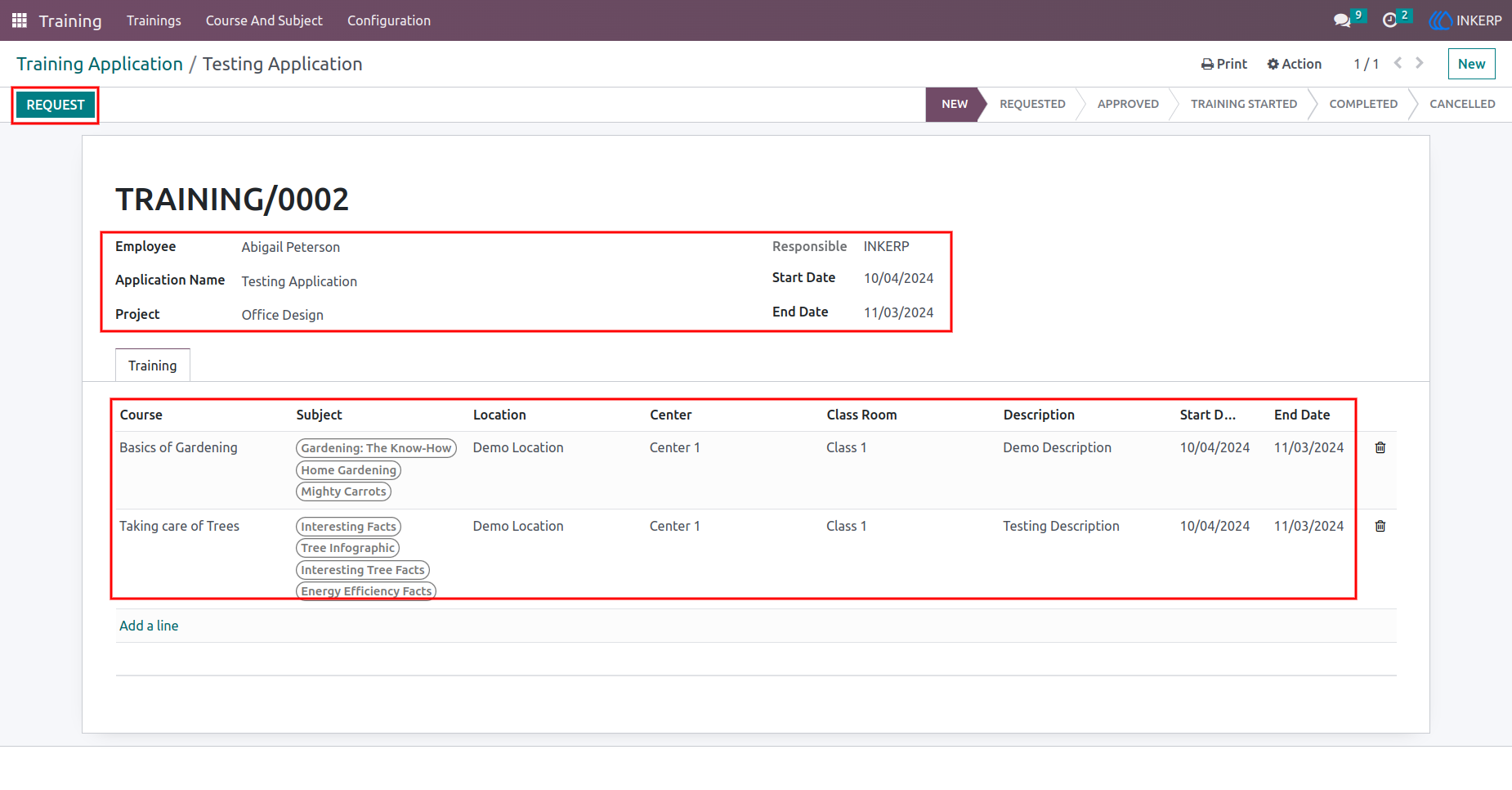
10.) Application Submission Screen
Employees fill out the details and submit the application, which updates the status to "Requested."
Navigation : Training › Trainings › Training Application
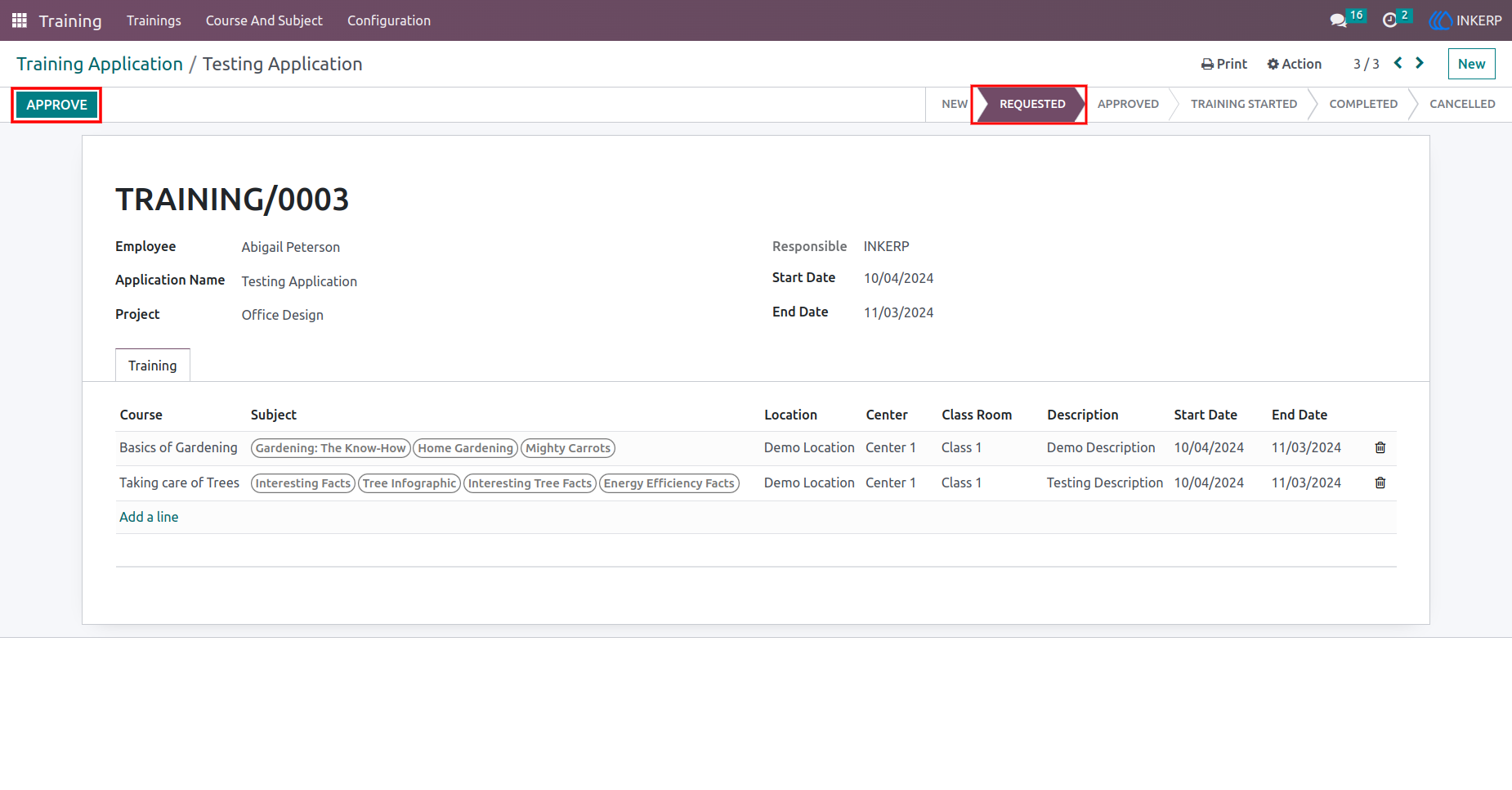
11.) Application Approval Screen
Managers approve training applications, changing the status to "Approved."
Navigation : Training › Trainings › Training Application
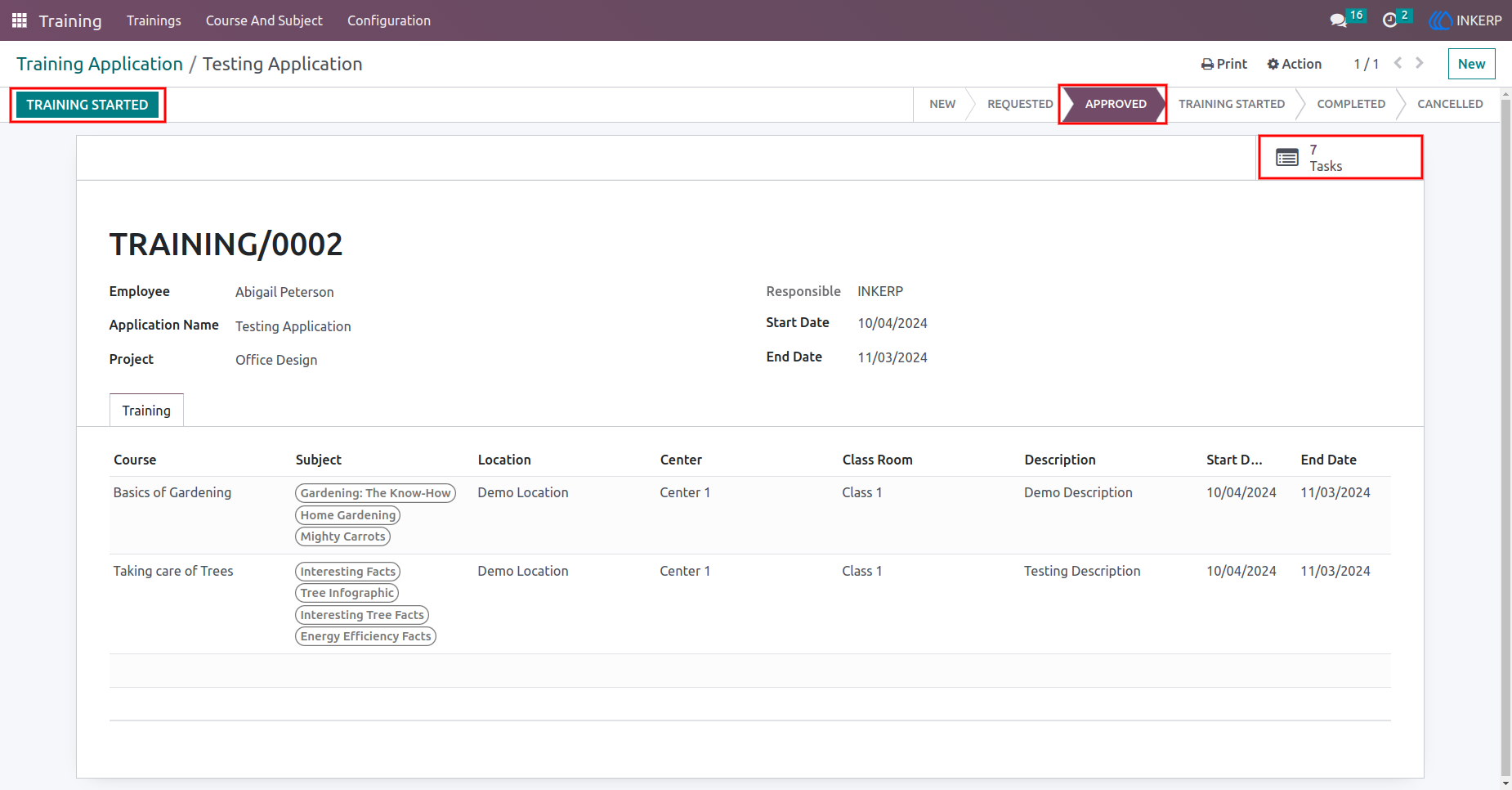
12.) Task Creation Screen
After application approval, tasks are automatically created, and the training starts.
Navigation : Training › Trainings › Training Application
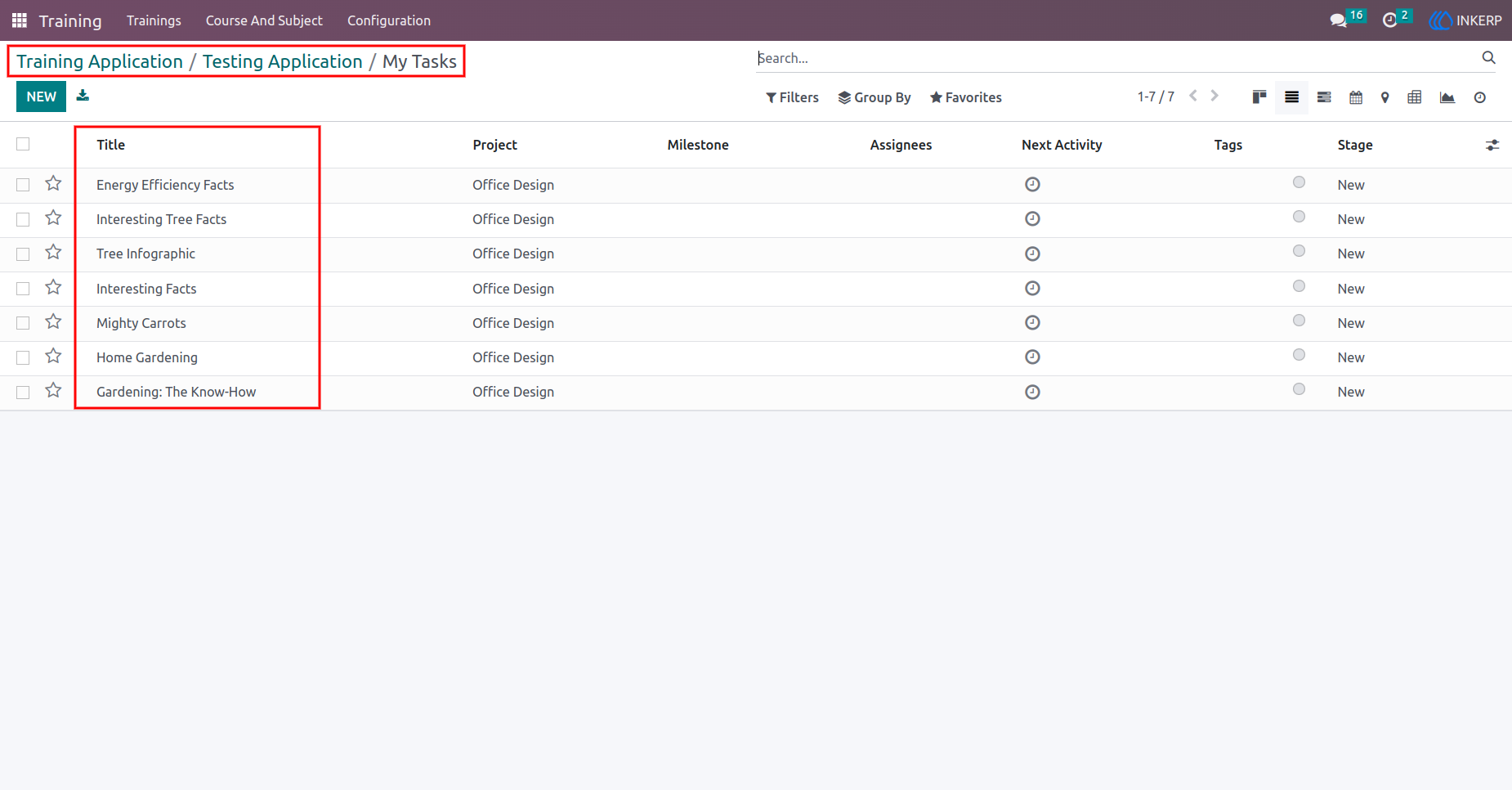
13.) Task Viewing Screen
Users can view their tasks created from the training application.
Navigation : Training › Trainings › Training Application › Tasks
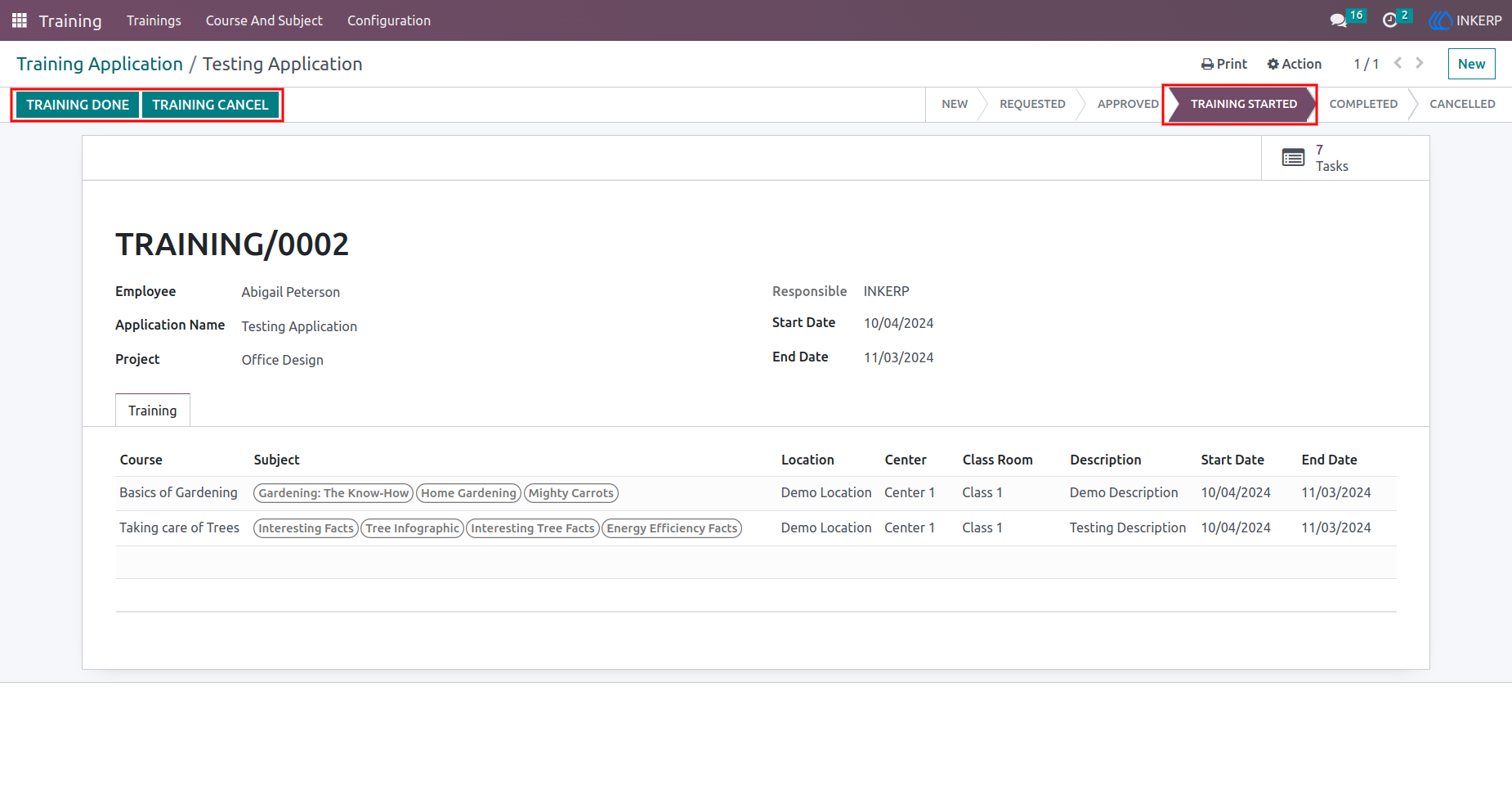
14.) Training Completion or Cancellation Screen
Managers mark training as "Done" or "Cancelled," updating the application status accordingly.
Navigation : Training › Trainings › Training Application
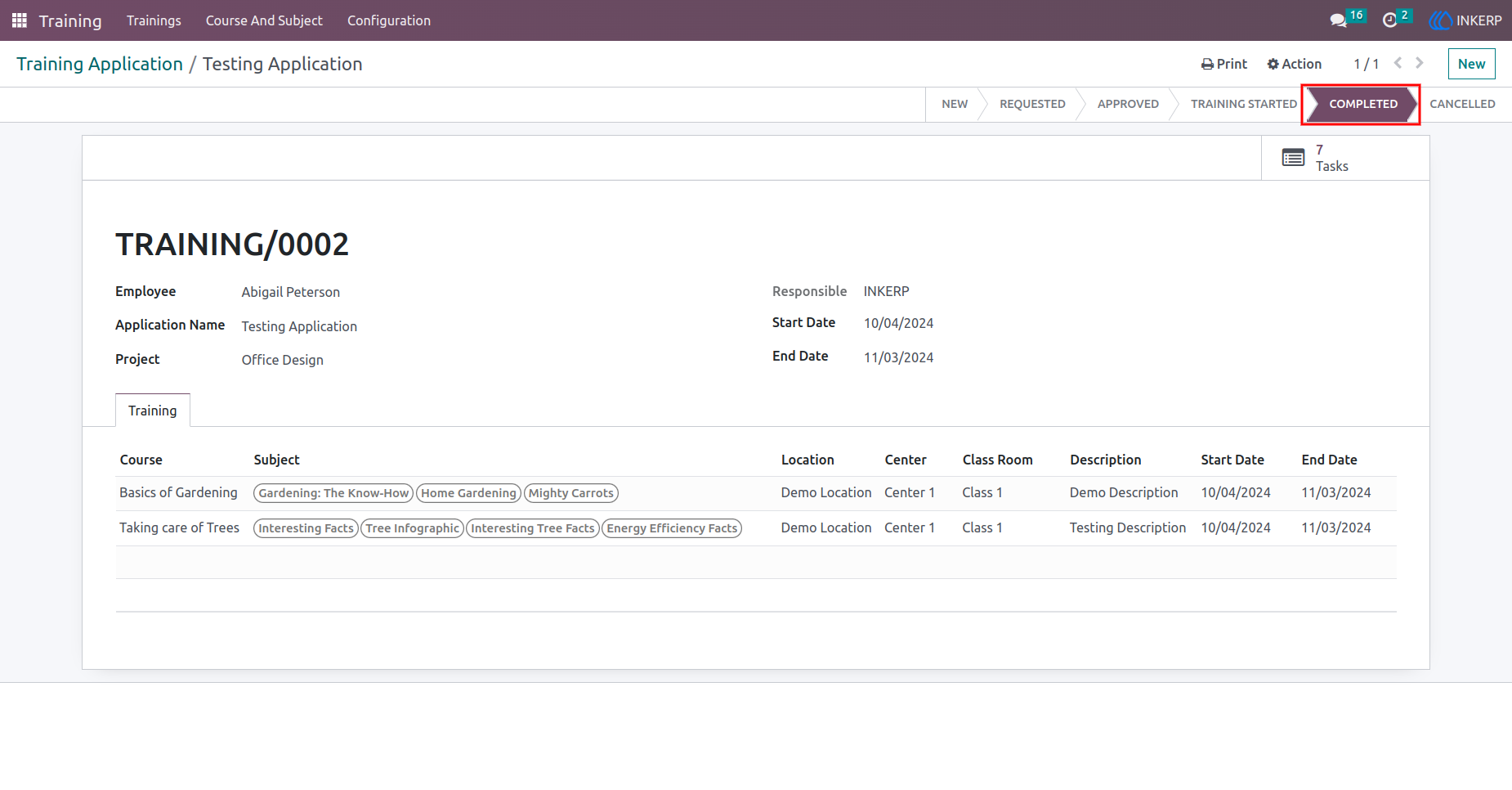
15.) Application State Screen
Displays the final state of the training application (Completed or Cancelled).
Navigation : Training › Trainings › Training Application
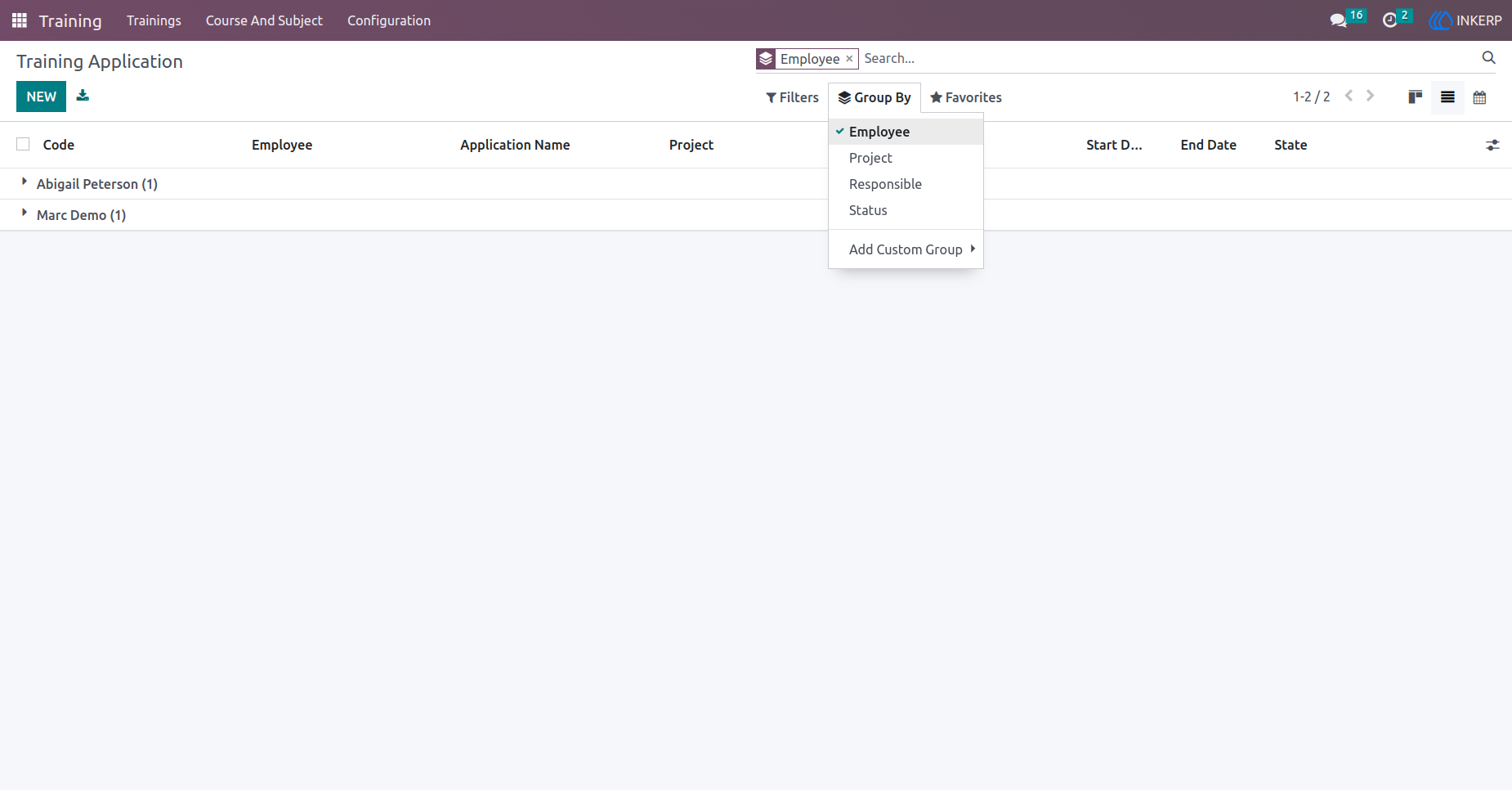
16.) Application Grouping Screen
Users can group applications by criteria like Employee, Project, Responsible, or State for easier tracking.
Navigation : Training › Trainings › Training Application
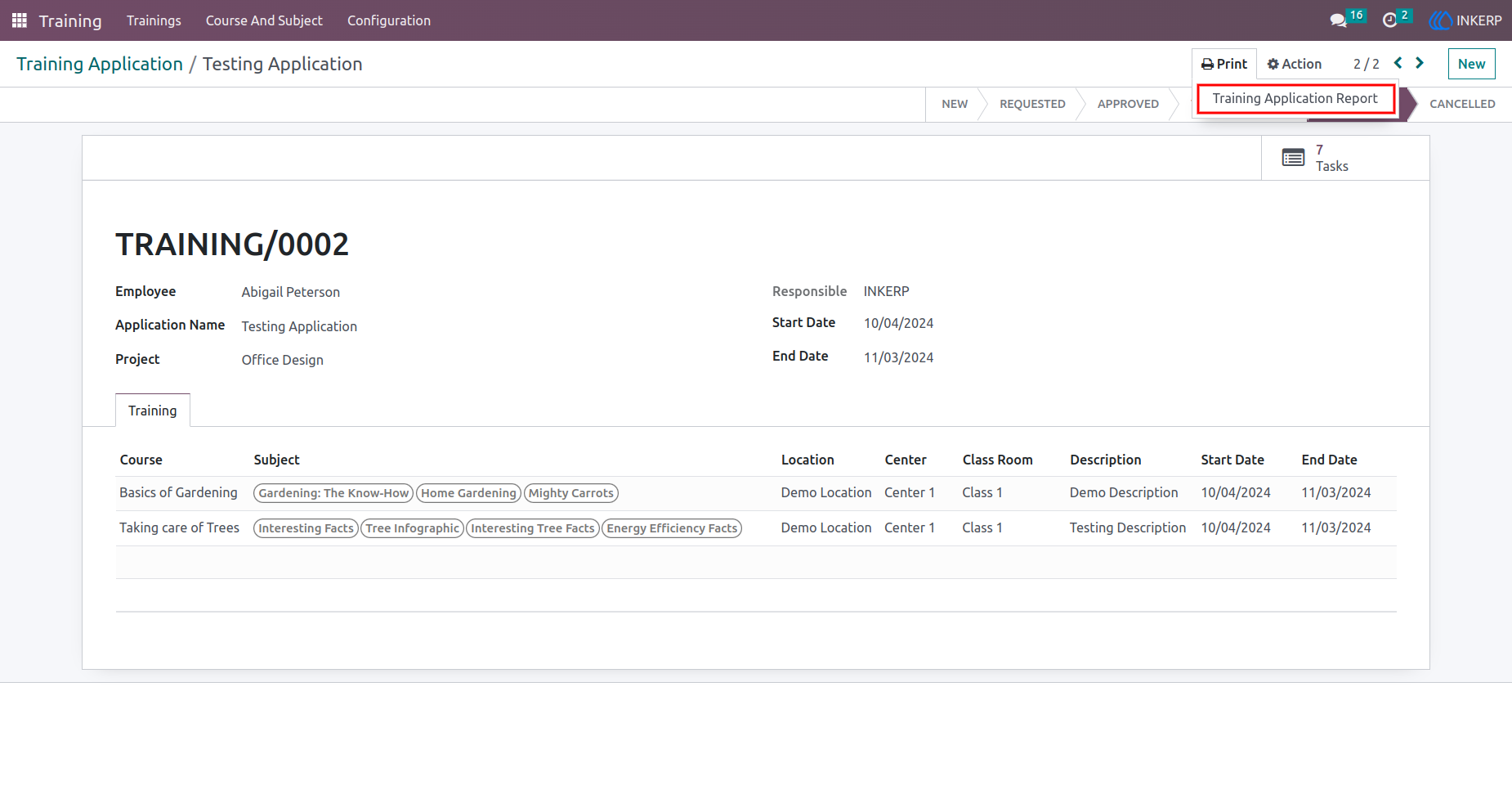
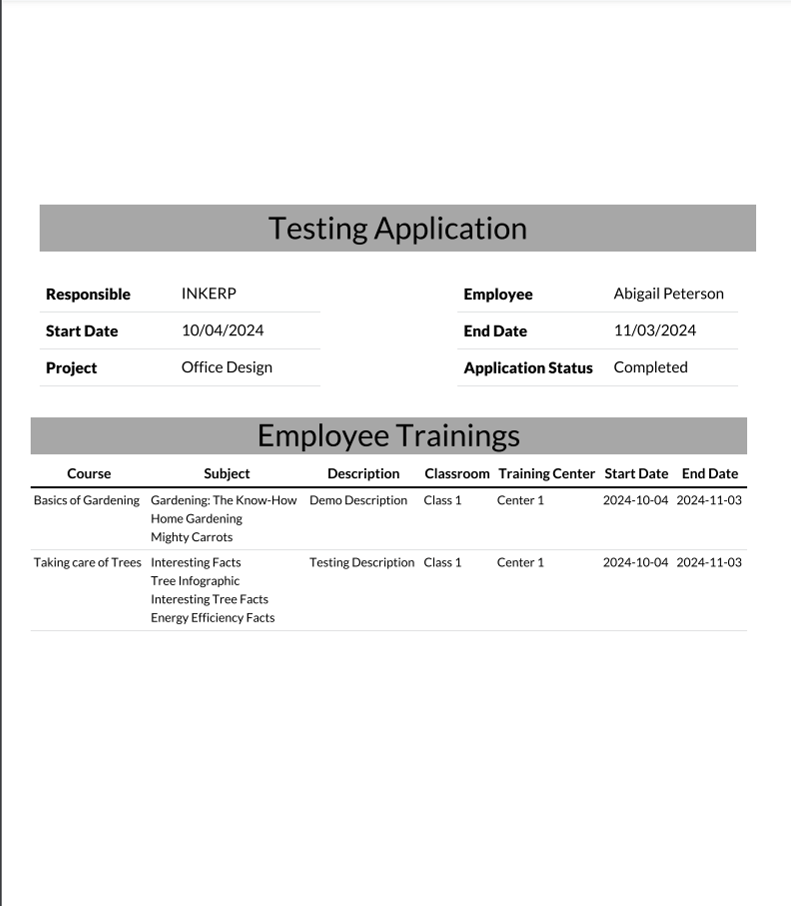
17.) Generate PDF Report Screen
Users generate PDF reports for their training applications.
Navigation : Training › Trainings › Training Application › Actions
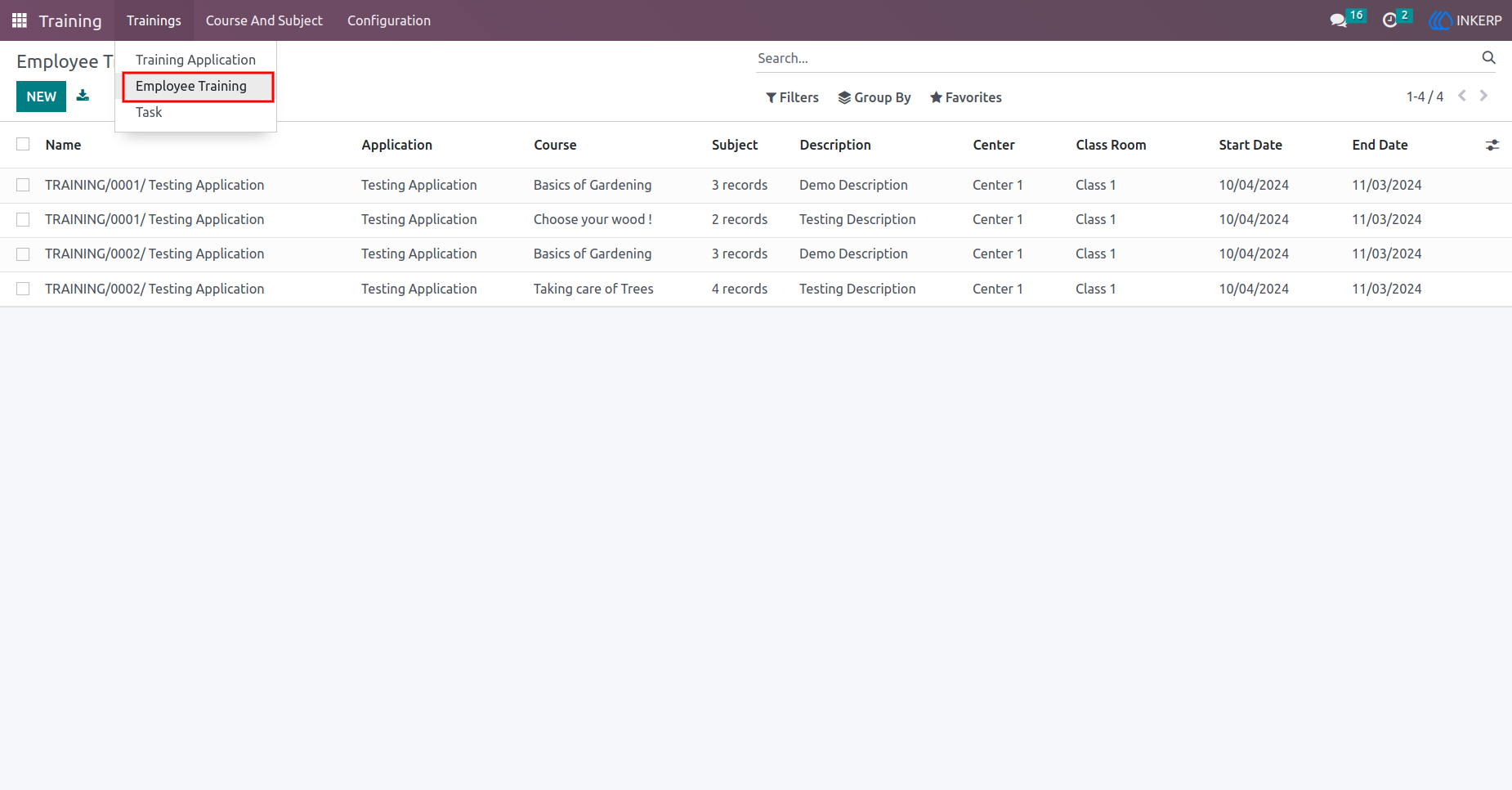
18.) Employee Training List View Screen
Displays all training applications in a list format.
Navigation : Training › Trainings › Employee Training
19.) Employee Training View
This Report shows all details of Employee Training application, details like Employee Name, Course, Subject, Training center and Application status.
Navigation : Training › Trainings › Employee Training
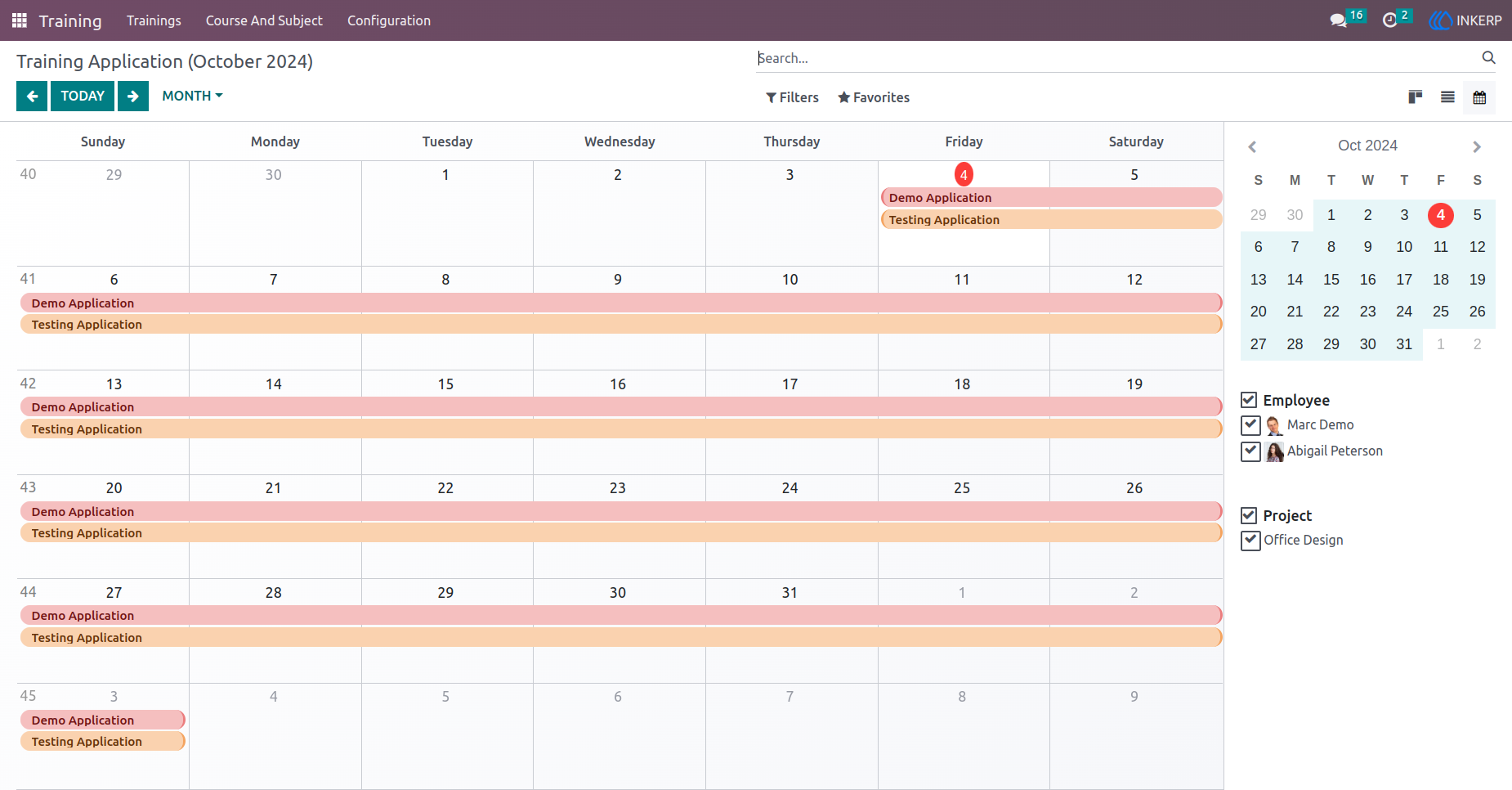
20.) Employee Training Calendar View
Shows the training application schedule in a calendar format.
Navigation : Training › Trainings › Employee Training
User Guide