


Our Most Suggested Products


Search Records by Messages Using Custom Filters in Search View
This module is used to search records by messages using custom filters in search view. It is used to search records based on message content such as internal notes, mail threads, and chatter messages directly from the search view using a custom filter. The message filter automatically appears in all models where the chatter feature is enabled, making it easy to locate records by typing relevant keywords from conversations.
Video Tutorial

 Features
 Screenshots
 Support
 Service
Features
Custom Message Filter in Search View :
Enables users to search records by entering keywords from internal notes, messages, and email conversations. This filter appears automatically in search views of models with chatter enabled. It simplifies locating records based on communication history.
Universal Compatibility Across Models :
Works with all standard Odoo models and custom models that include the chatter feature on the form view. No additional configuration is needed just install and start searching. Ideal for teams using custom workflows or third-party modules.
Streamlined Record Discovery :
Enhances productivity by allowing quick access to records through message-based search across all applicable views. Saves time by reducing manual scrolling and filtering. Perfect for support, sales, HR, CRM and any chatter workflows.
Screenshot
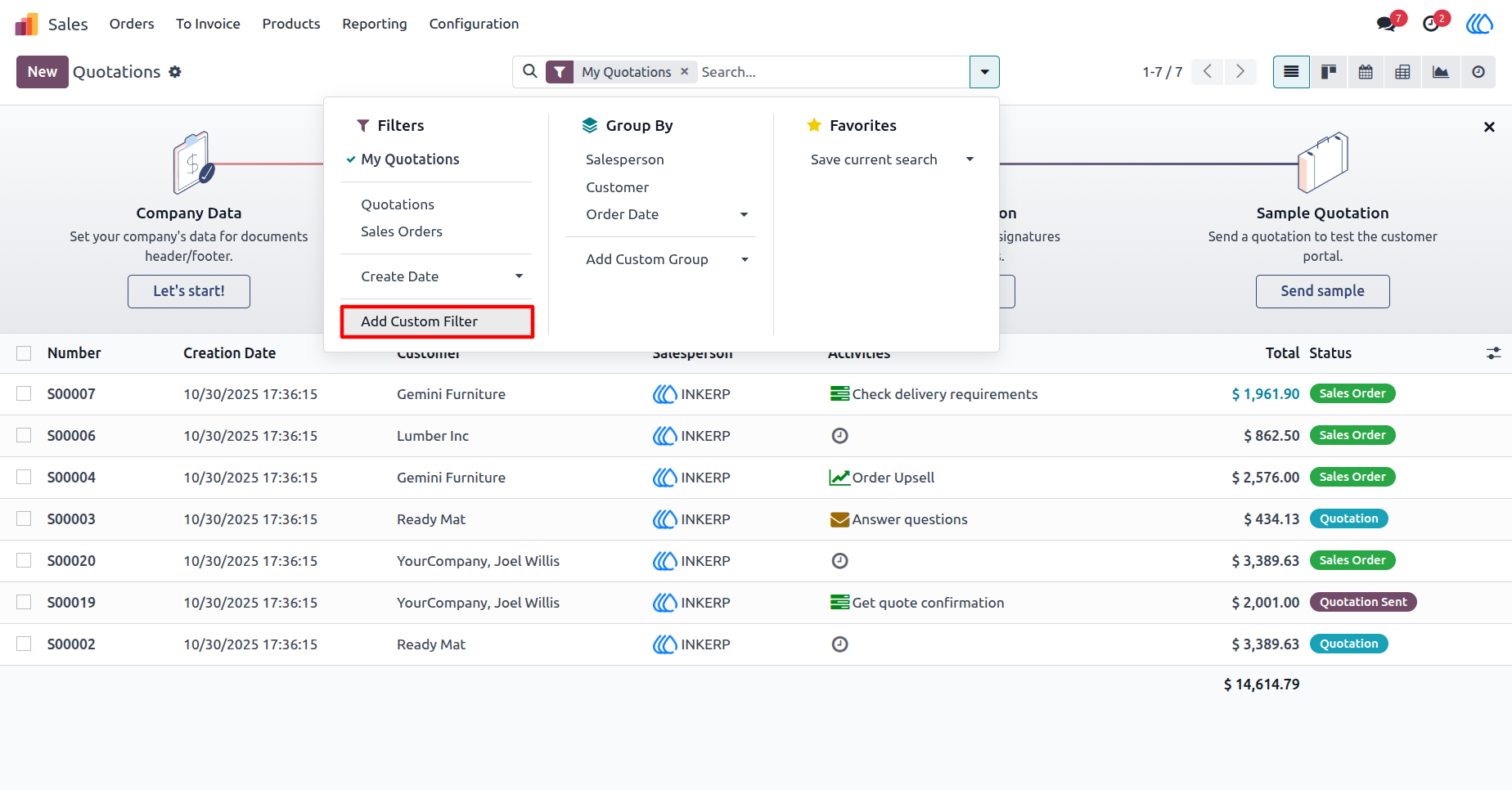
1) Sale Order Search View
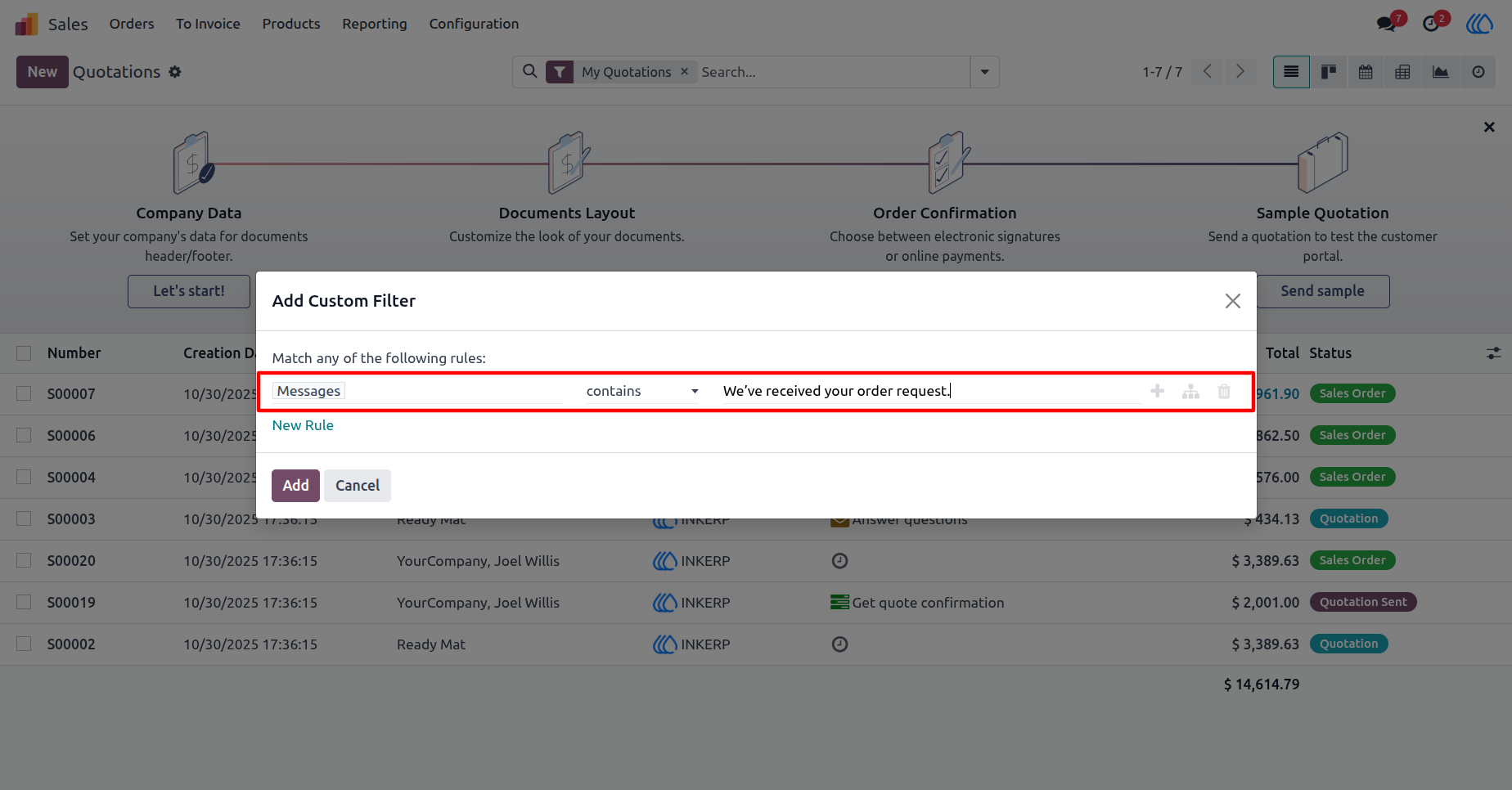
2) Custom Filter View In Search
Add a message filter and specify the keywords the message should contain.
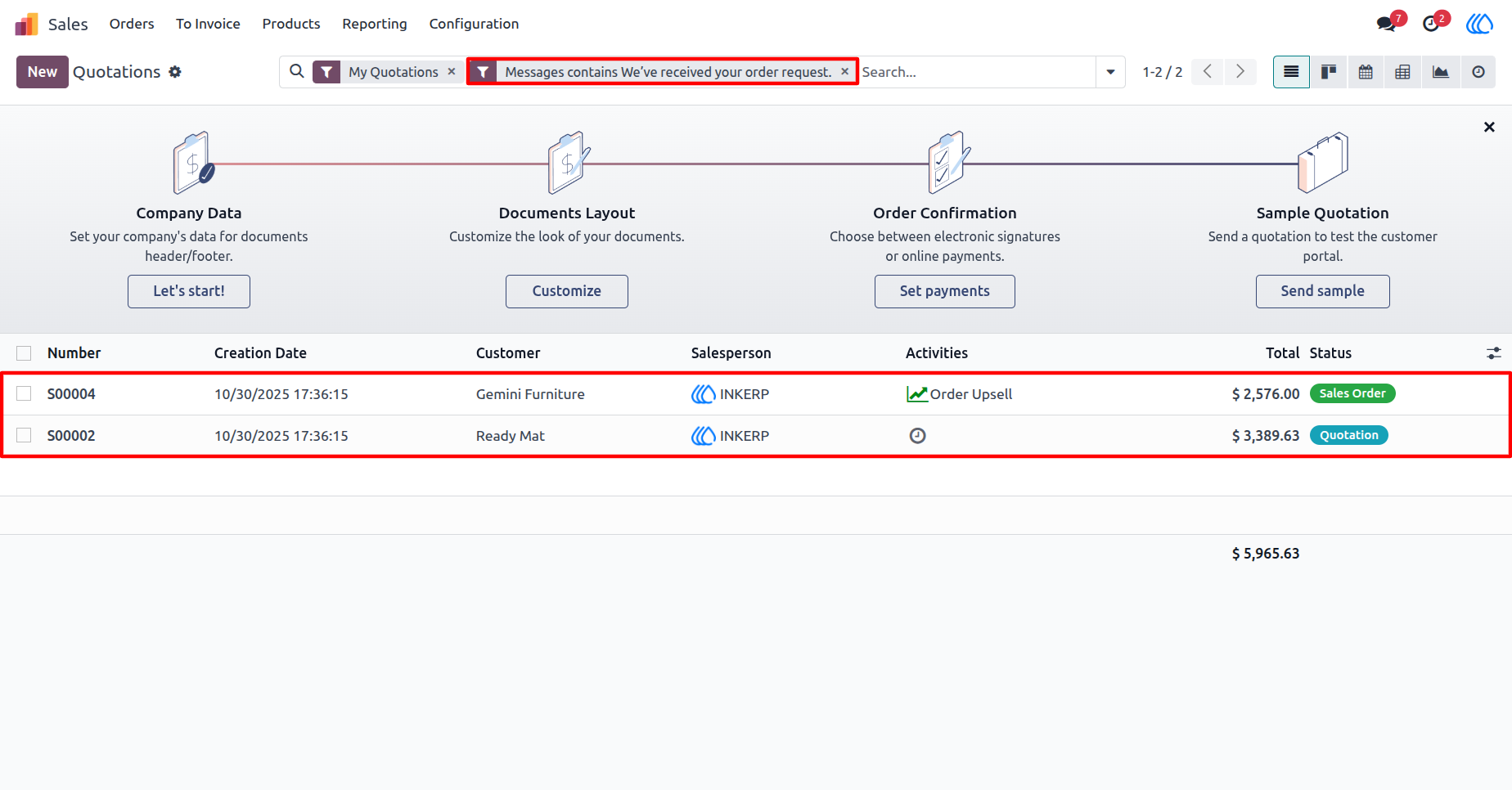
3) Filtered Record View
Filter records based on message content. Users can view records that match the specified message keywords
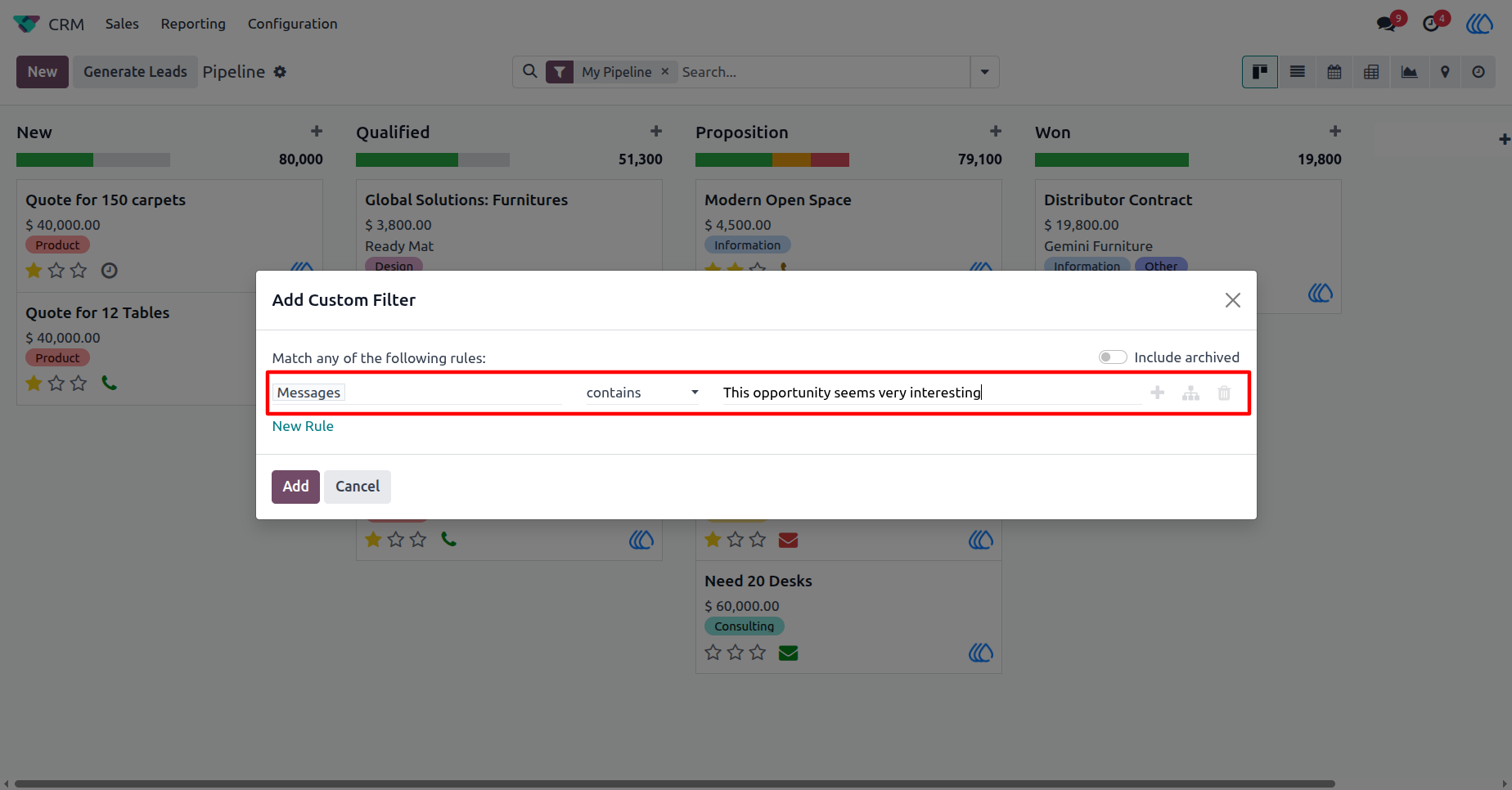
4) CRM Custom Filter View
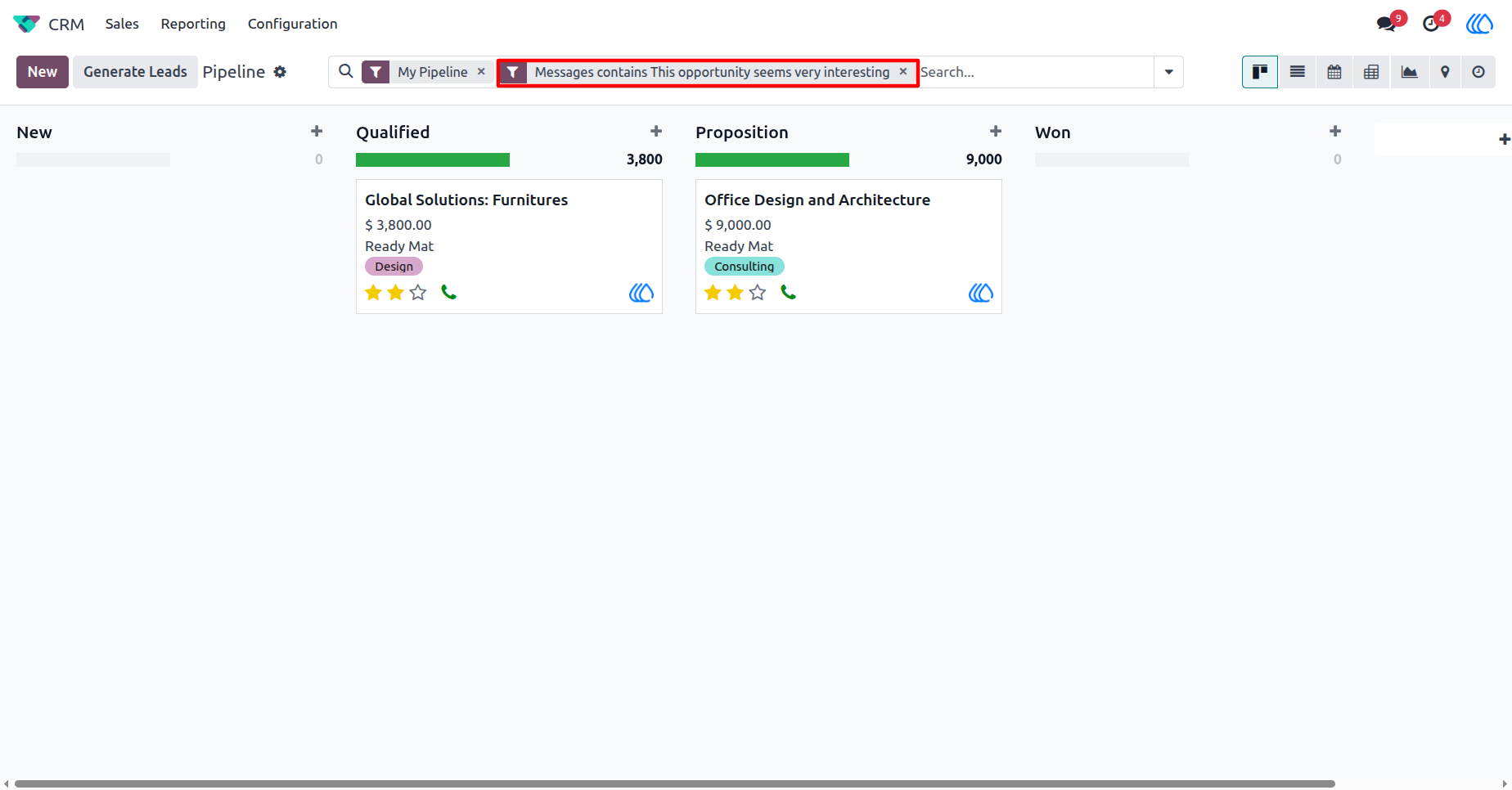
search by messages in records CRM sample
5) Filtered Record View
Displays filtered records based on added search messages.
User Guide